How to project a map onto a globe In 23degrees
You created a map but want to use a 3D globe instead of the standard Mercator projection? This tutorial will show you how.
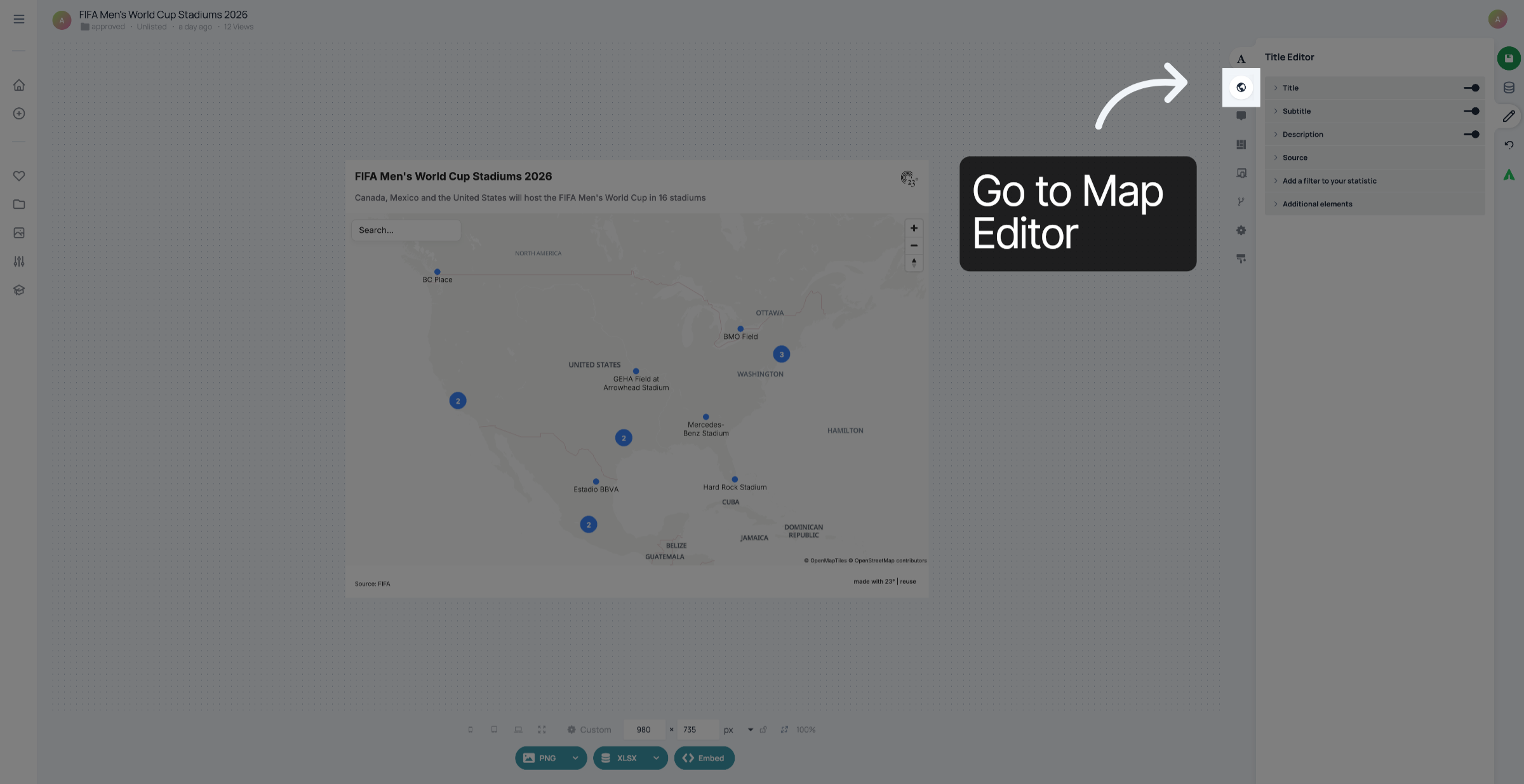
Go to Map Editor.
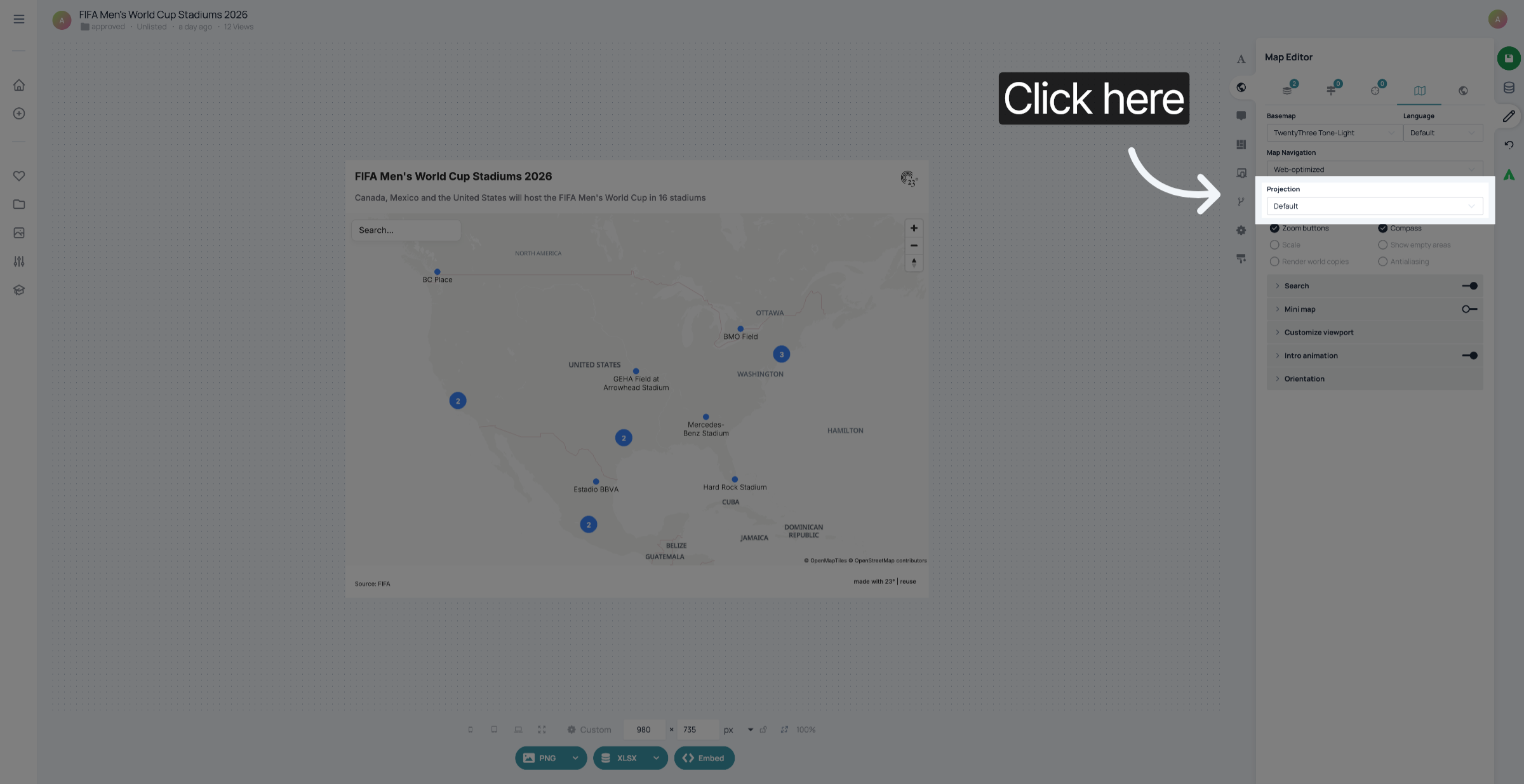
Click here to view detailed information about the selected globe projection.
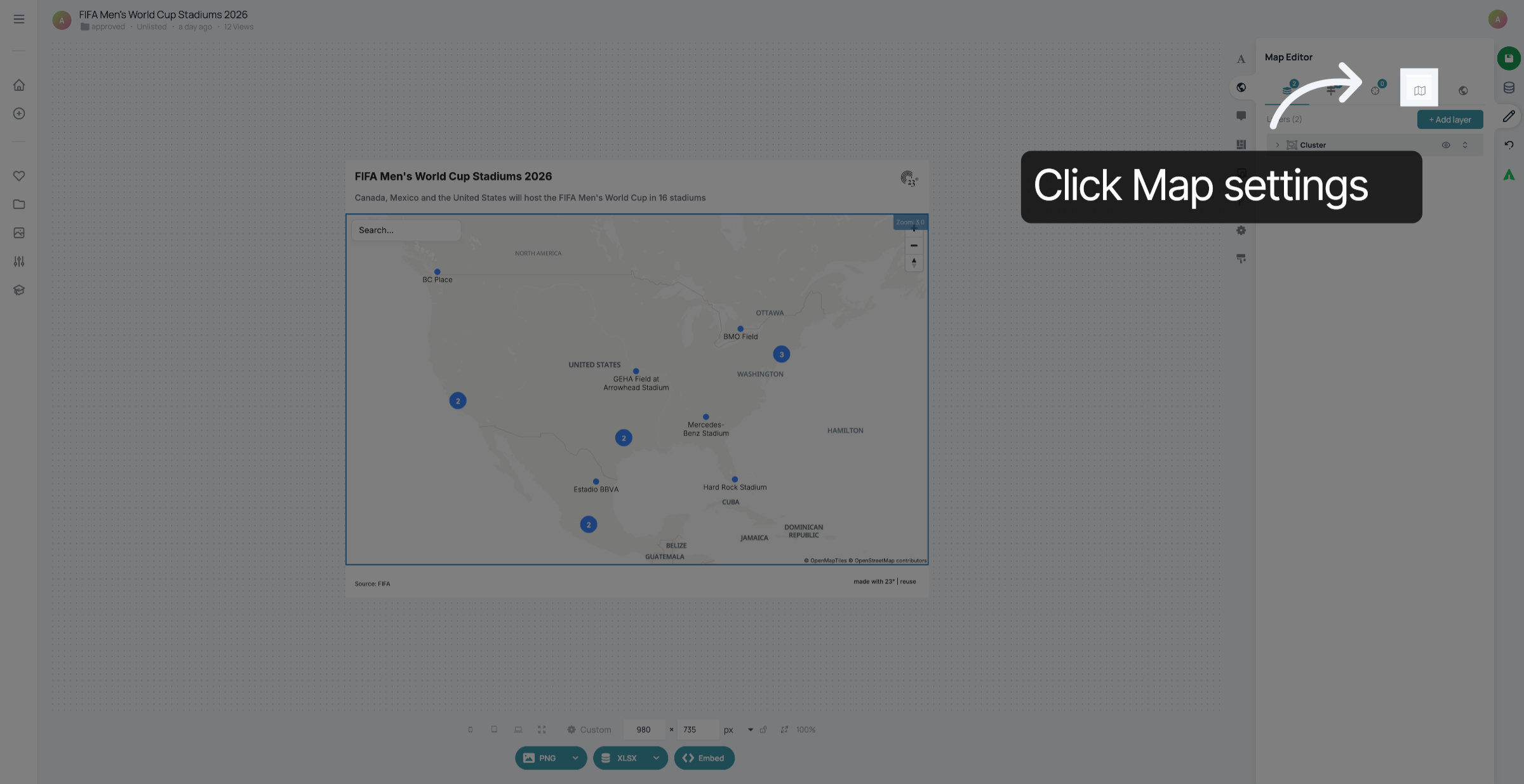
Click here to examine the description and features of the globe projection.
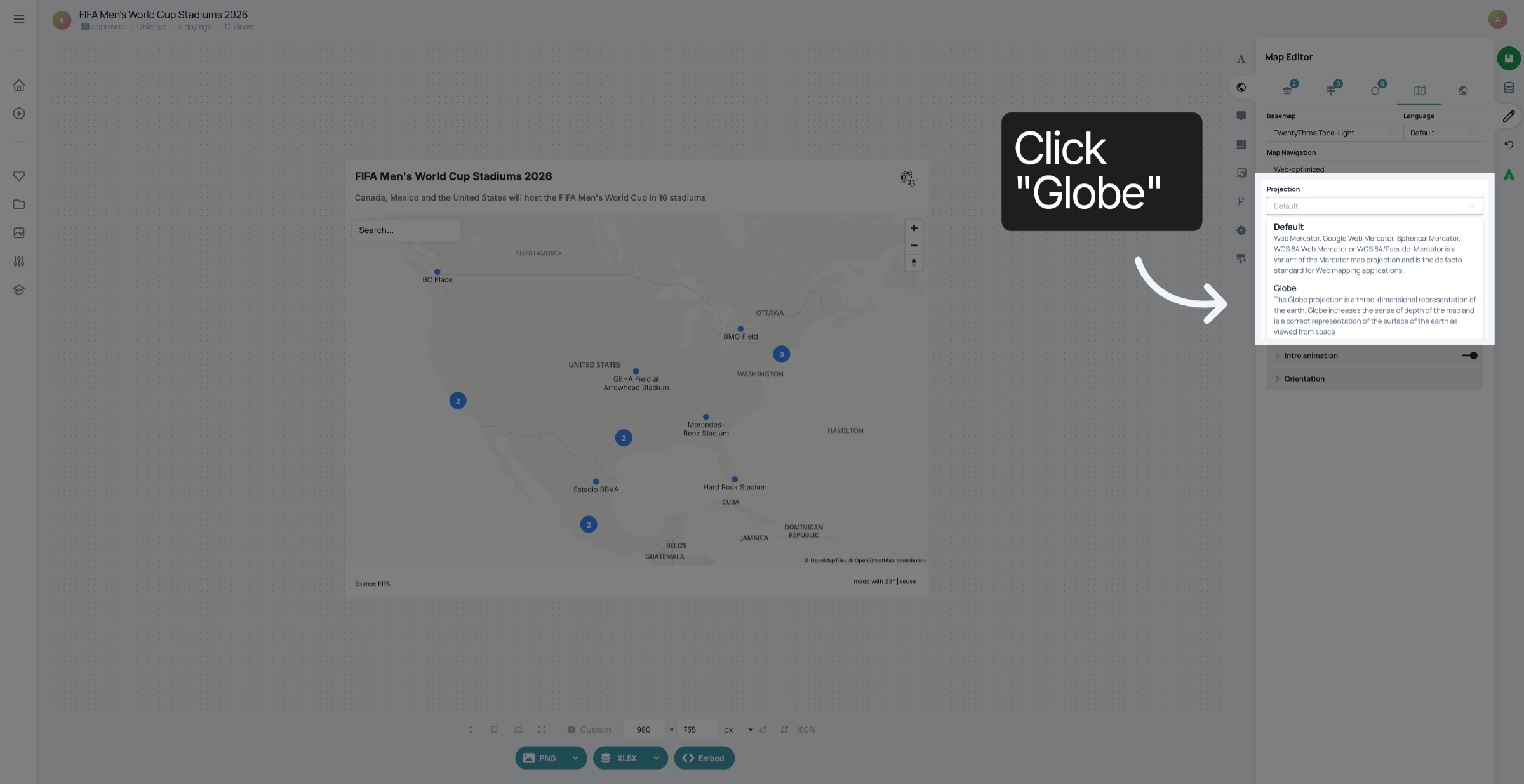
Click The Globe projection is a three-dimensional representation of the earth. Globe increases the sense of depth of the map and is a correct representation of the surface of the earth as viewed from space.
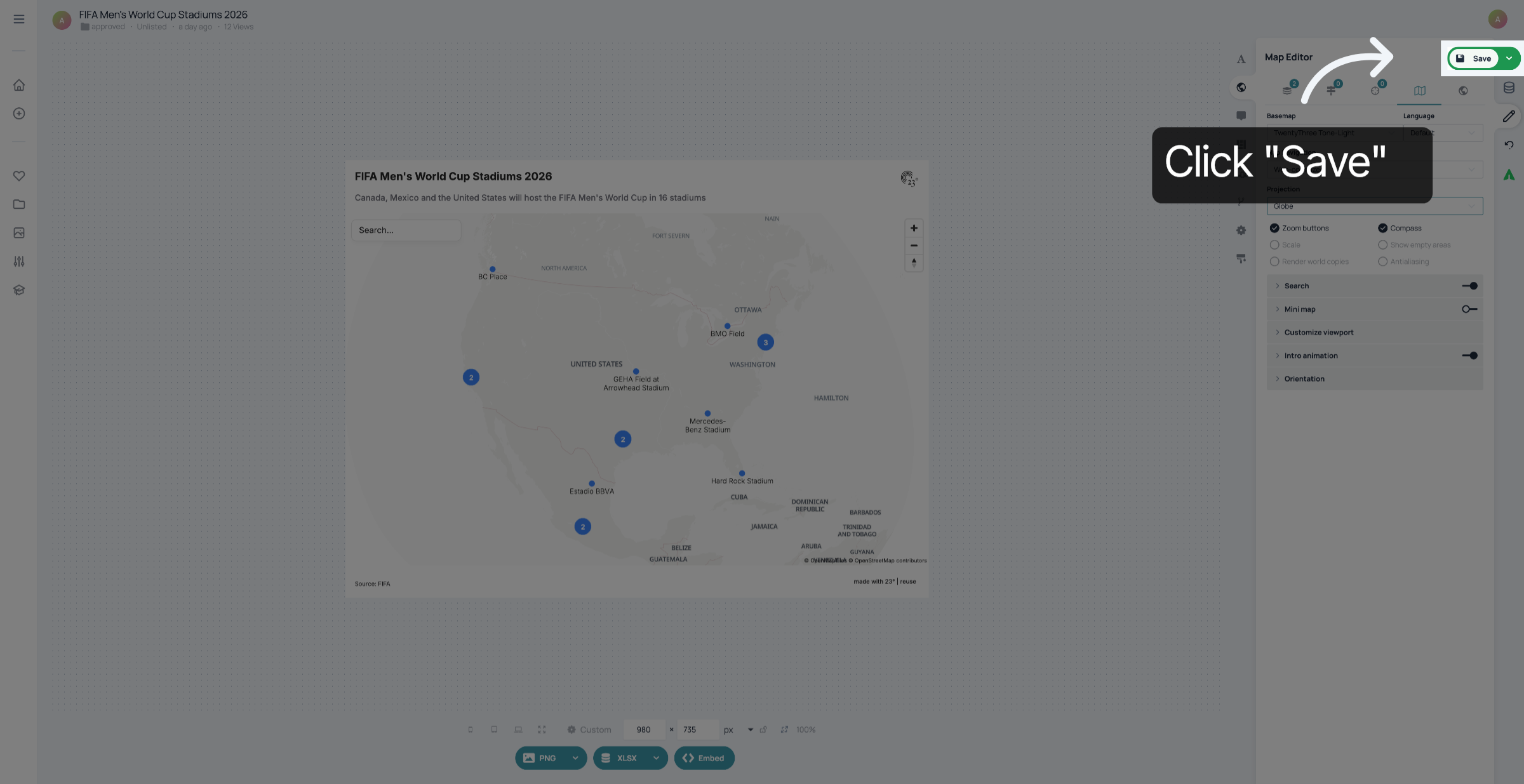
Click Save to apply and save the globe projection settings to your map.
You have successfully projected your map onto a three-dimensional globe in 23degrees, enhancing its depth and spatial accuracy. Next, explore additional map customization options to further refine your visualization.