Configure Gradient Colouring in 23degrees Application
This tutorial demonstrates how to apply gradient colouring within charts and maps in the 23degrees application.
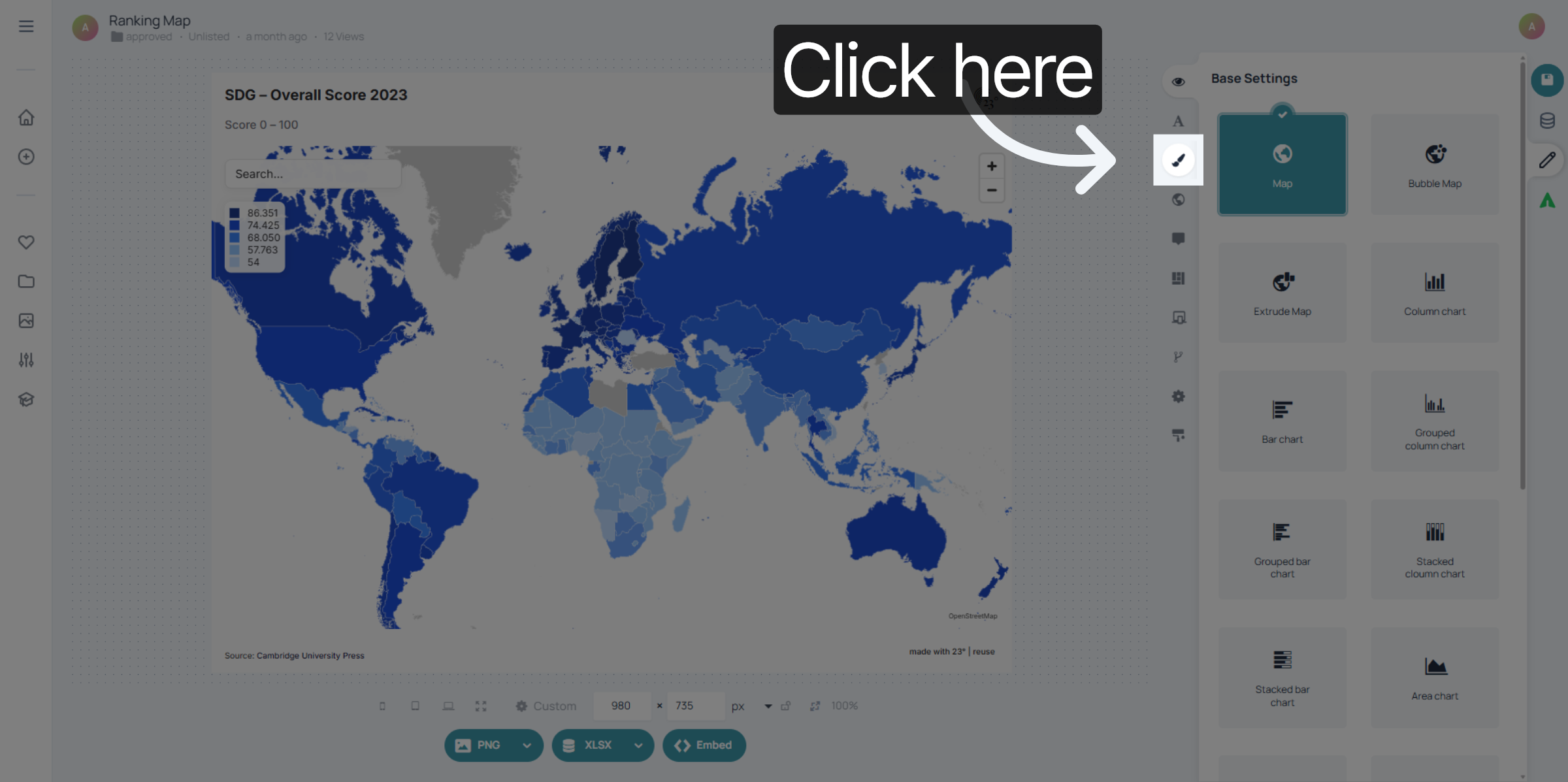
1. Open Colouring Options
Click here to access the colouring options in the 23degrees application.
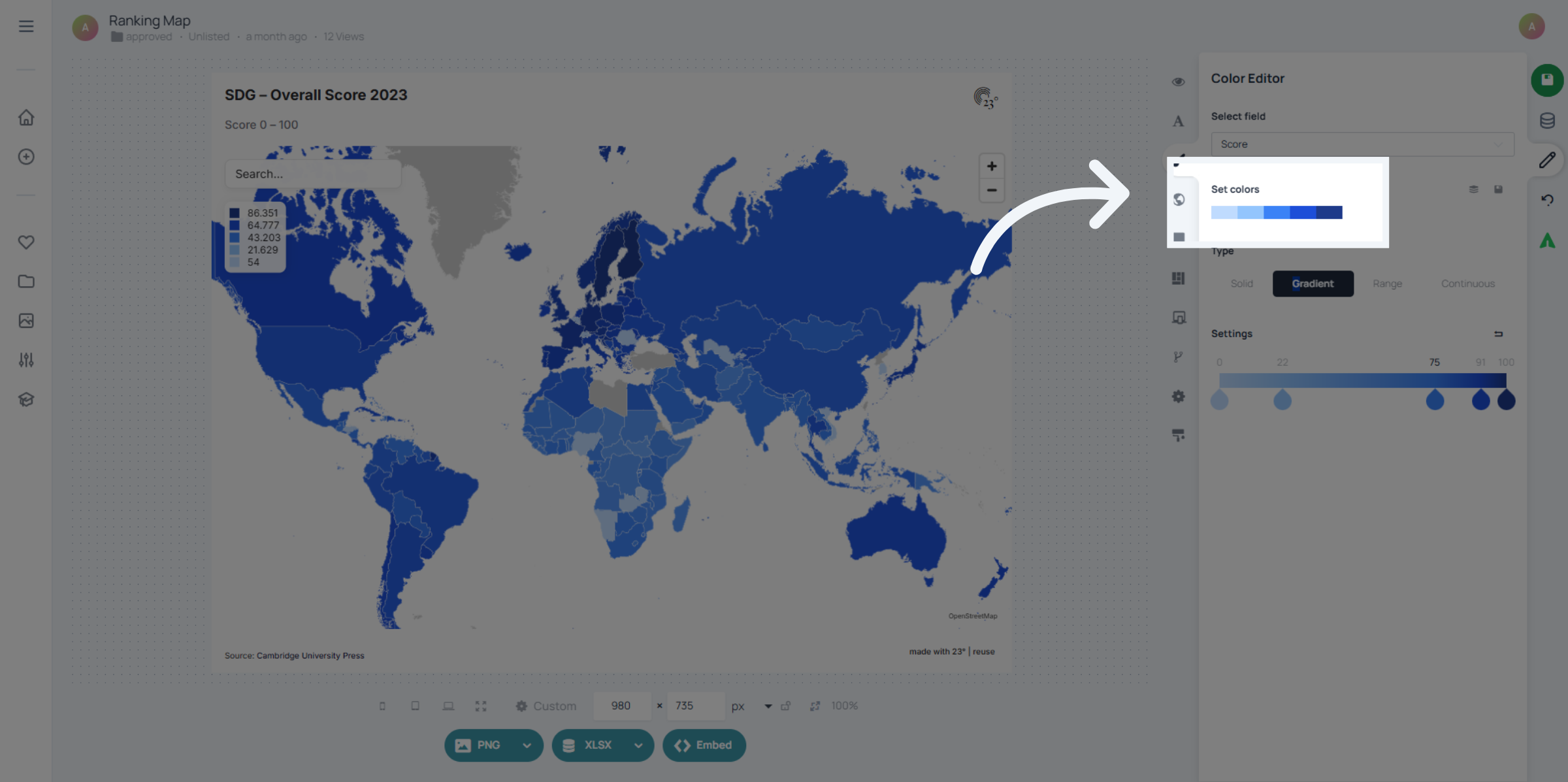
2. Colour Palette
Click here to select a colour palette.
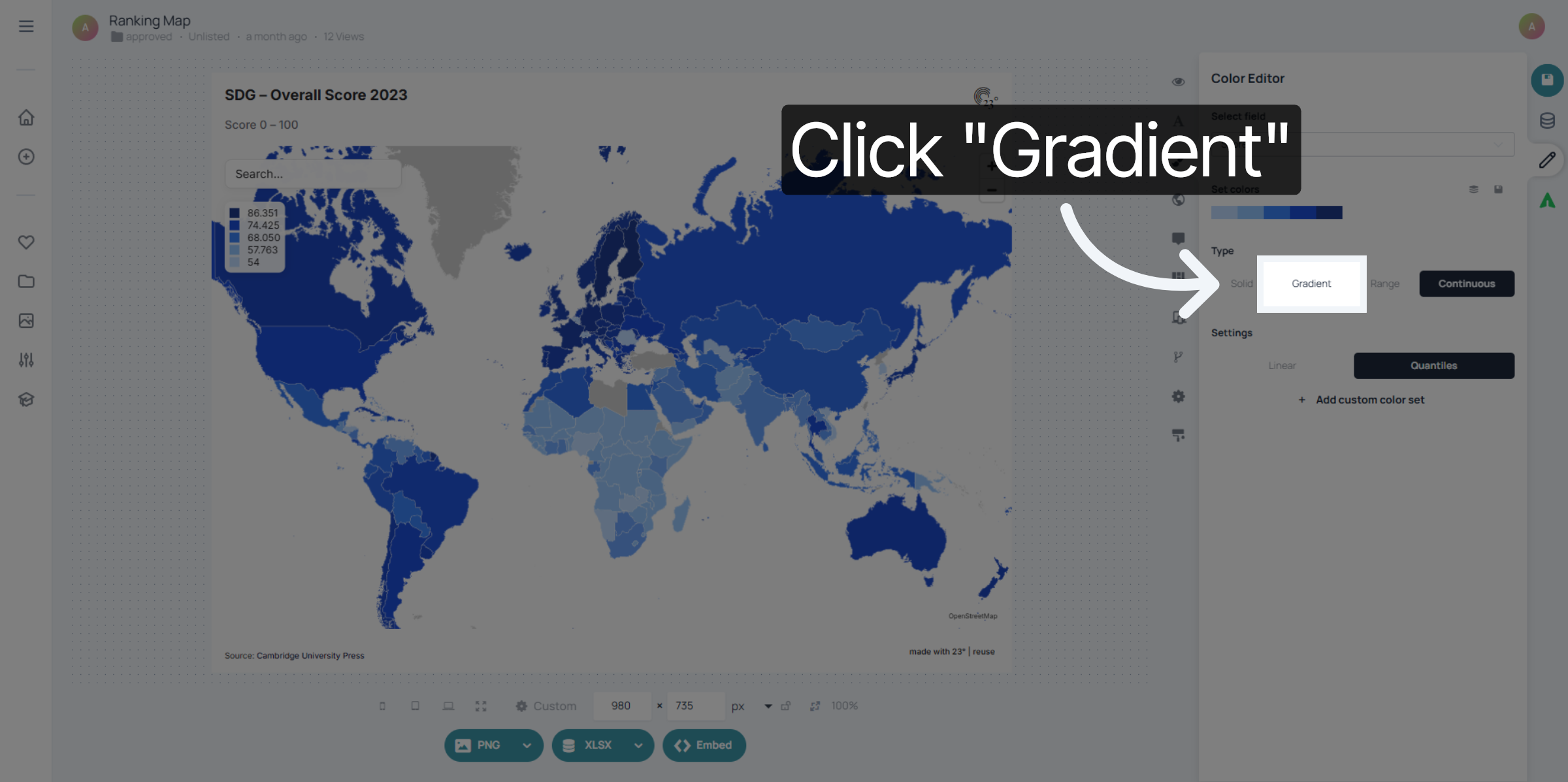
3. Select Gradient Colouring
Click here to select gradient colouring.
4. Edit Gradient Colouring
Here you have the gradient colouring bar. Here you can distribute the intervalls between zero and one hundred percent. For example setting an intervall from 0-25 means that the bottom 25 % of the values are going to be coloured in that gradient colour.
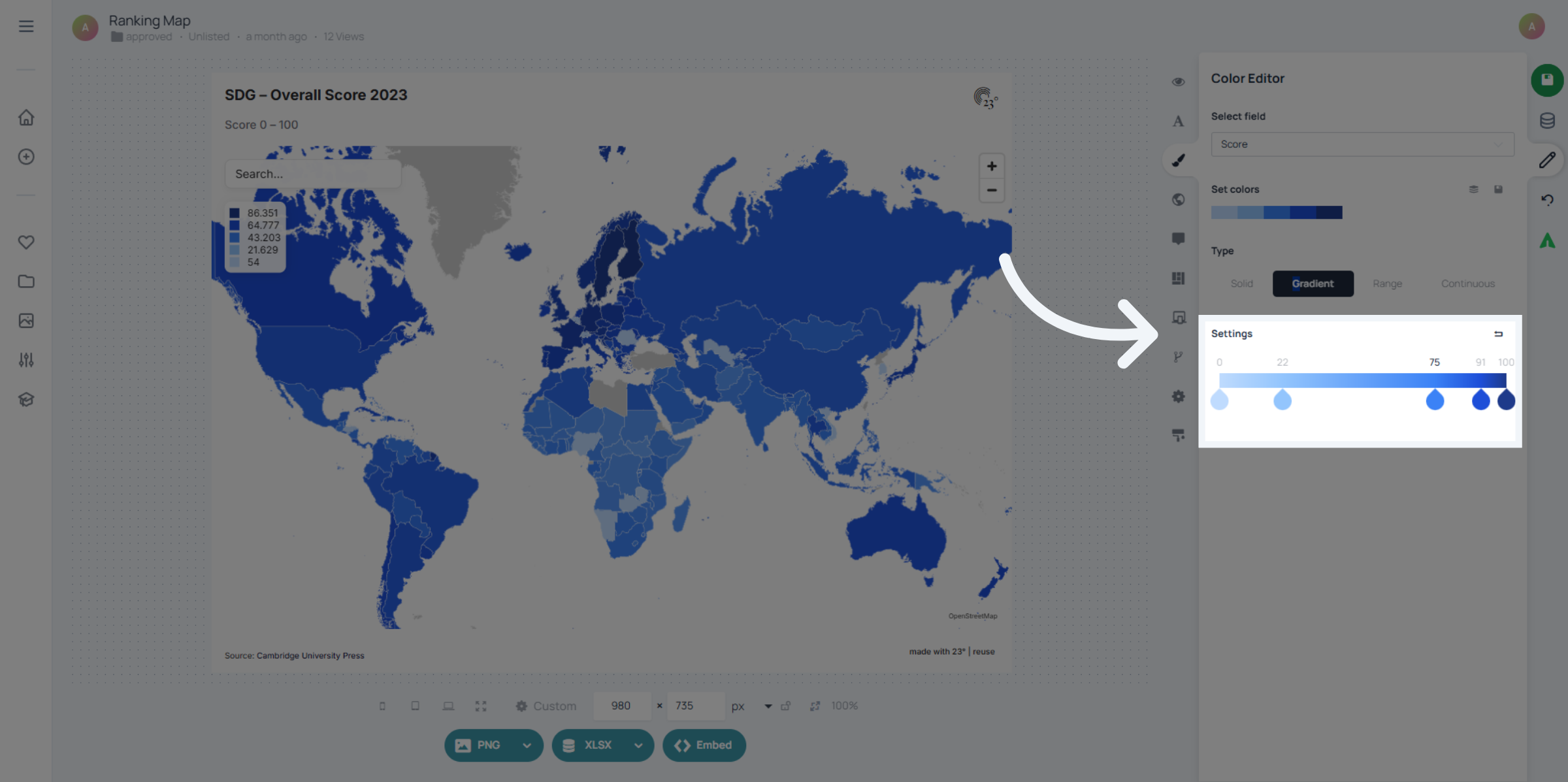
You have successfully configured gradient colouring by selecting the gradient option and adjusting its settings in the 23degrees application. The gradient is a great way to use if you are looking for smoother colour transitions.