Display Labels Above Bars
This tutorial shows how to display labels above bars in a bar chart.
1. Introduction
DIsplaying Labels above bars is a nice way to ensure better readability of your charts especially when confronted with long labels.
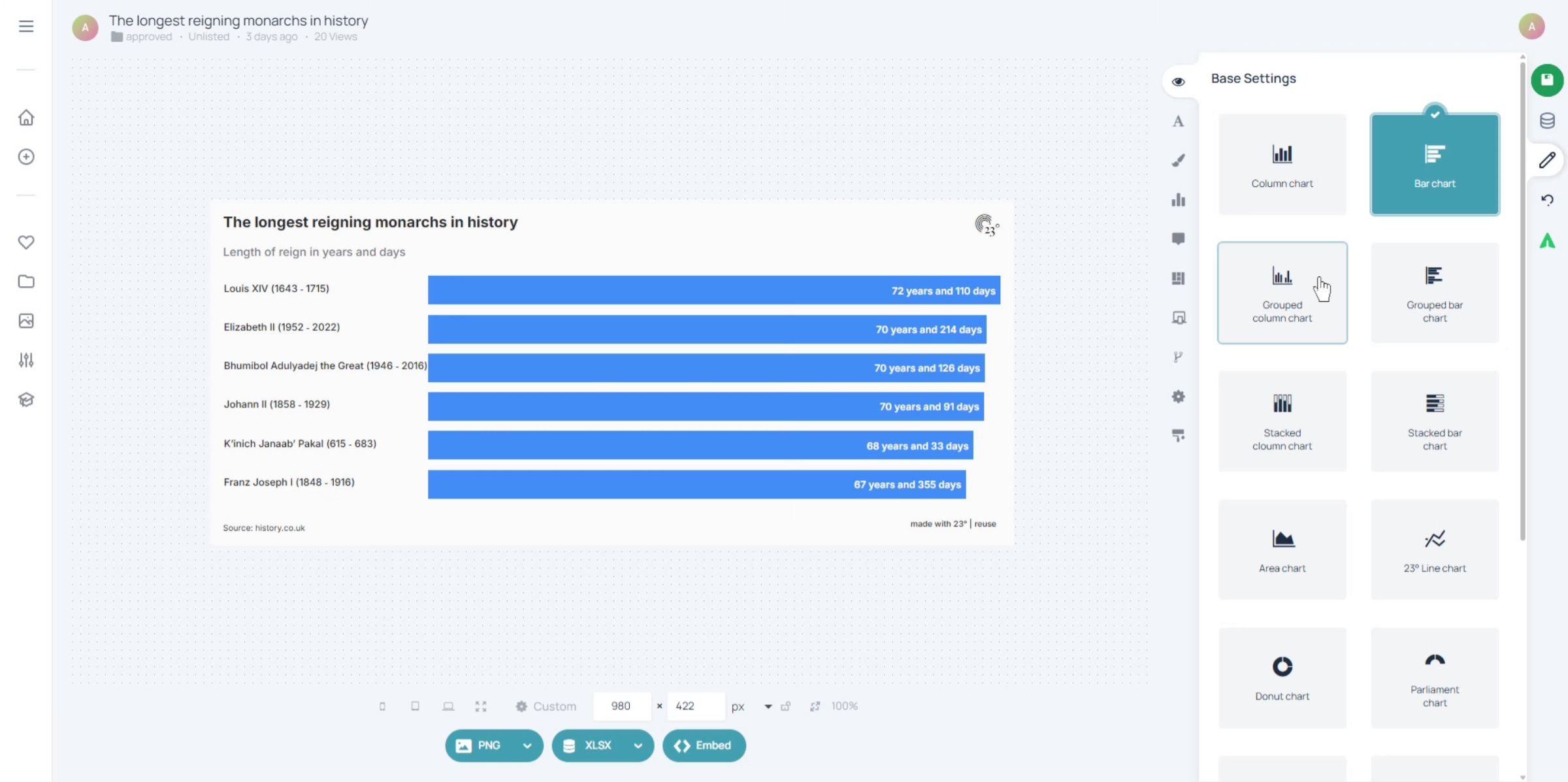
2. Click Chart Area
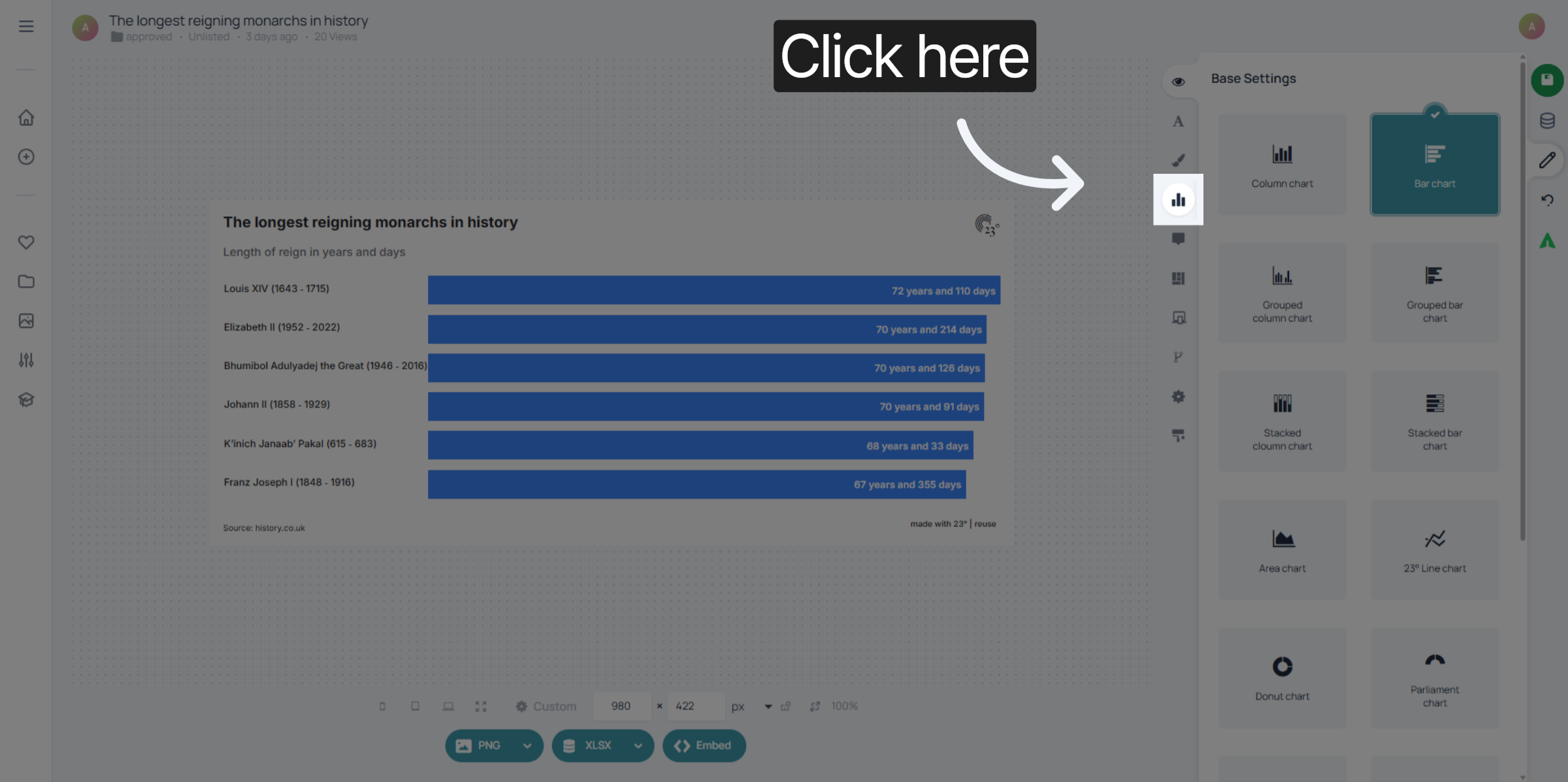
Click on the Chart Editor.
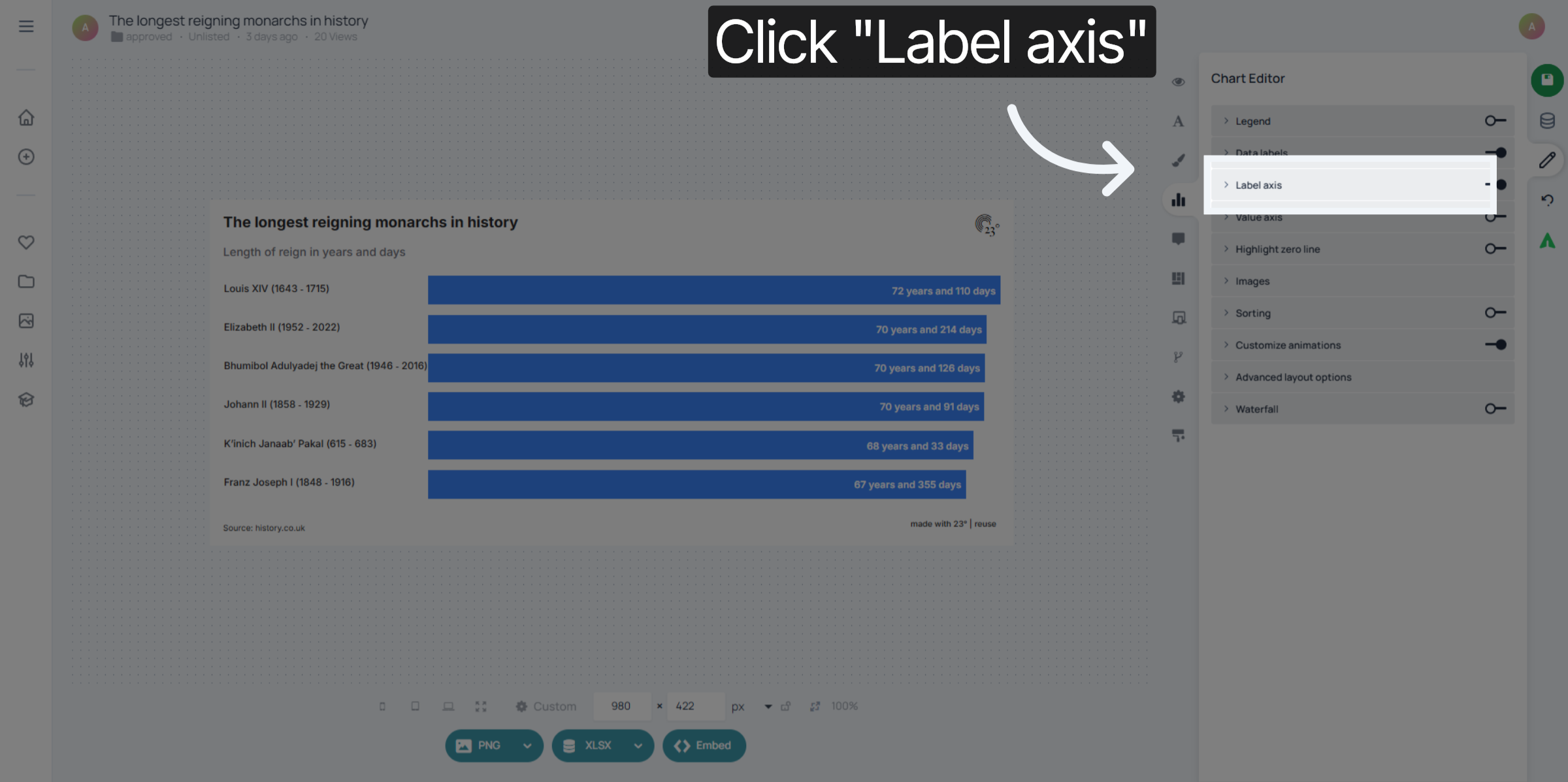
3. Select Label Axis Option
Click "Label axis" to access the settings for displaying labels on the chart's axis.
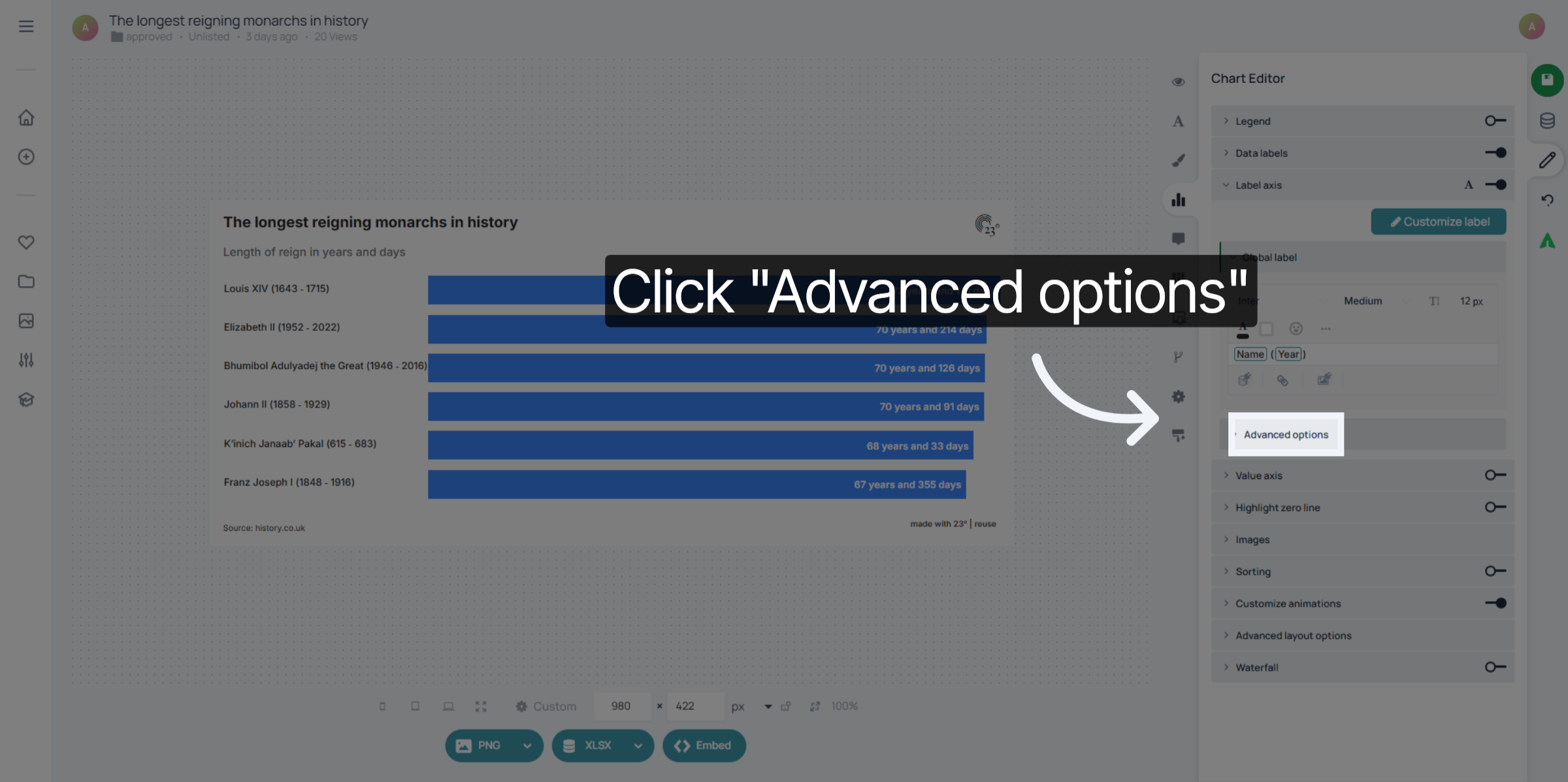
4. Open Advanced Options
Click "Advanced options" to reveal additional settings for label customization.
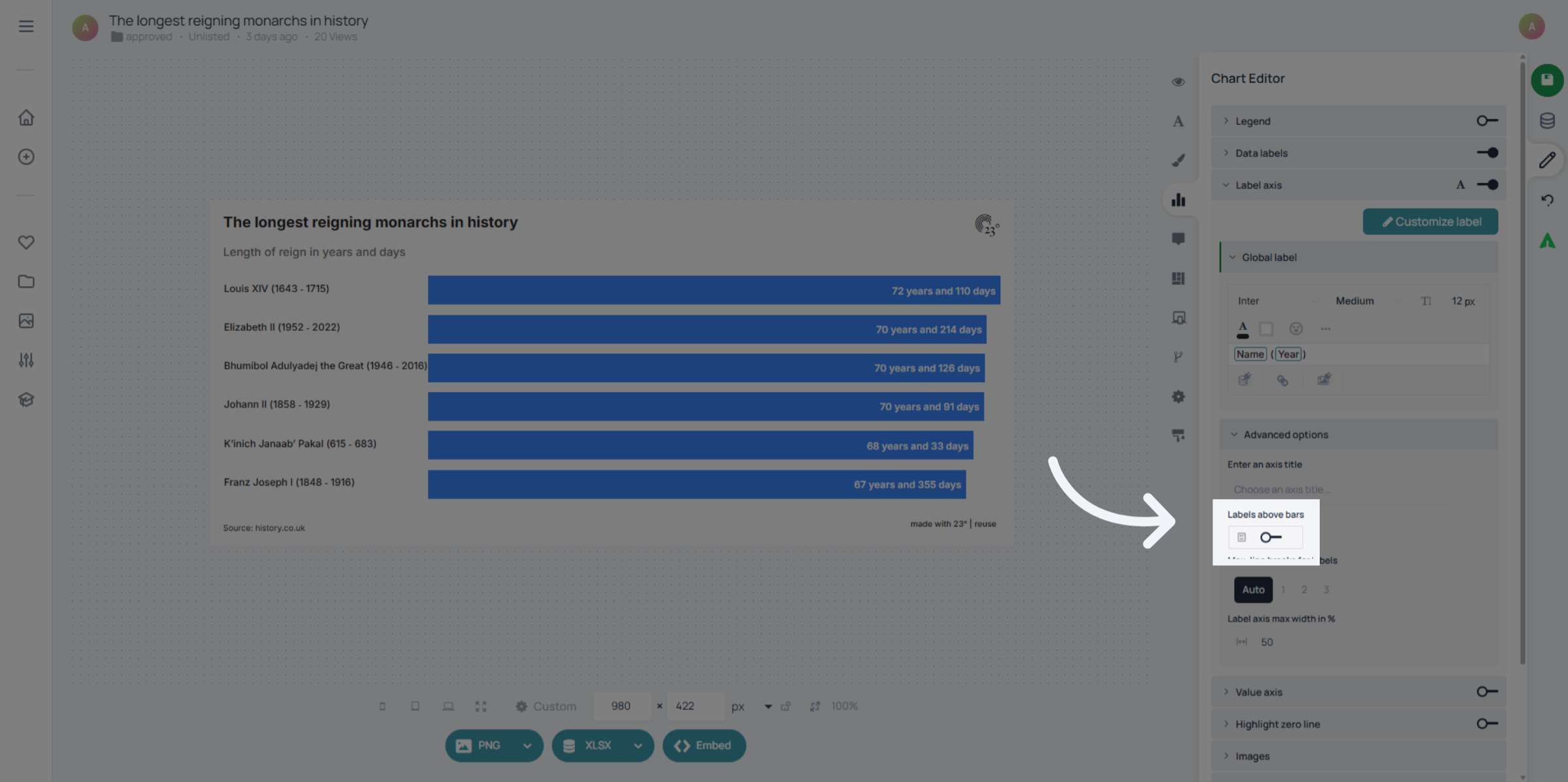
5. Enable Label Display
Activate "Labels above bars".
6.
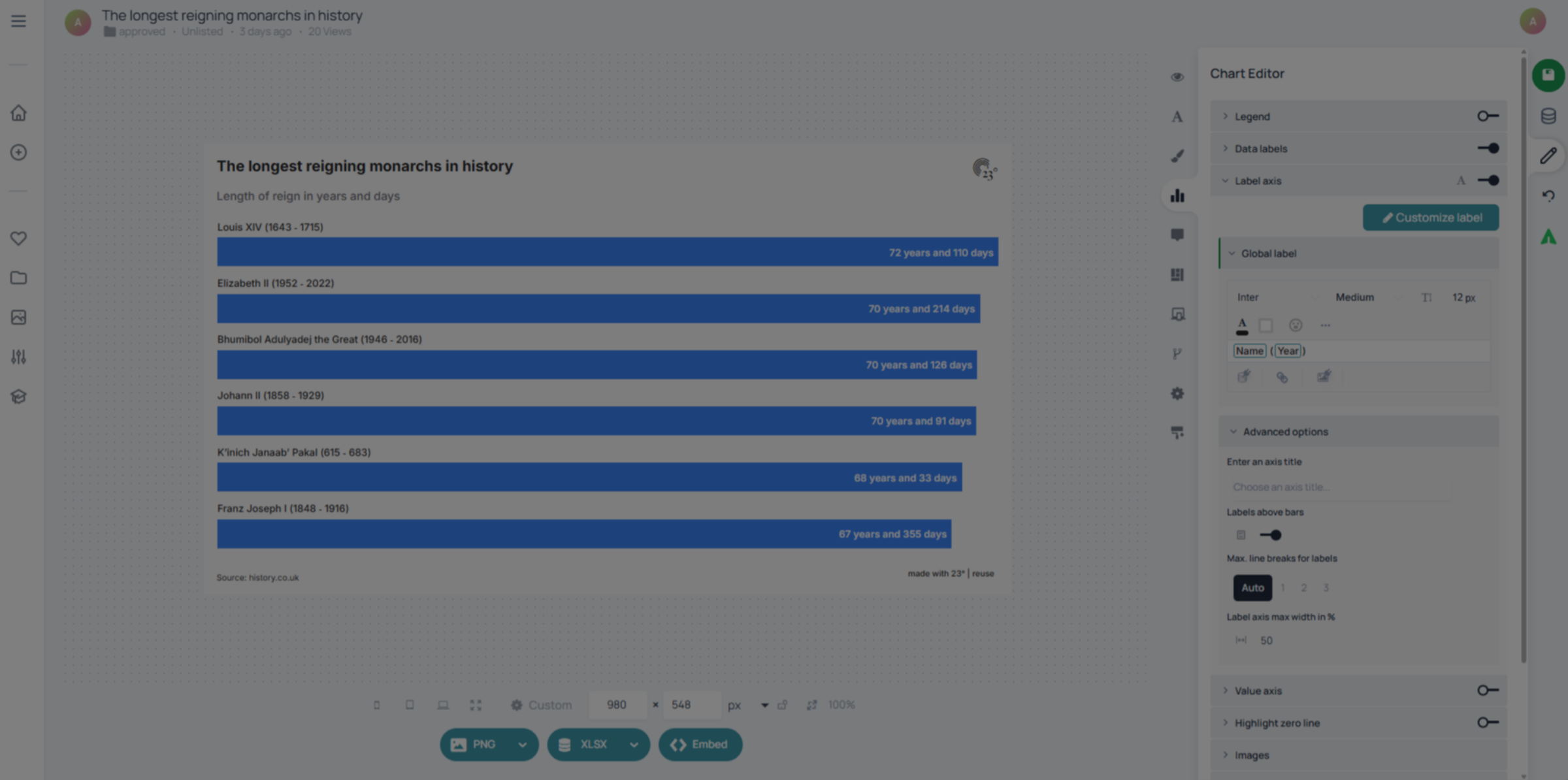
And that's it. Your labels are now nicely displaying above the bars maximizing the use of space and ensuring better readability.
If you want to see what other advanced options there are regarding bar charts, look out for other related tutorials.