How to calculate using a smart function
This tutorial demonstrates how to calculate values using a smart filter in 23degrees.
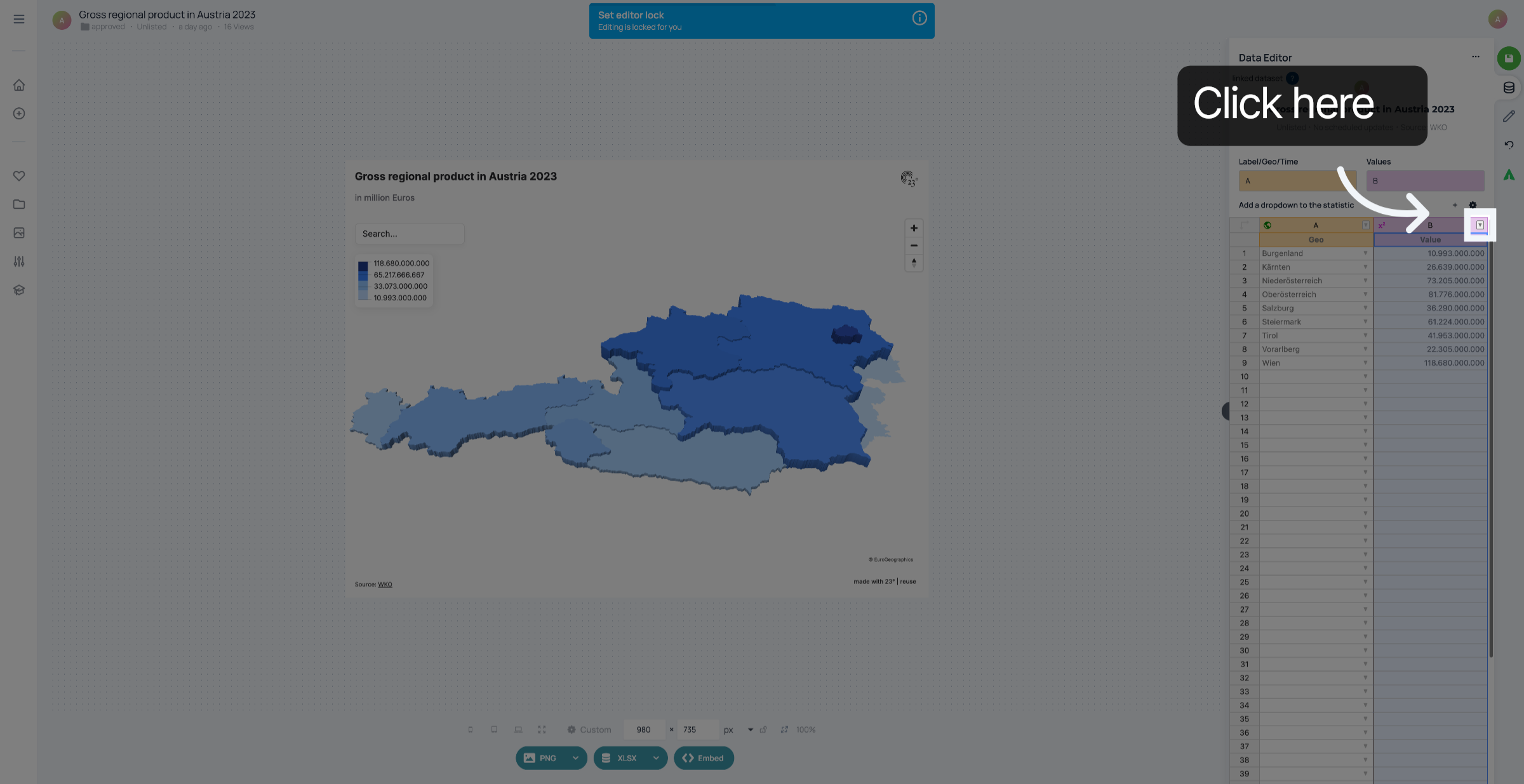
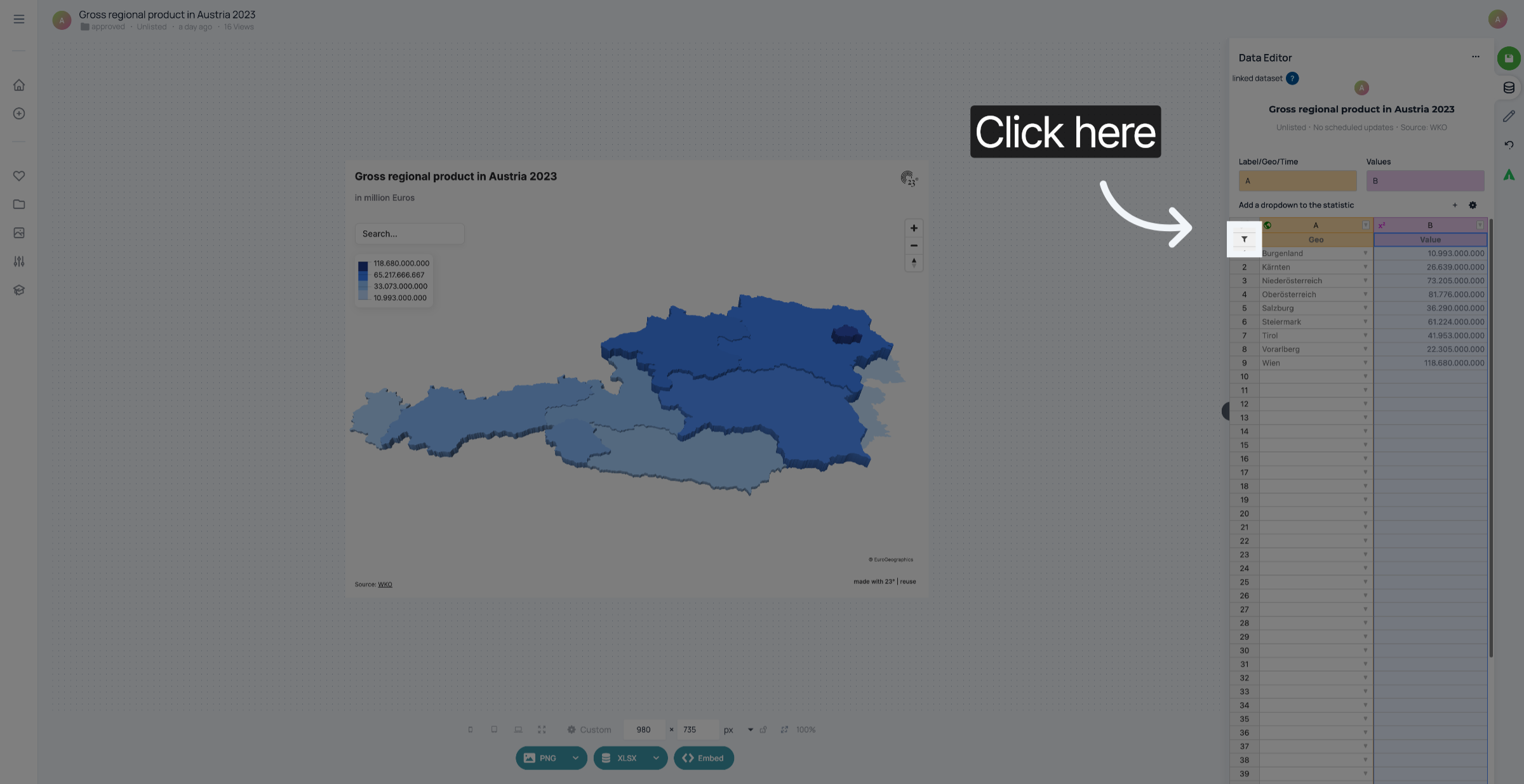
Click the filter menu to begin creating a smart filter.
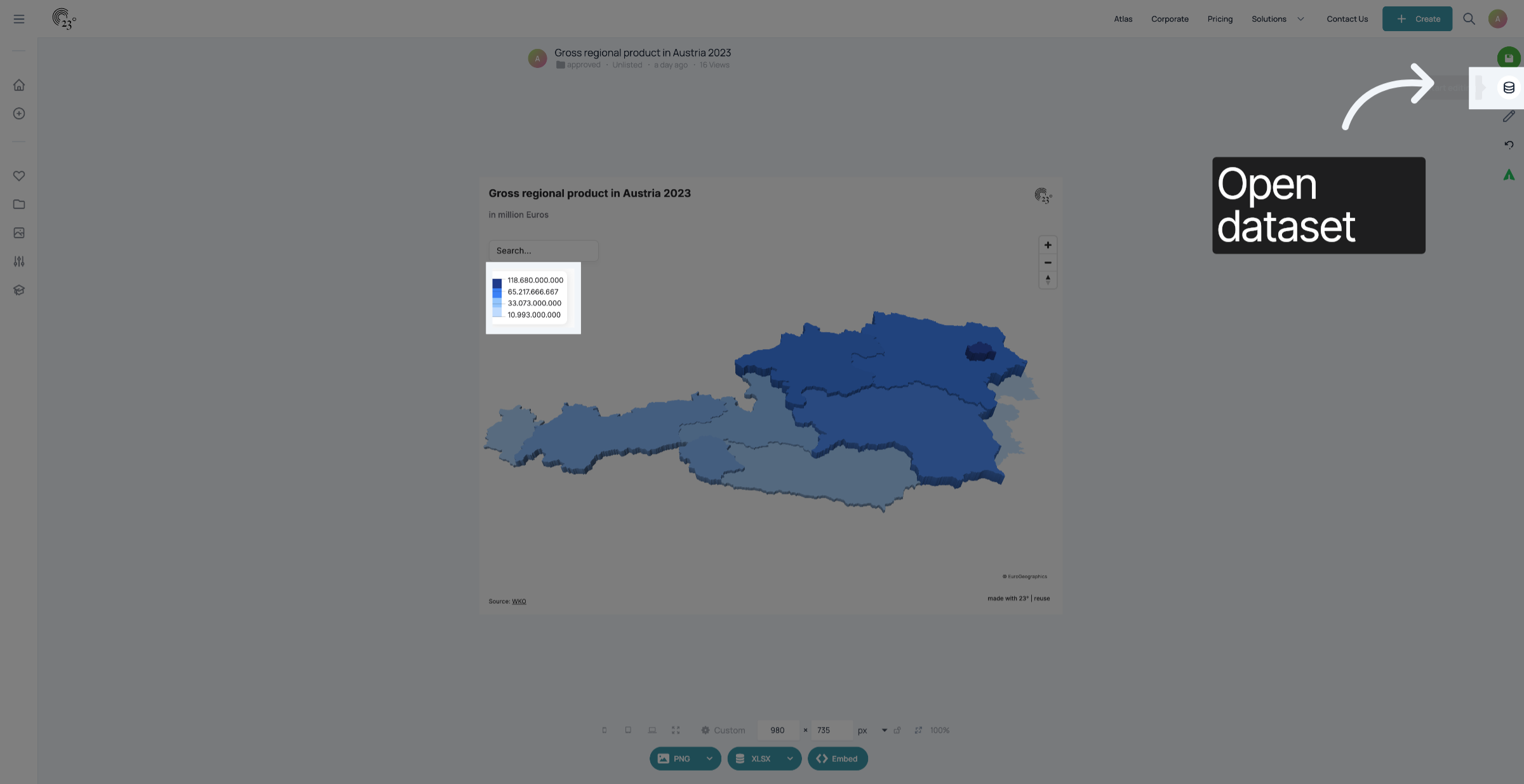
Click the option to open smart filter settings.
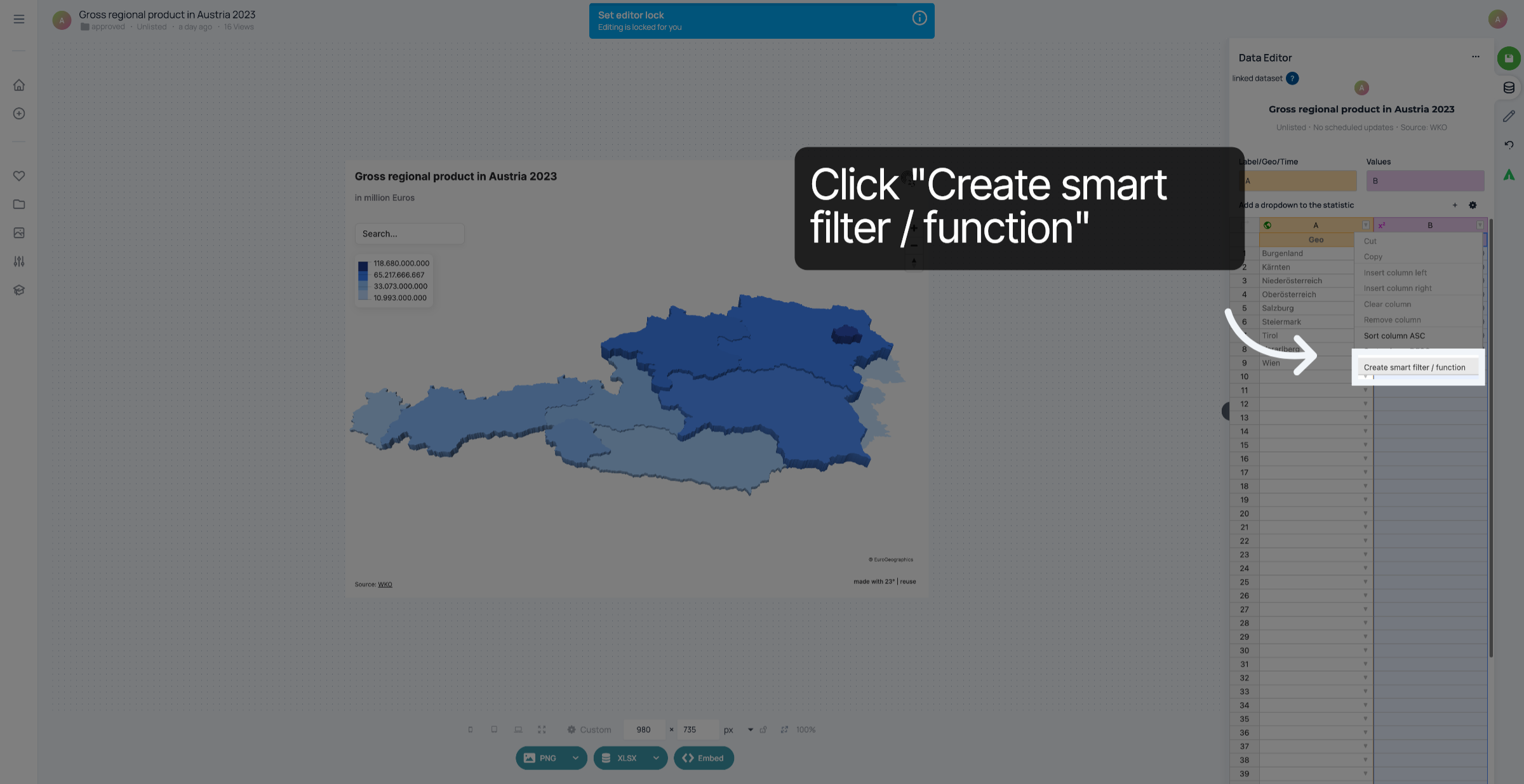
Click "Create smart filter / function" to start defining a new filter.
Click the calculation settings area to configure the filter's calculation.
Click to open the list of available calculation functions.
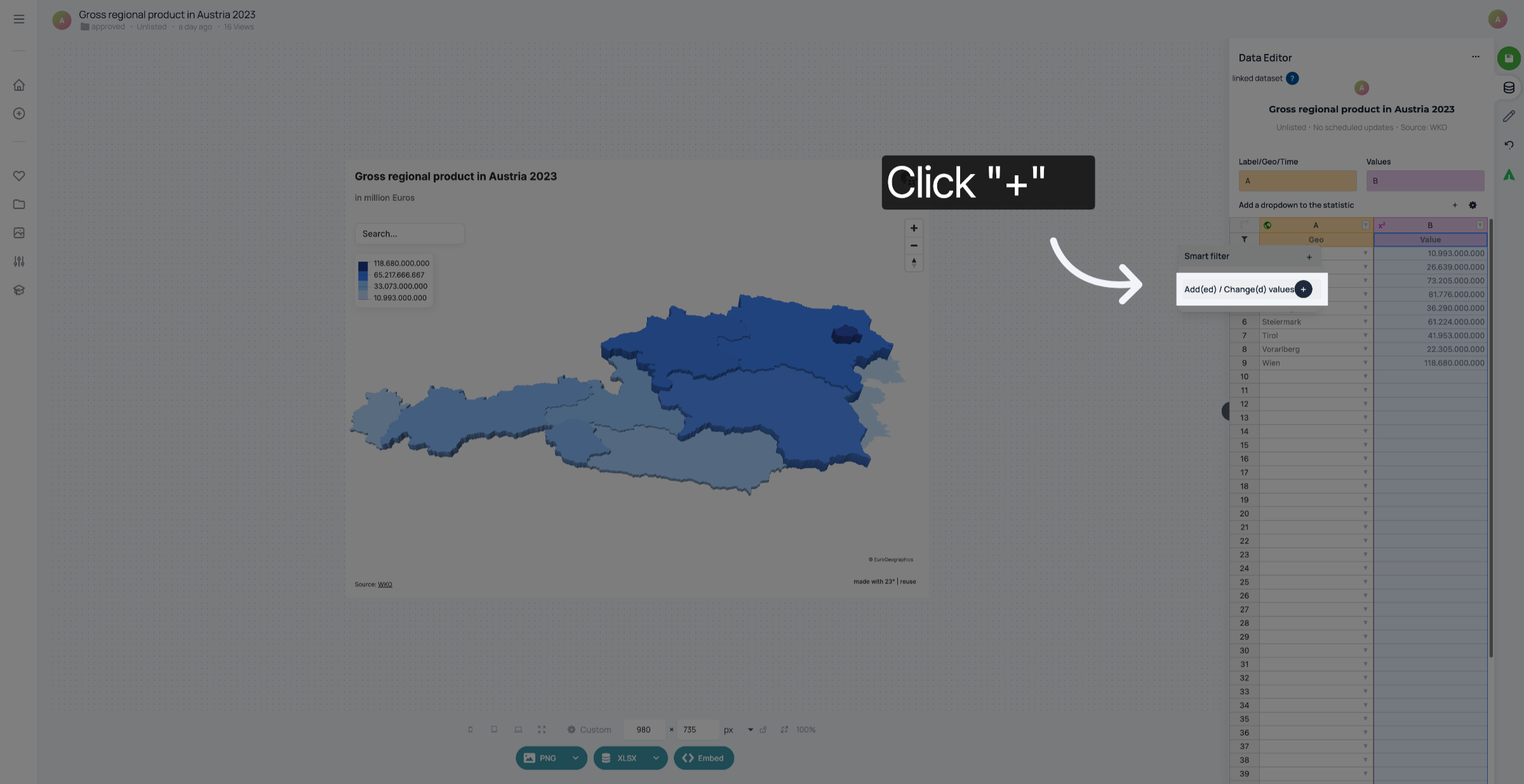
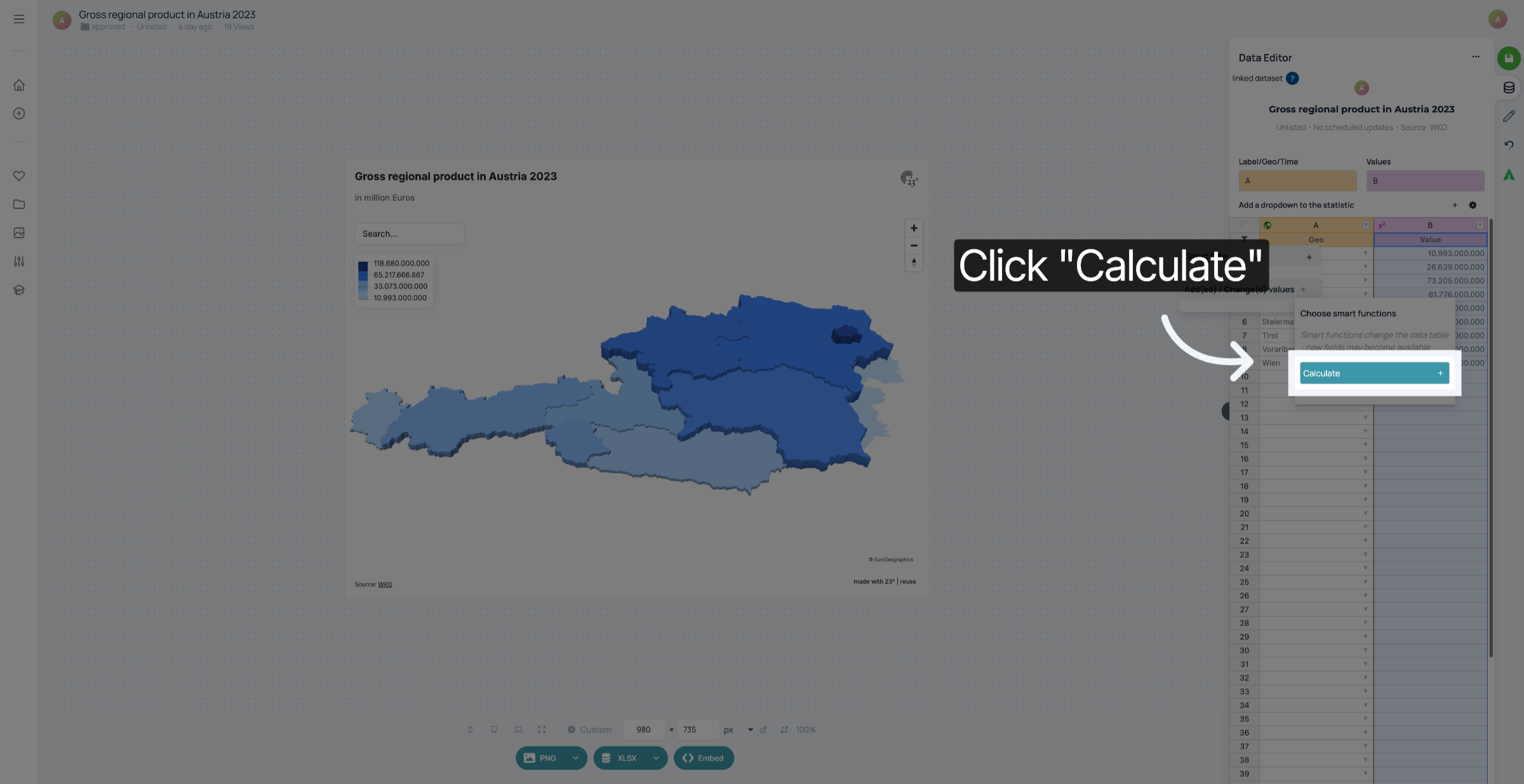
Click "Calculate" to choose the calculation operation for the smart filter.
Click to select the value to divide by in the calculation.
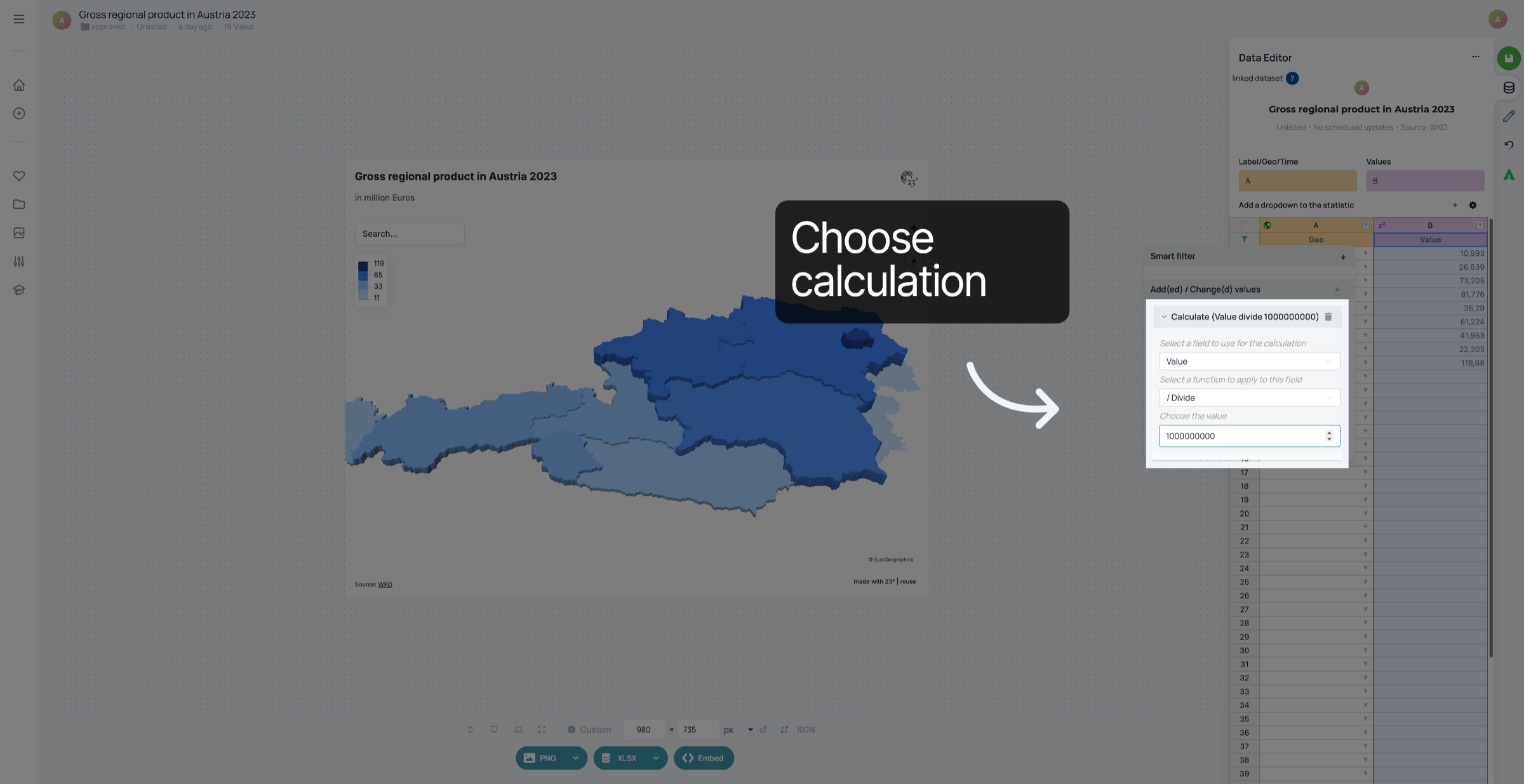
Click the divisor value to apply in the division operation.
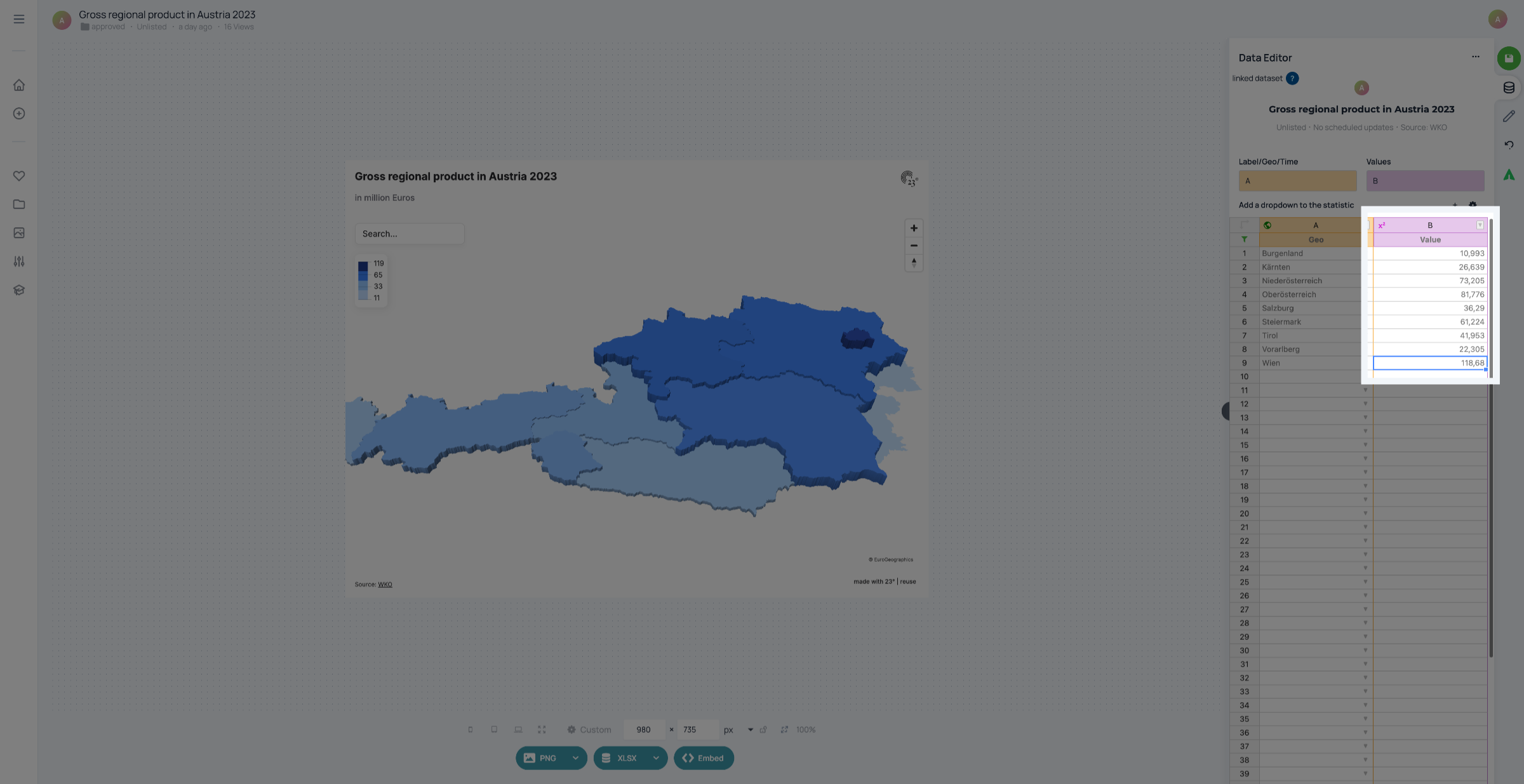
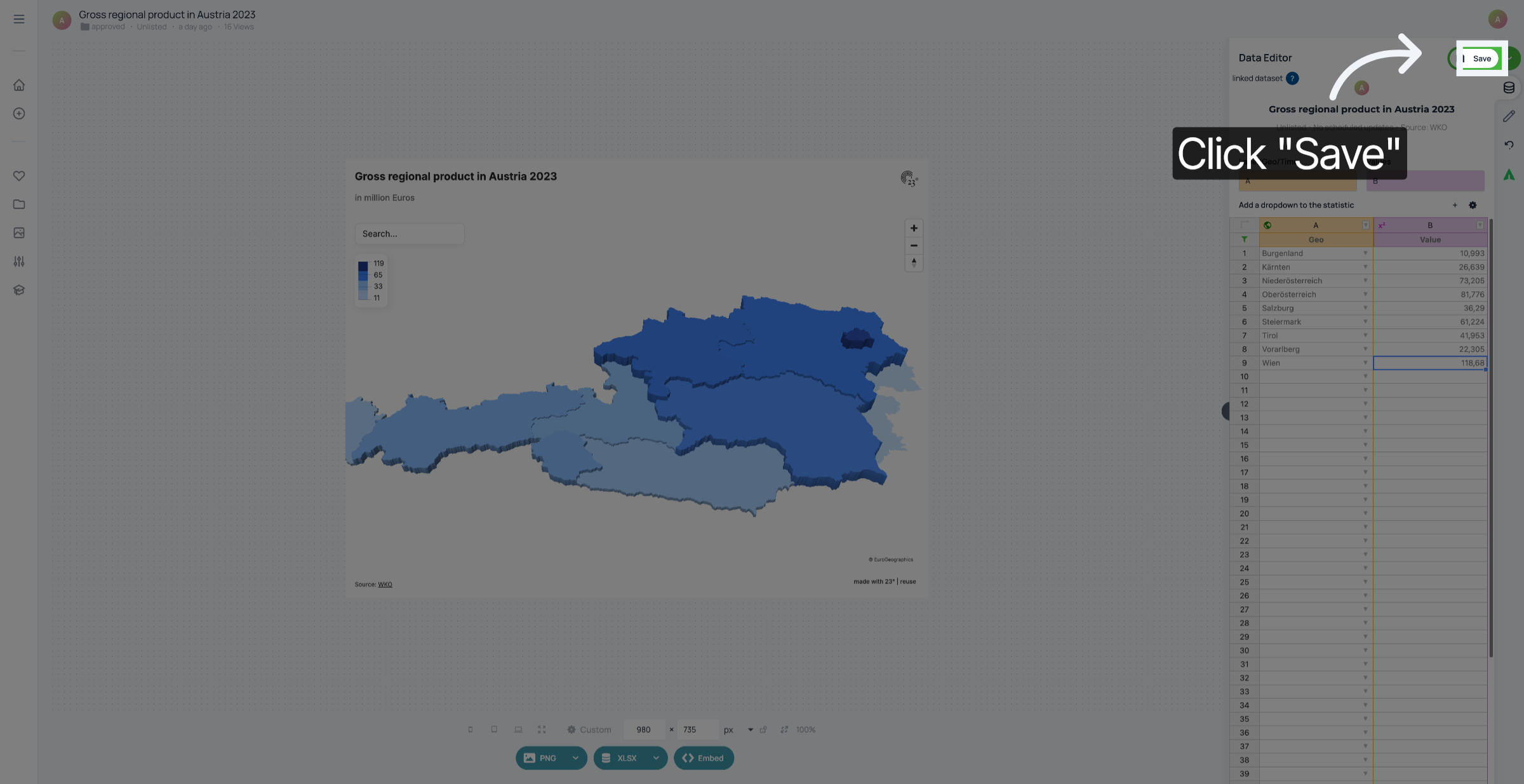
Click "Save" to store the configured smart filter function.
You have successfully created and applied a smart filter function to perform calculations in 23degrees. This enables dynamic data processing using custom arithmetic operations for your analysis needs.