Create Globe Projection Maps Using 23degrees
This tutorial guides you through creating a globe projection on maps using 23degrees.
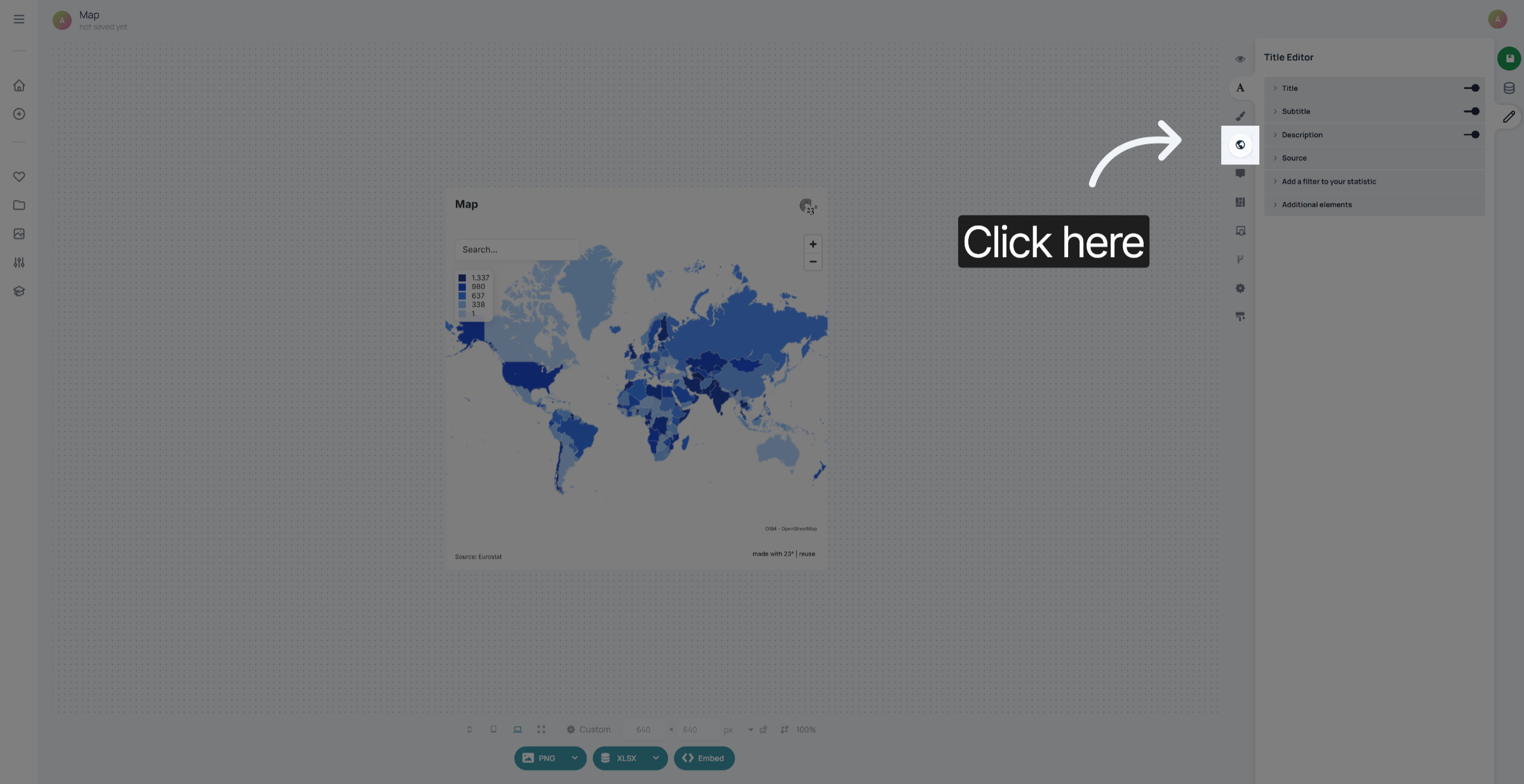
1. Open Map Settings
Click on the Map Editor.
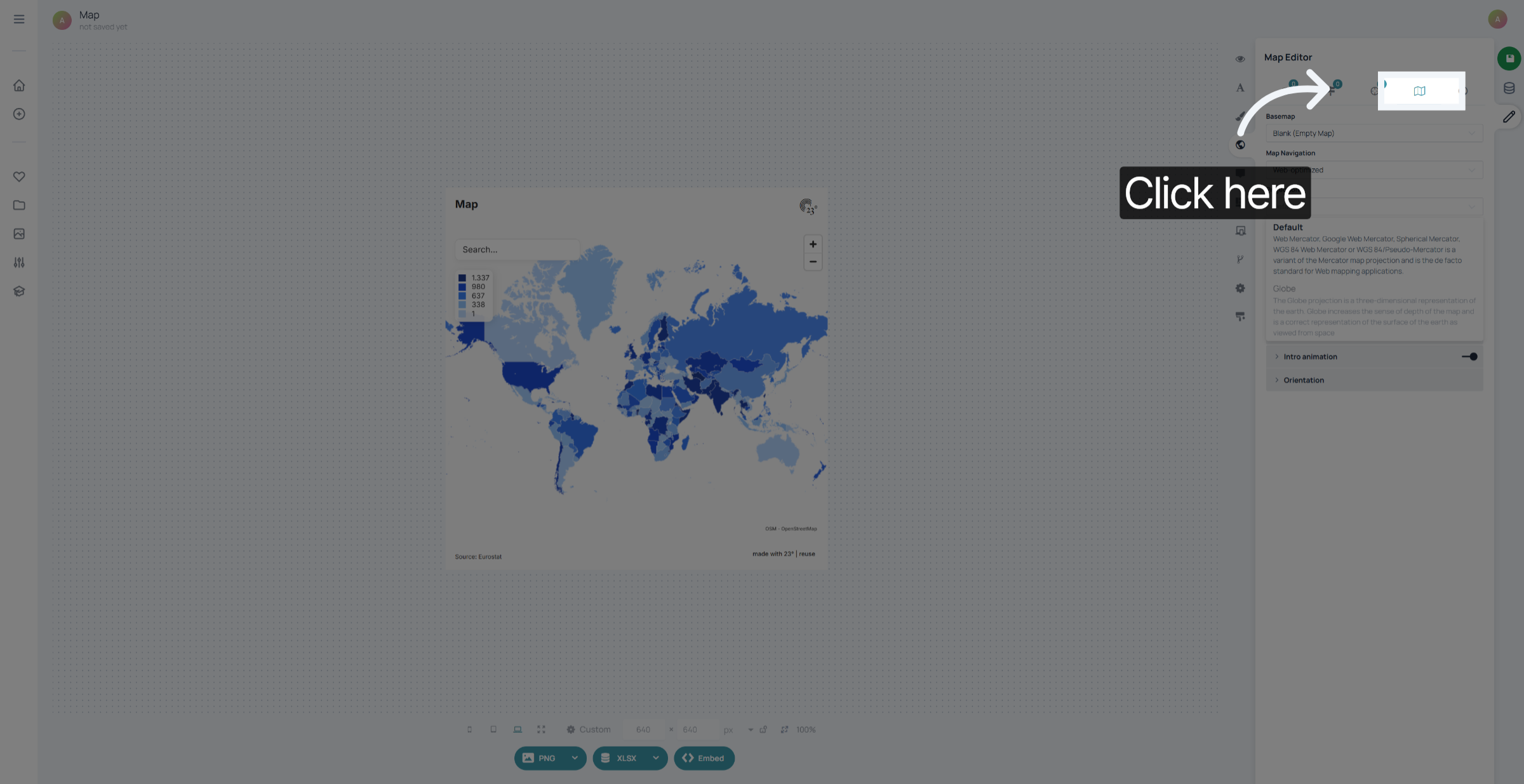
2. View Globe Projection Description
Go to the map settings.
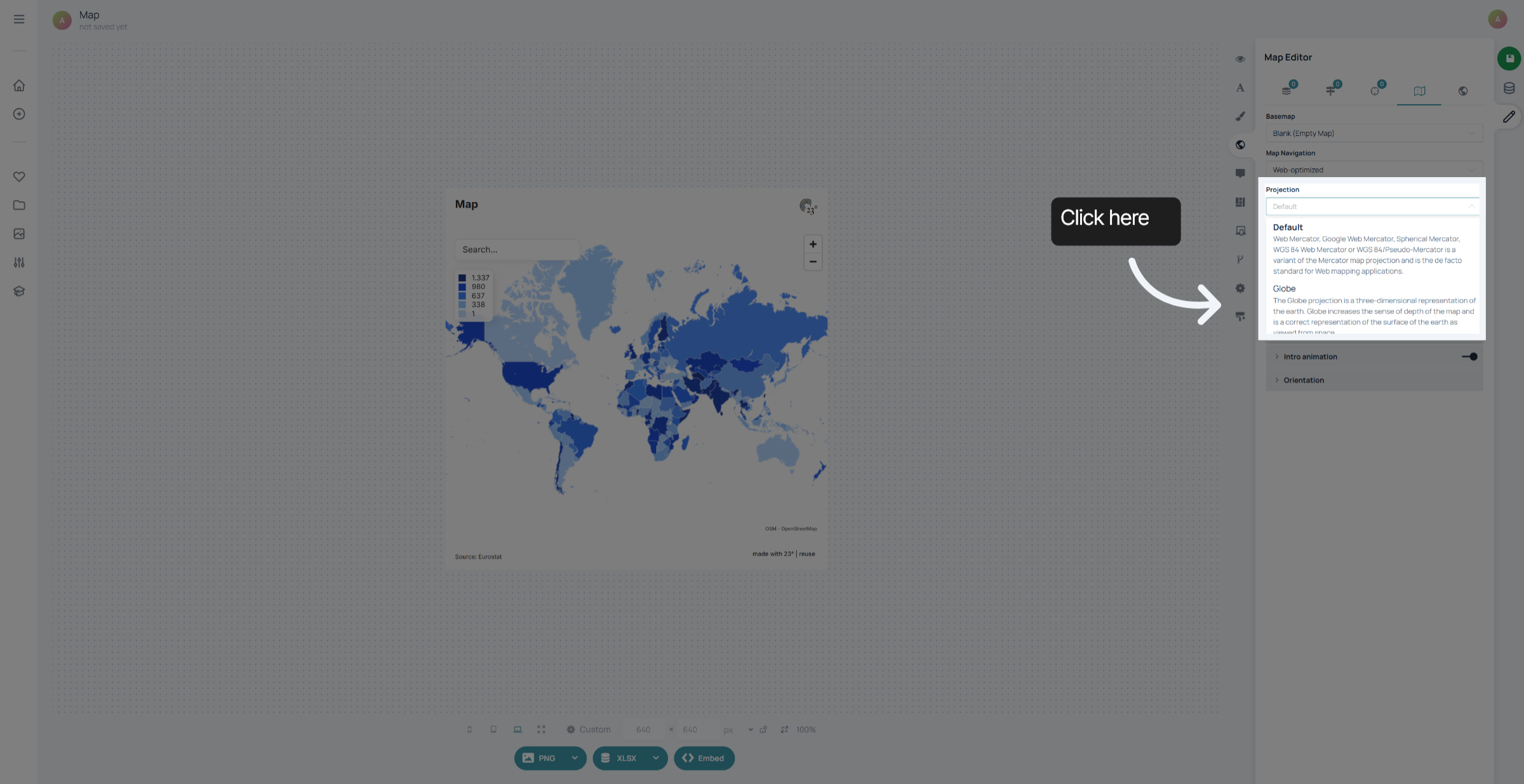
3. Confirm Globe Projection Selection
Go to the projection settings and select Globe
4. Apply Globe Projection
Now your map has switched from the classic mercator projection to a full globe.
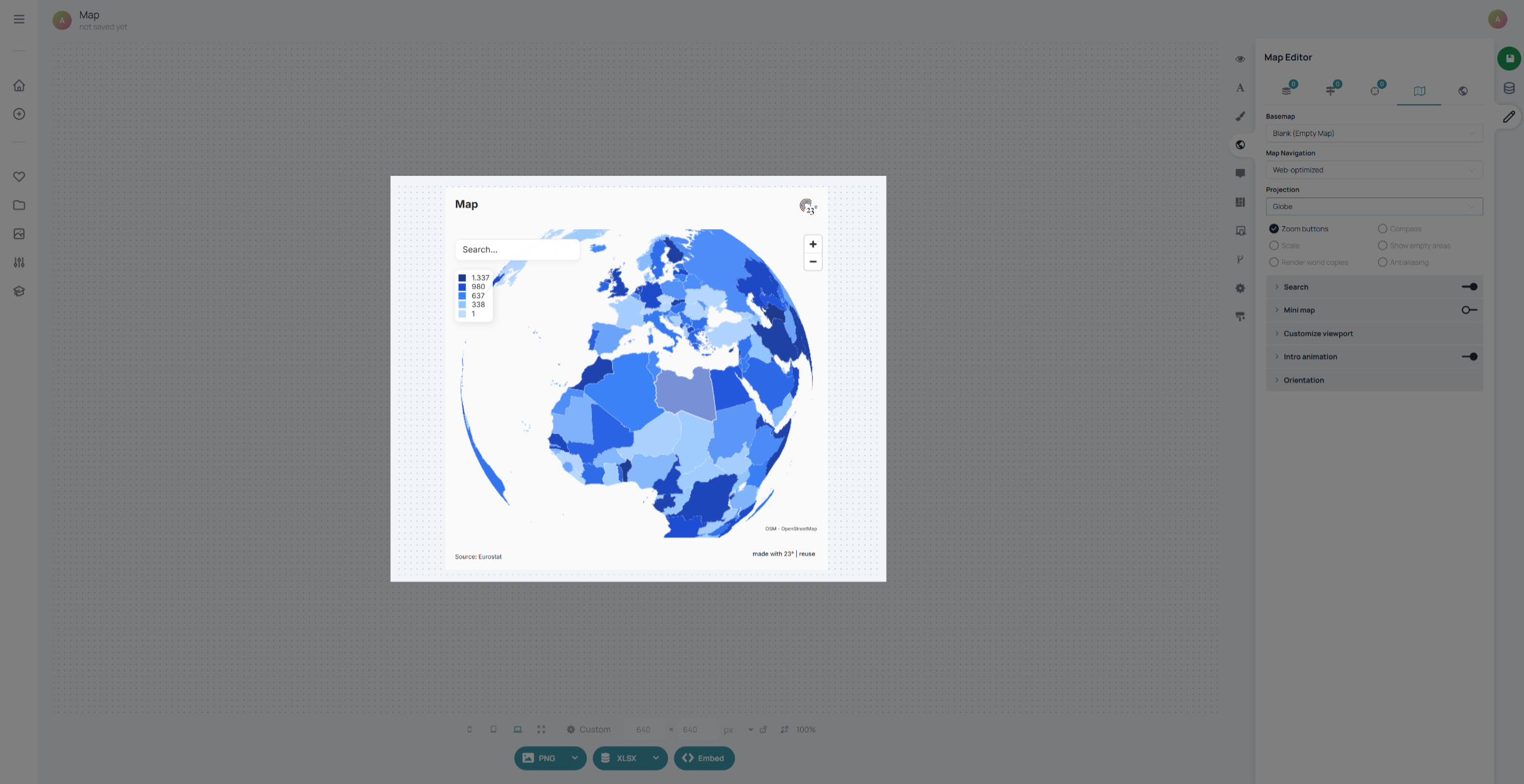
You have successfully created a globe projection on your map using 23degrees.