How to customize line styles in a Line Chart
This tutorial shows how to customize the display of lines in a line chart.
1. Go to Chart Editor
Go to the chart editor.
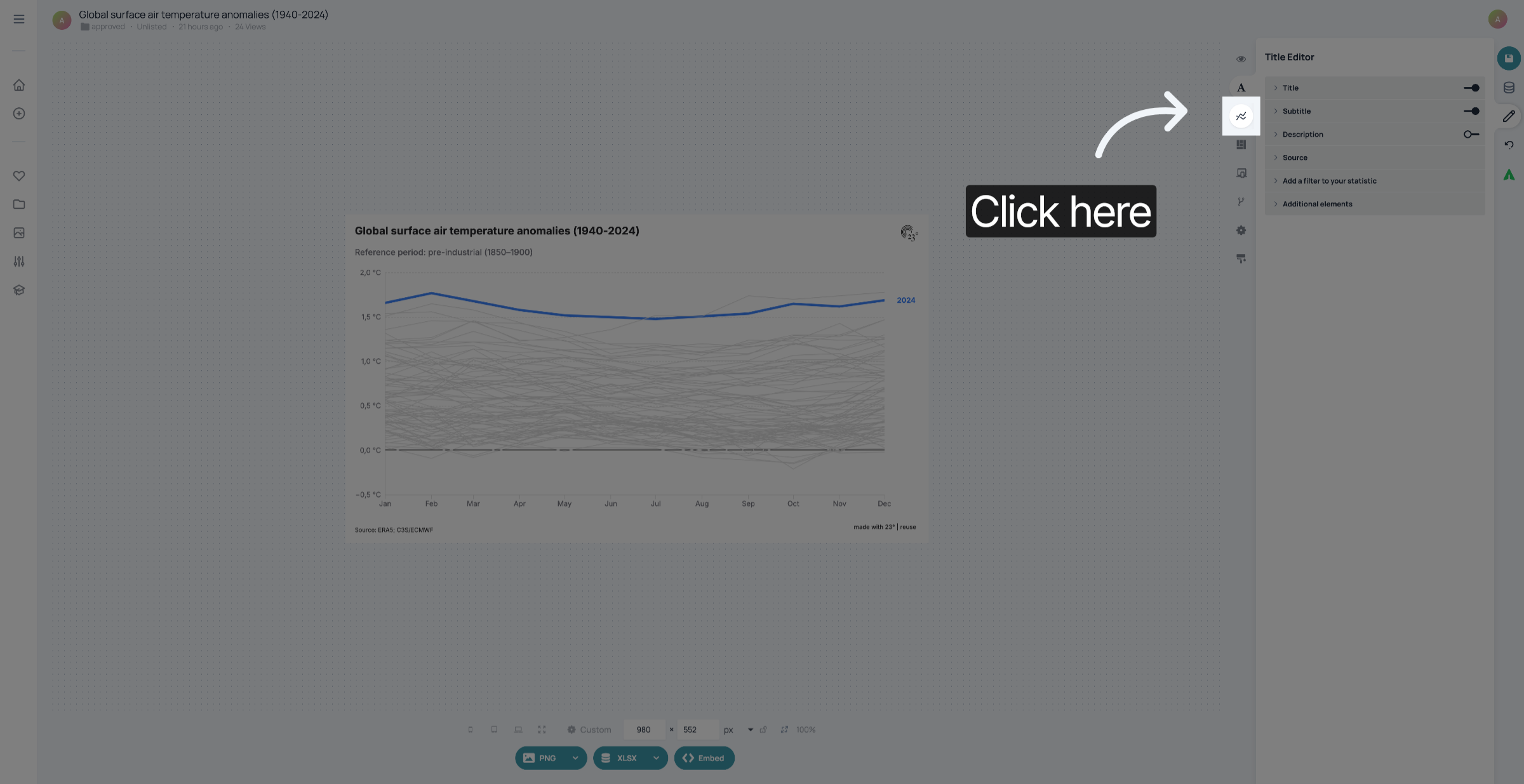
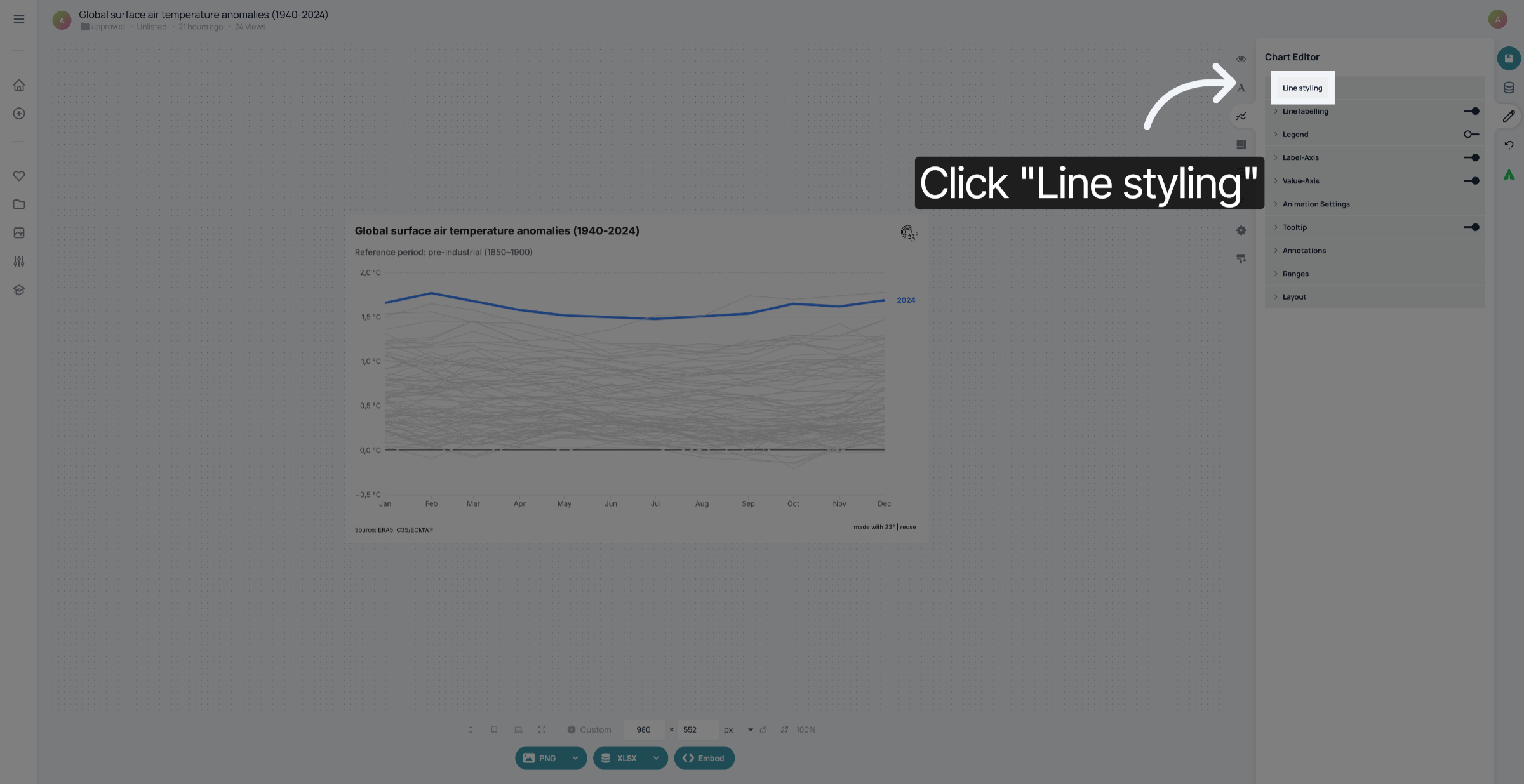
2. Click "Line styling"
Click "Line styling".
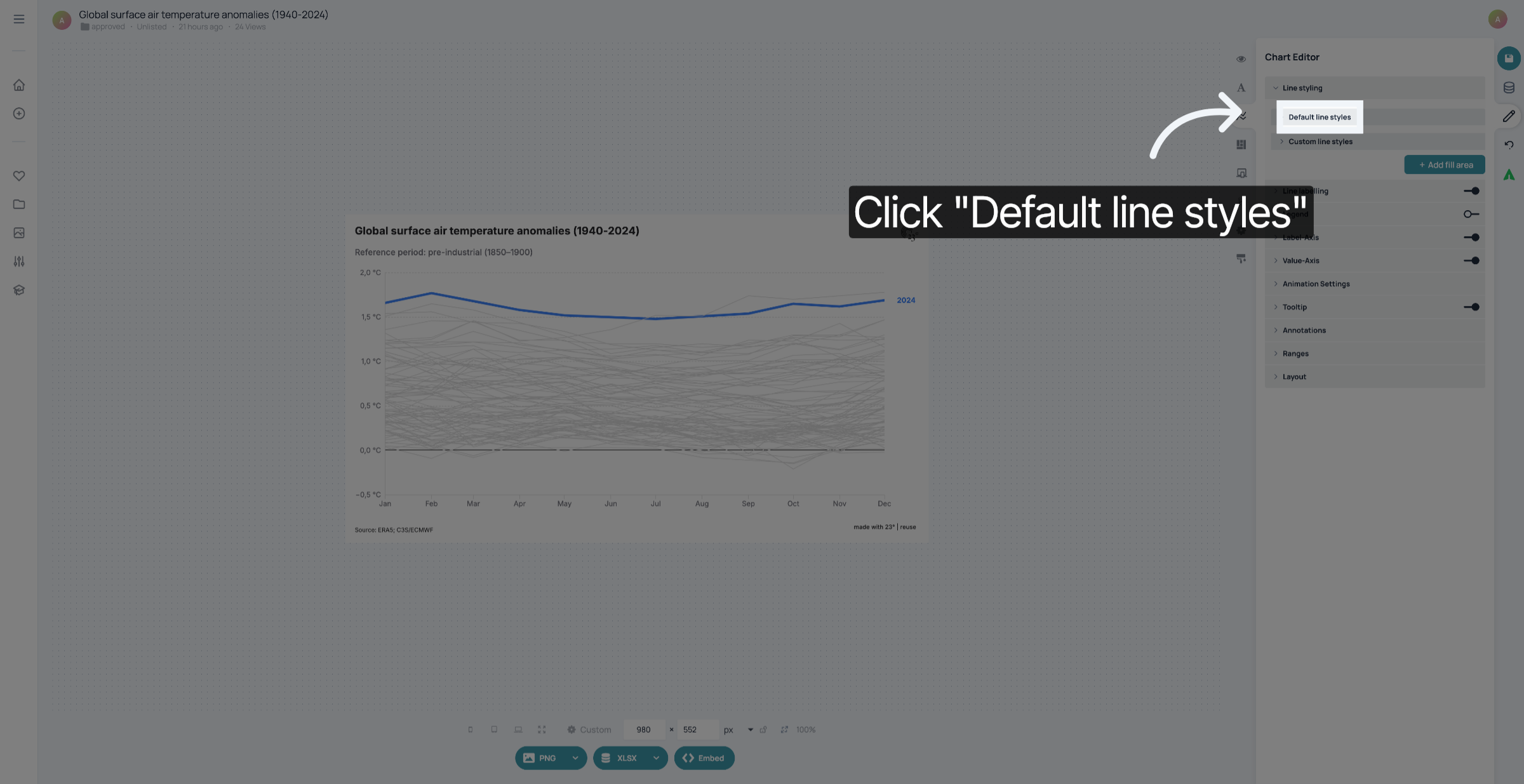
3. Click "Default Line Styles"
Click "Default line styles".
4. Open Line Style Dropdown
Click here to open the dropdown menu for selecting a line style.
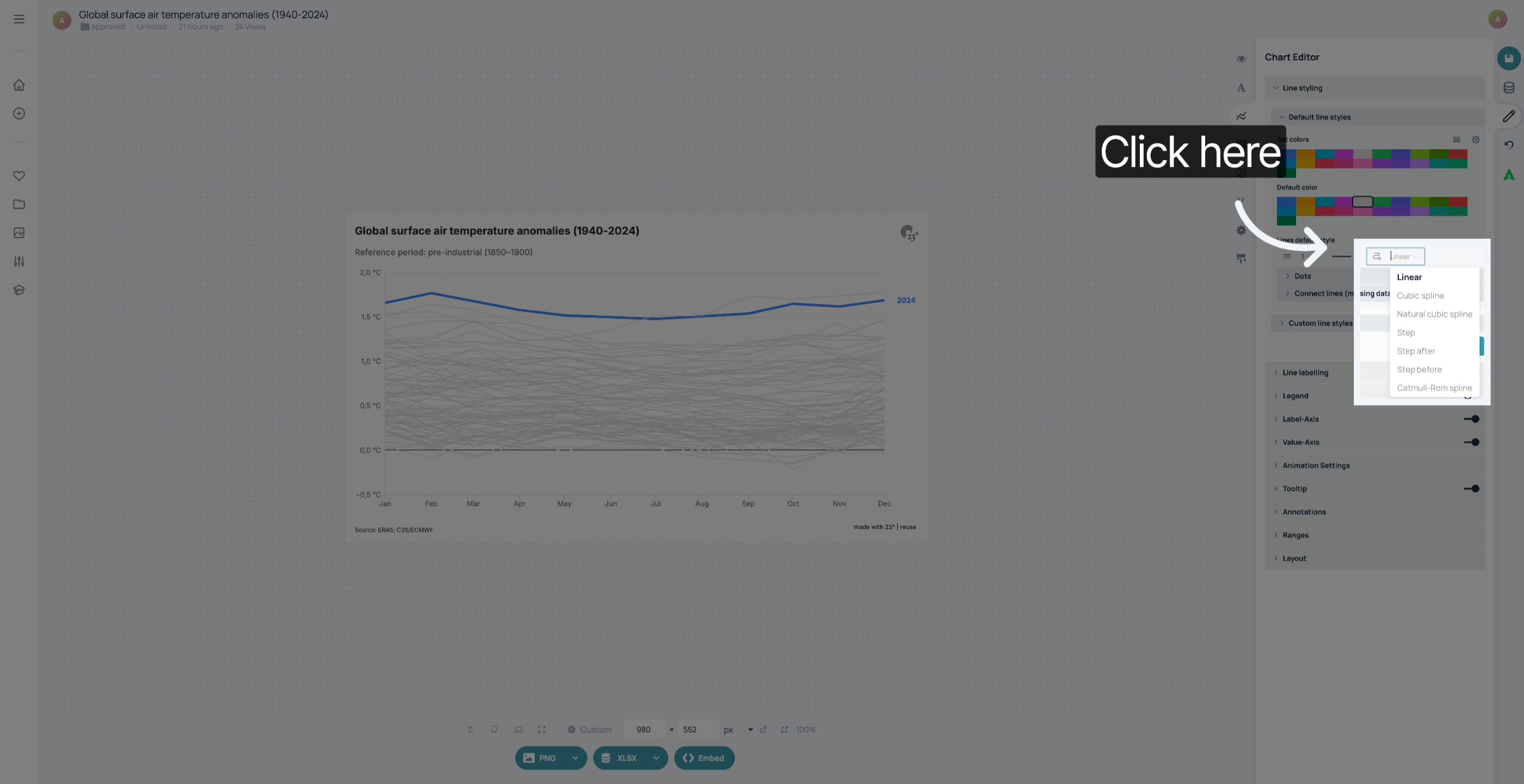
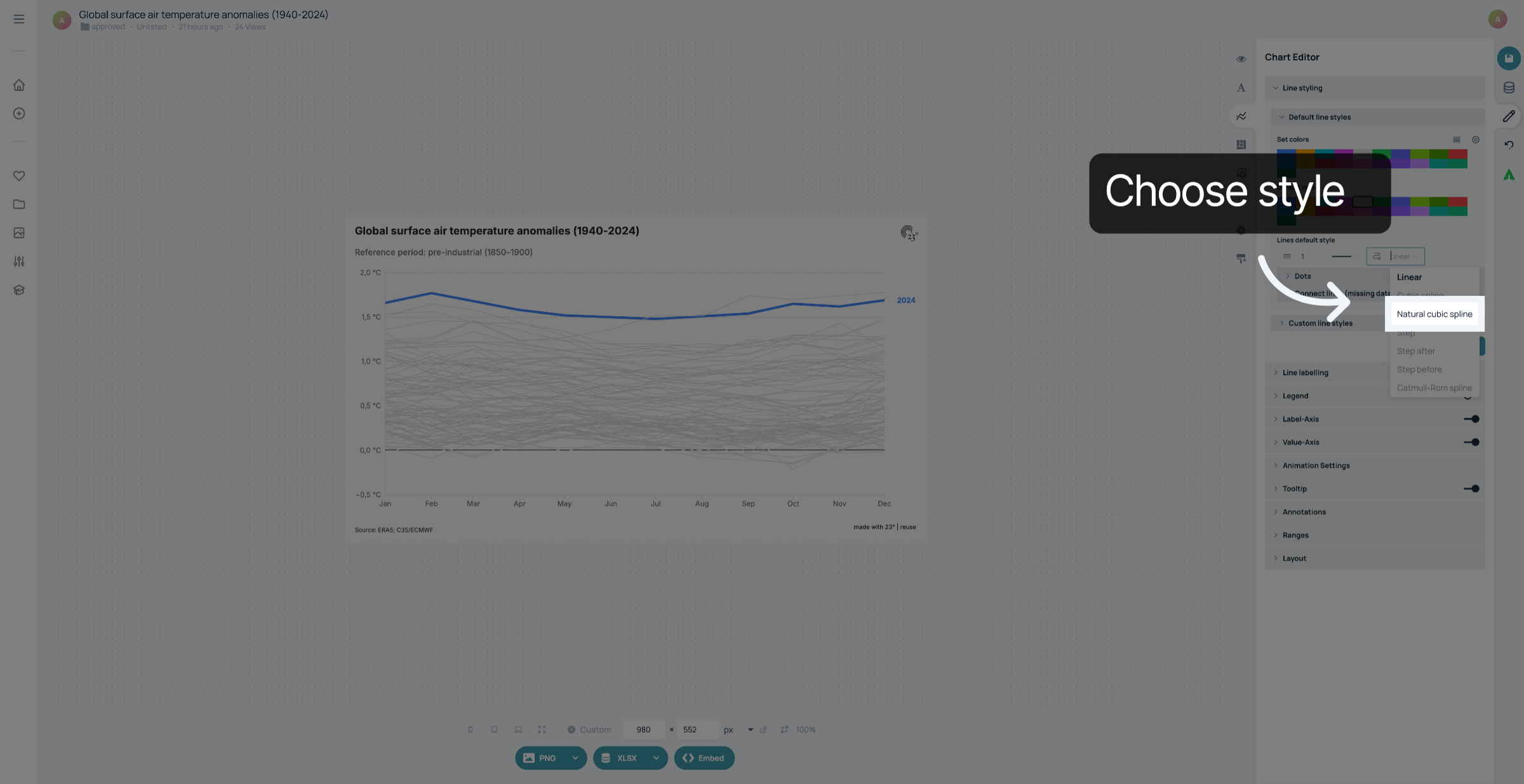
5. Choose Line style
Choose line style.
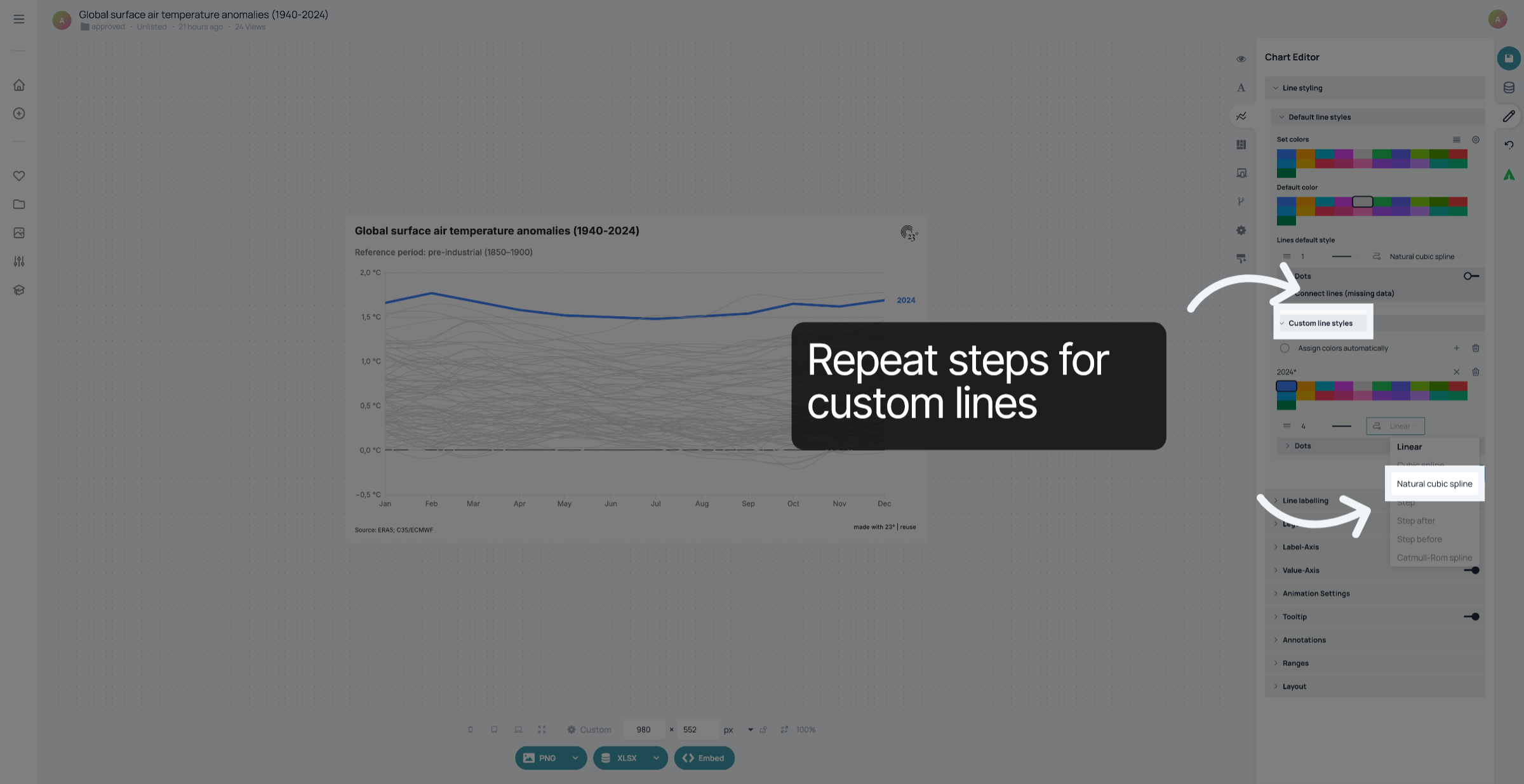
6. Repeat steps for custom line styles
If you have custom styles for some lines, and want their style to match, repeat the steps for each line separately.
7. Click Save
Don't forget to save your changes.
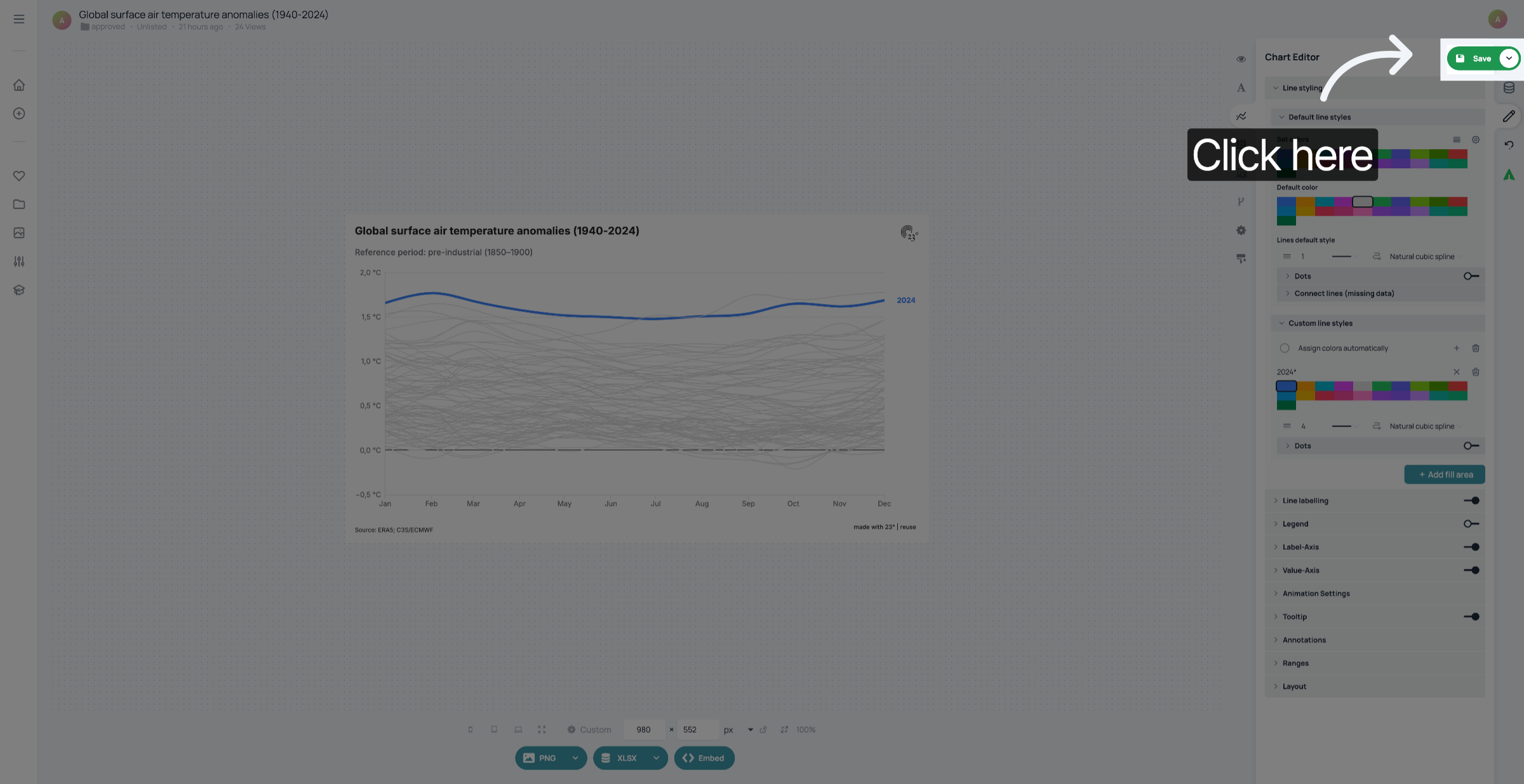
You have successfully customized the line style in your linechart.