Embed Visualizations Using iFrame in 23degrees Platform
This tutorial explains how to embed your visualization using 23°.
1. Introduction
Open the visualisation you want to embed.
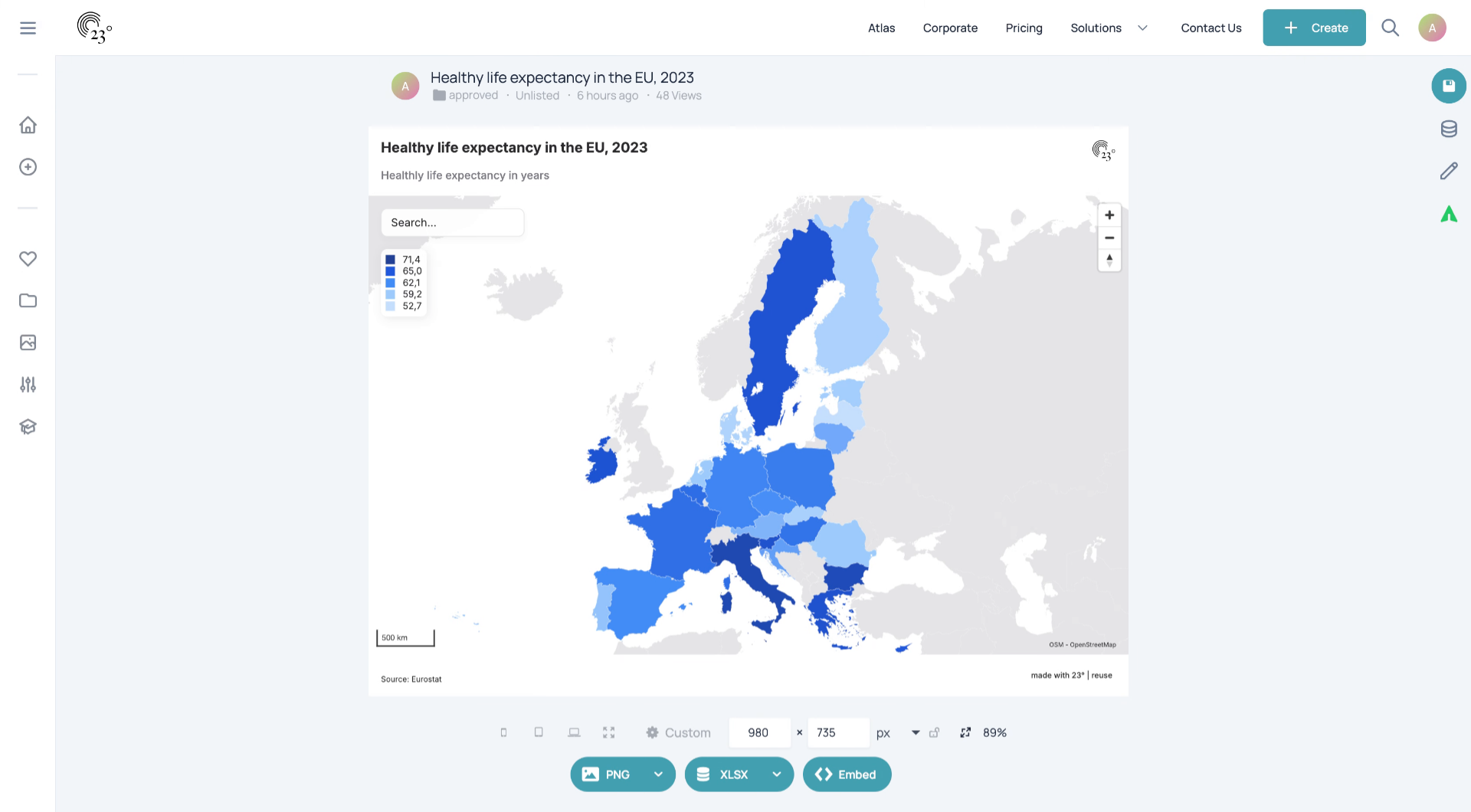
2. Click "Embed"
At the bottom of the page, lick "Embed".
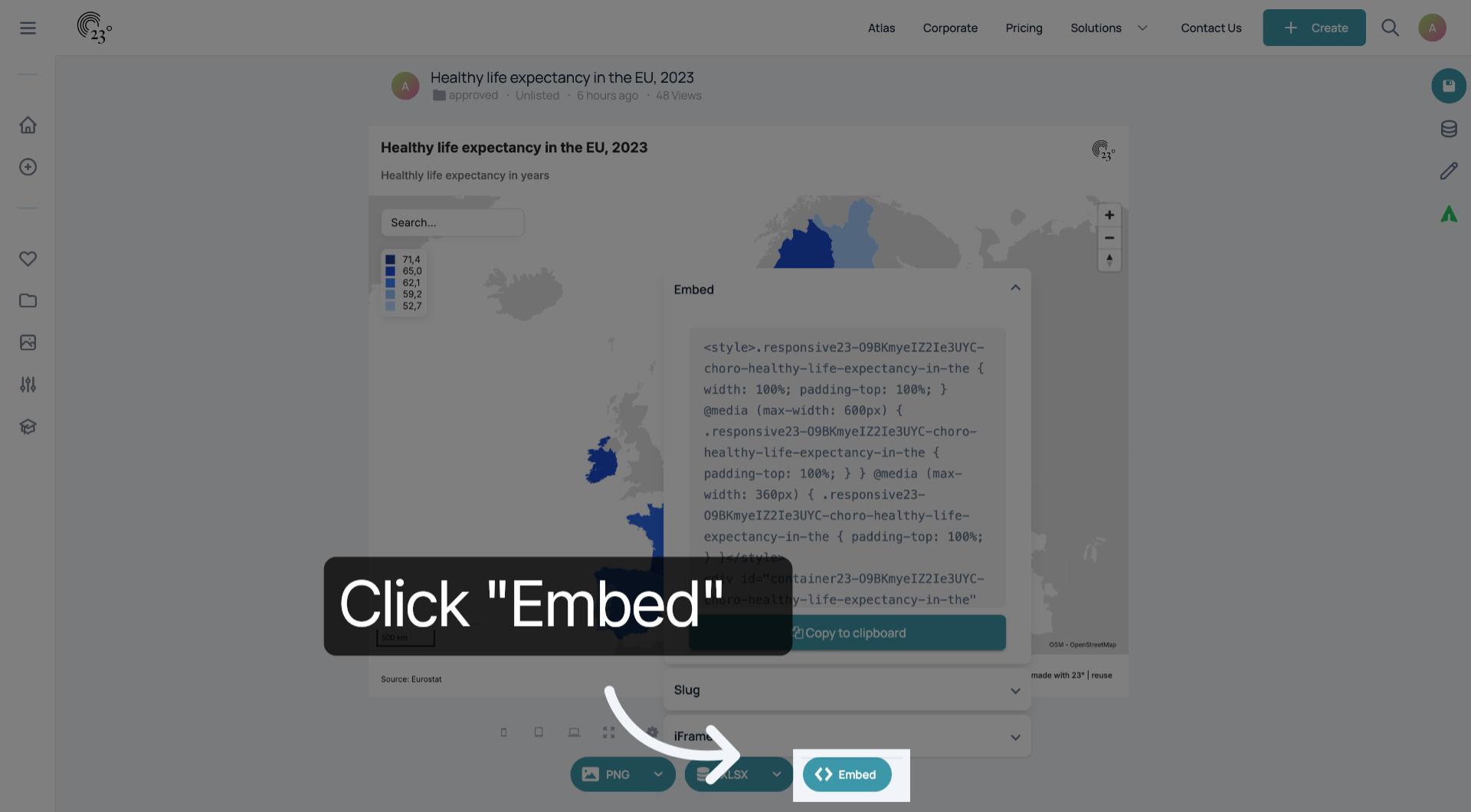
3. Choose Embed Style
The Embed is the most common way to embed visualisations.
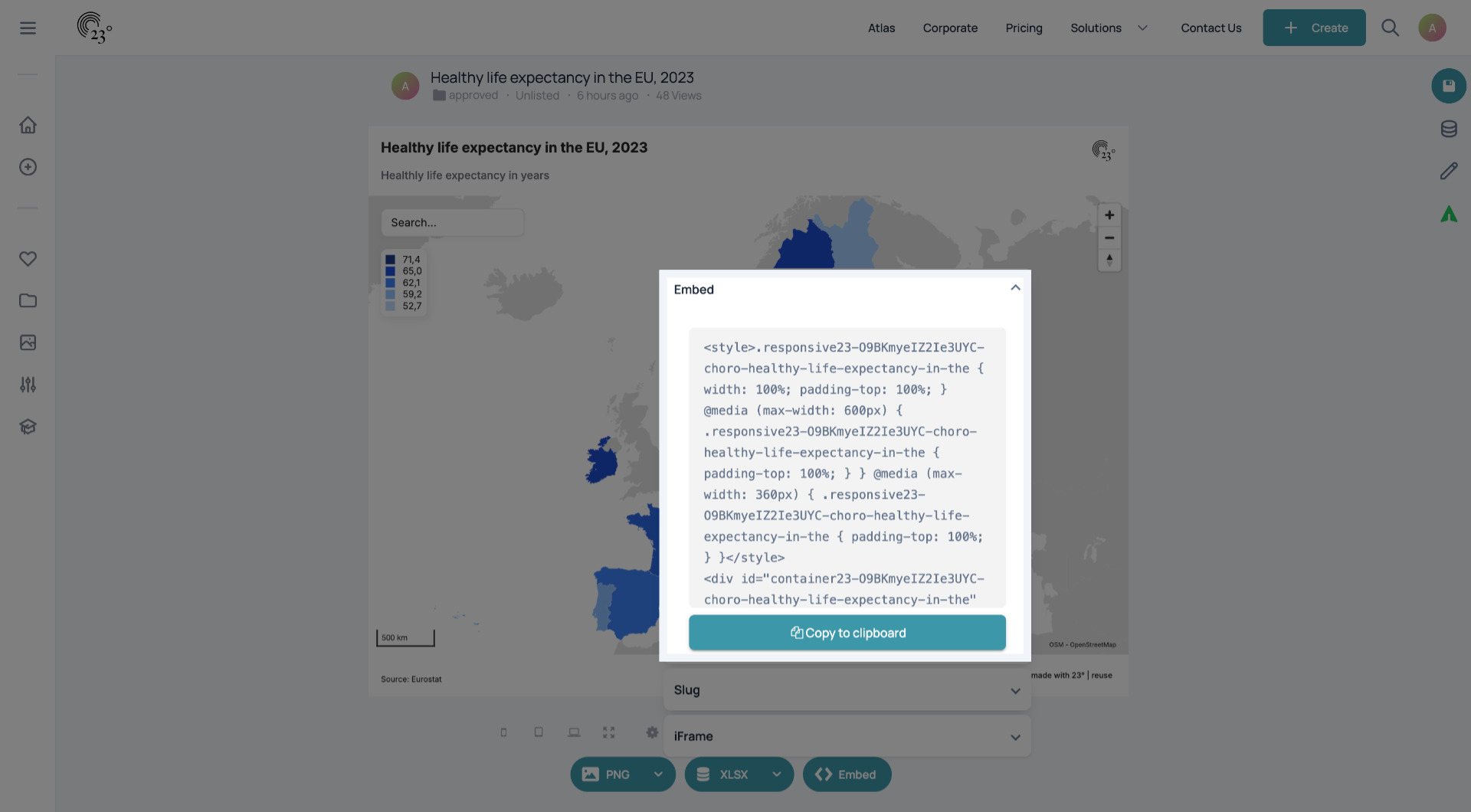
4. Choose Embed Style
If your CMS can work with a 23° slug, you can use a slug.
5. Choose Embed Style
You can also embed the visualisation via iFrame. iFrames do not have dynamic height control.
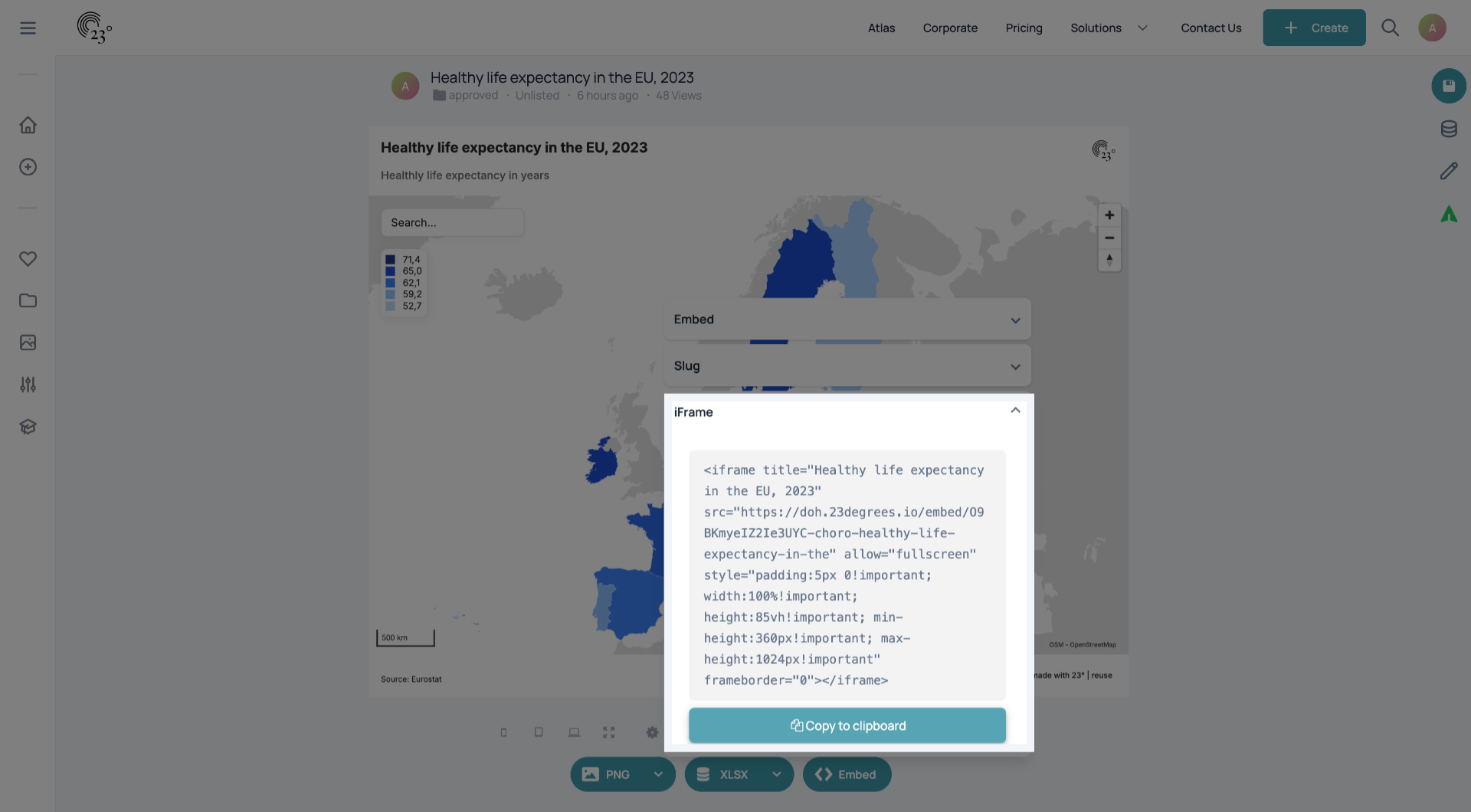
You have successfully copied an embed from 23° and can use