Column Types Explained: Values
In this tutorial I’m quickly going to explain what value columns are used for in interactive visualisations in the 23degrees application. Value columns are your main recipe to ensure your charts display trends and insights. Without values there is nothing to visualize.
In 23degrees, the value column type can be identified by the purple column colour and the “x²” icon.
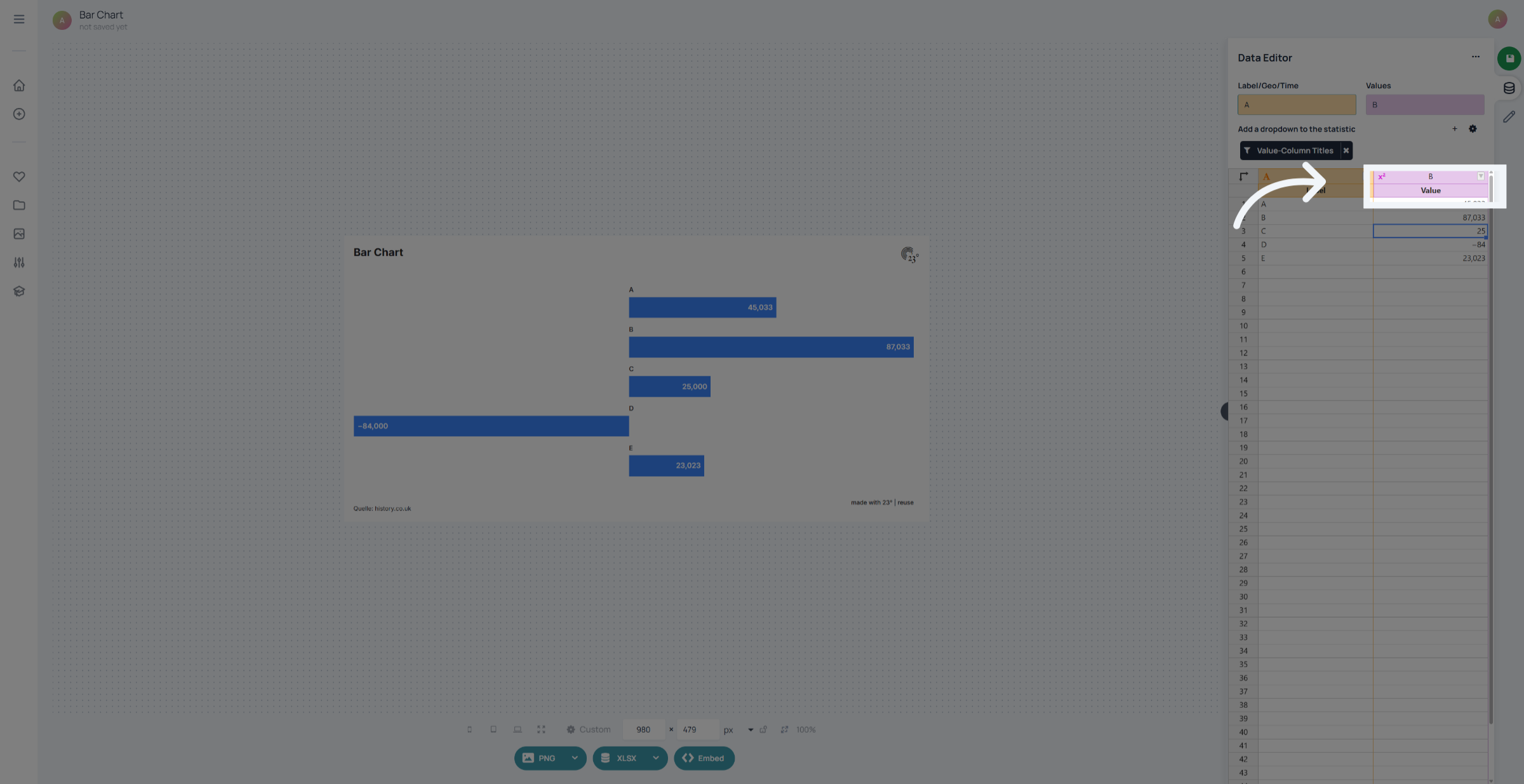
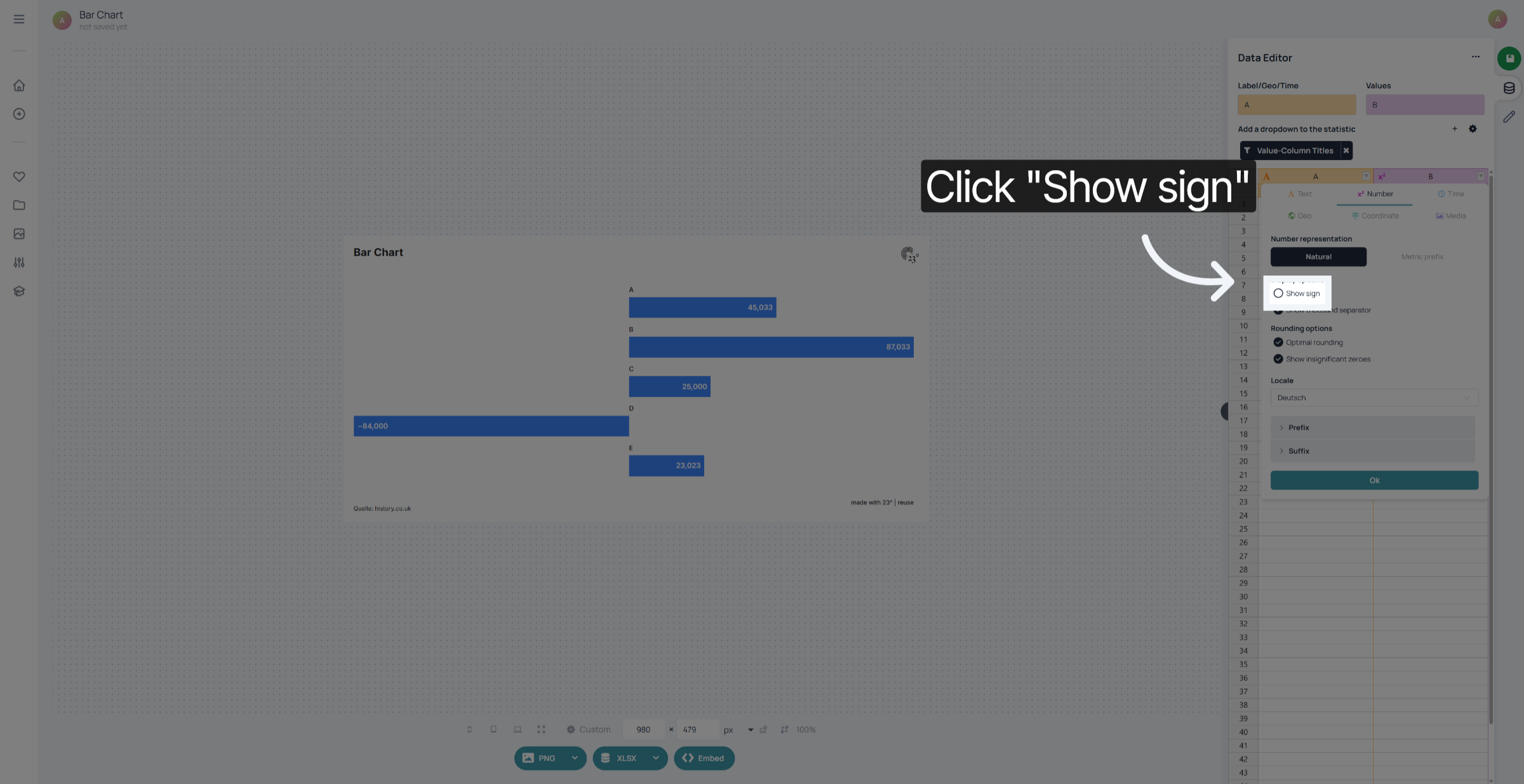
Value columns come with a wide array of different formatting and display settings where you can tailor your value display to your specific needs. First of all we have the option to show signs. This means that you can show positive values with a + prefix.
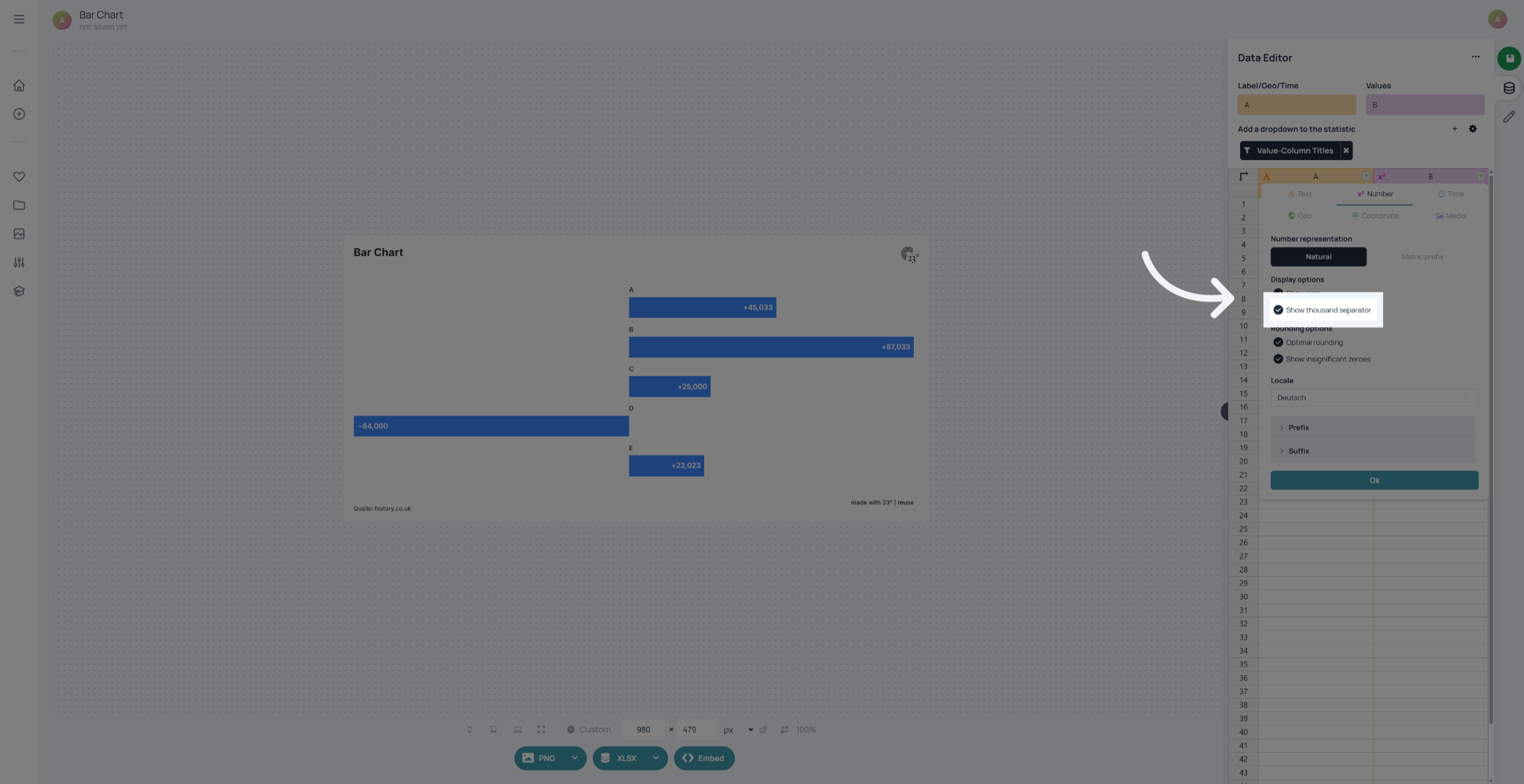
Secondly we have the option to activate or deactivate showing of thousand separators if you do not need them in your data display just remove this option
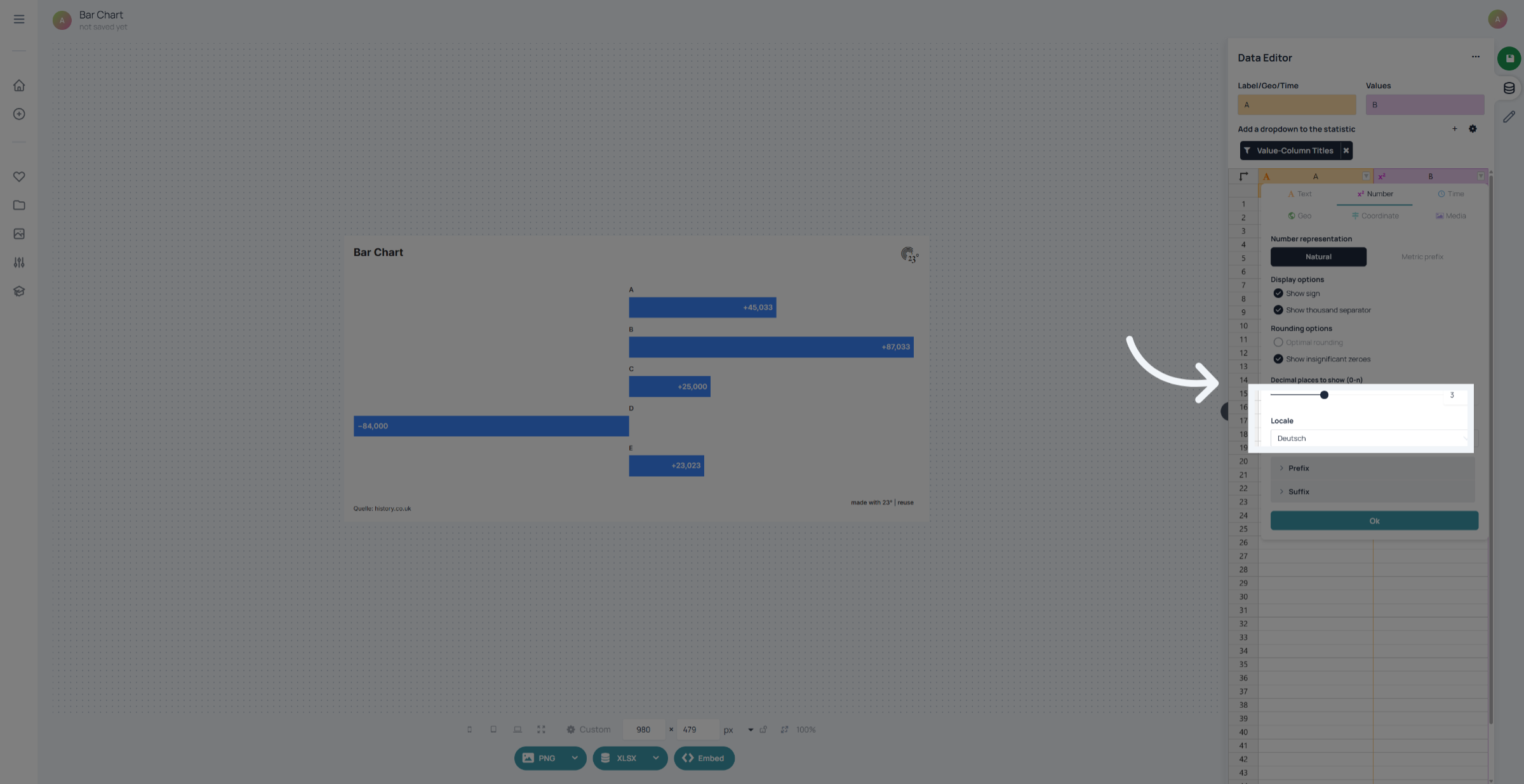
Click "Optimal rounding" to choose the best rounding method for your values. Here you can input to how many decimals your value display should be rounded to
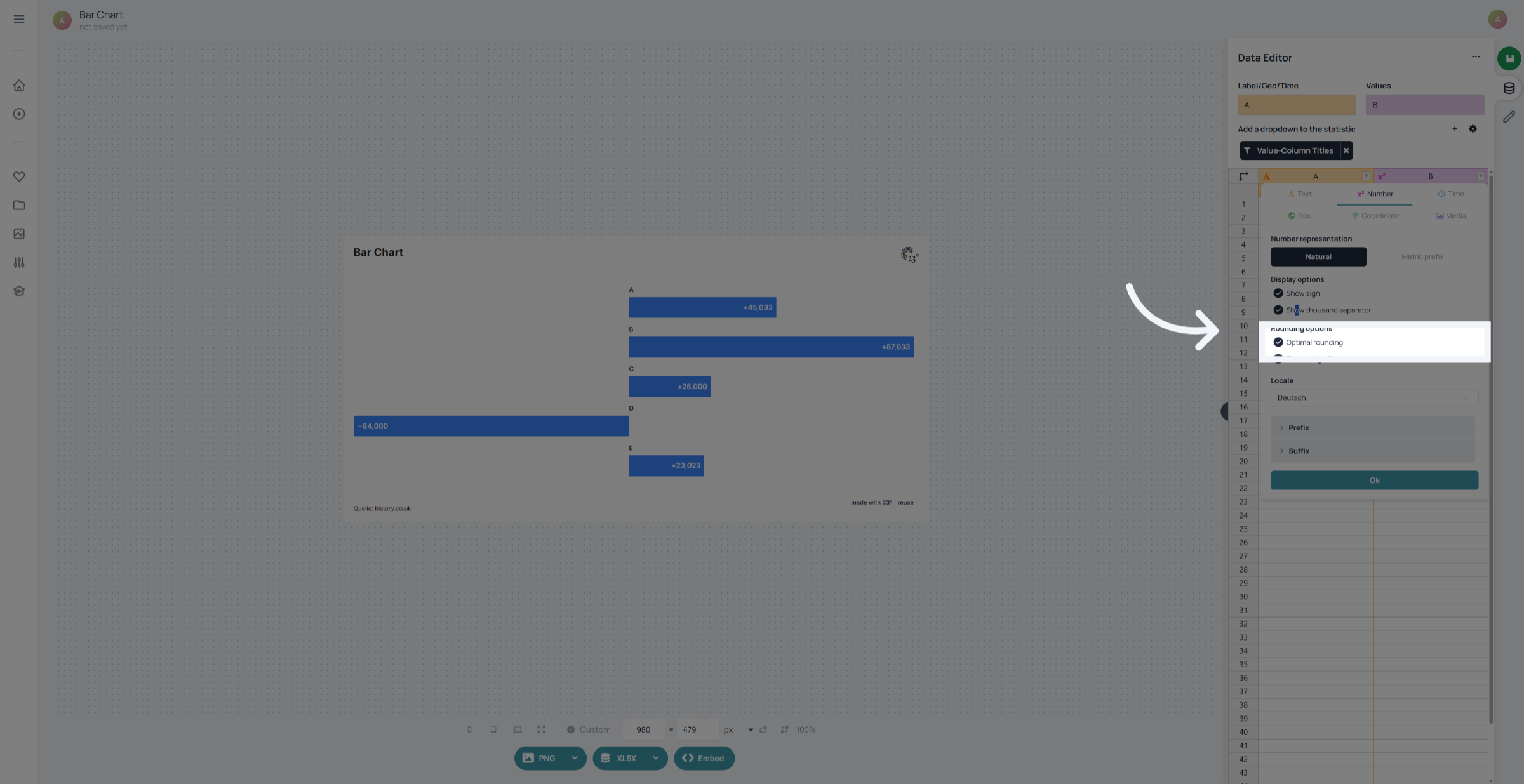
Just input the decimal places here. You can also select the language in which your decimal display should be. German number format for instance uses commas for separating decimals and dots for separating thousands.
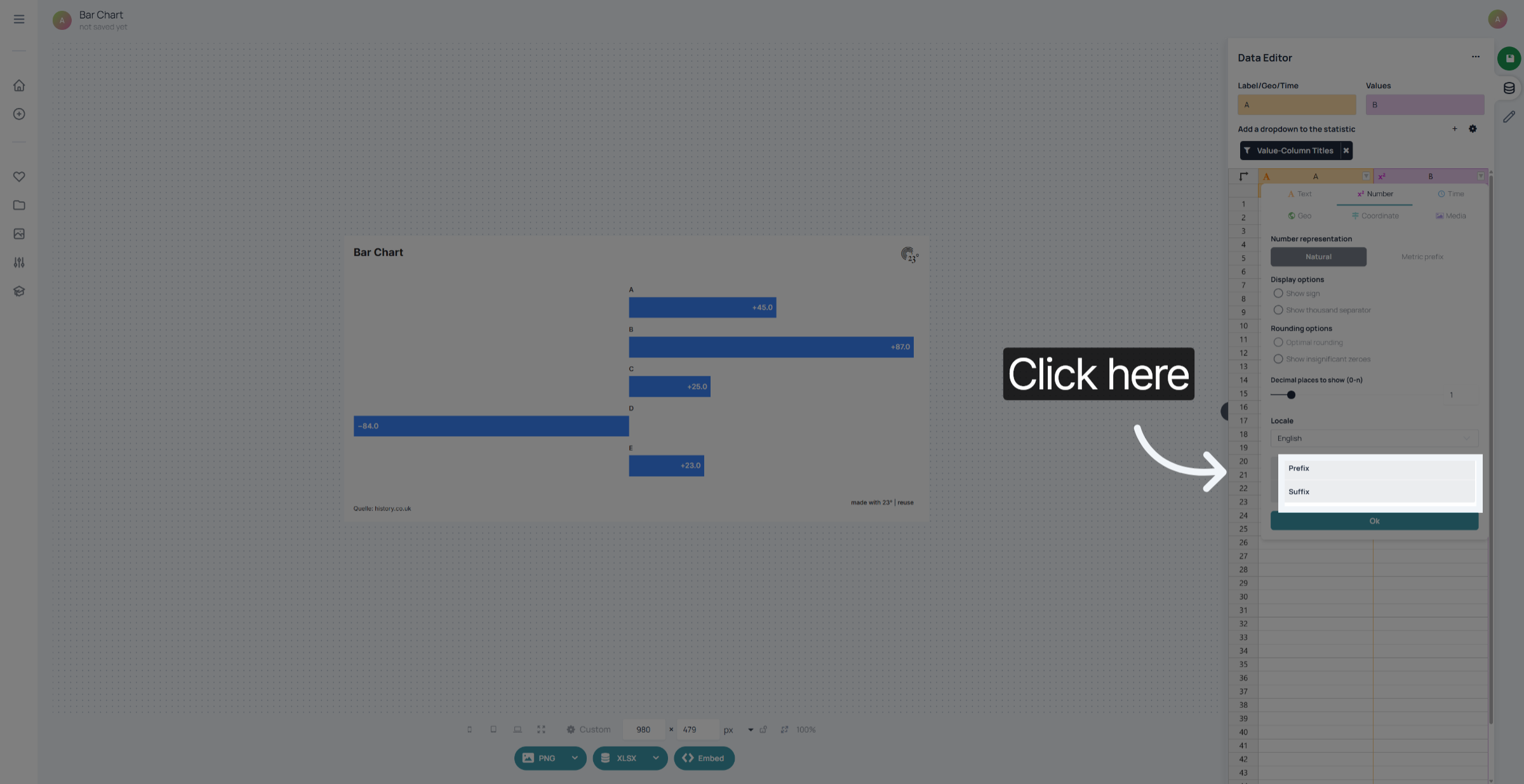
As with text columns you can also apply prefixes and suffixes accross the board. If you want to display your data as percentages or give it a currency suffix you can just add it here.
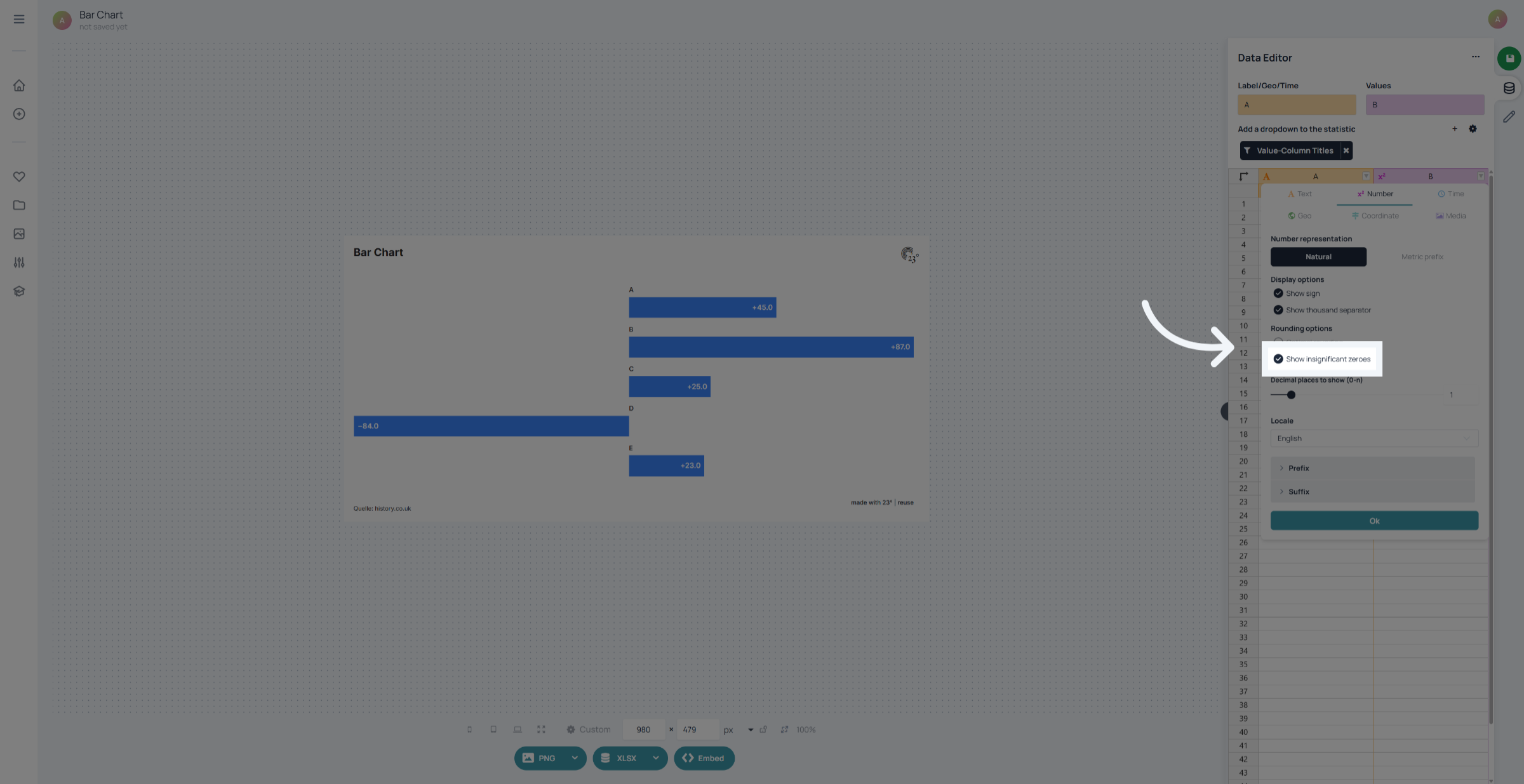
Click "Show insignificant zeroes" to display trailing zeros in decimal numbers. Or toggle it off if you want to remove them from the display.
Click "Metric prefix" to enable metric prefixes for numerical values.
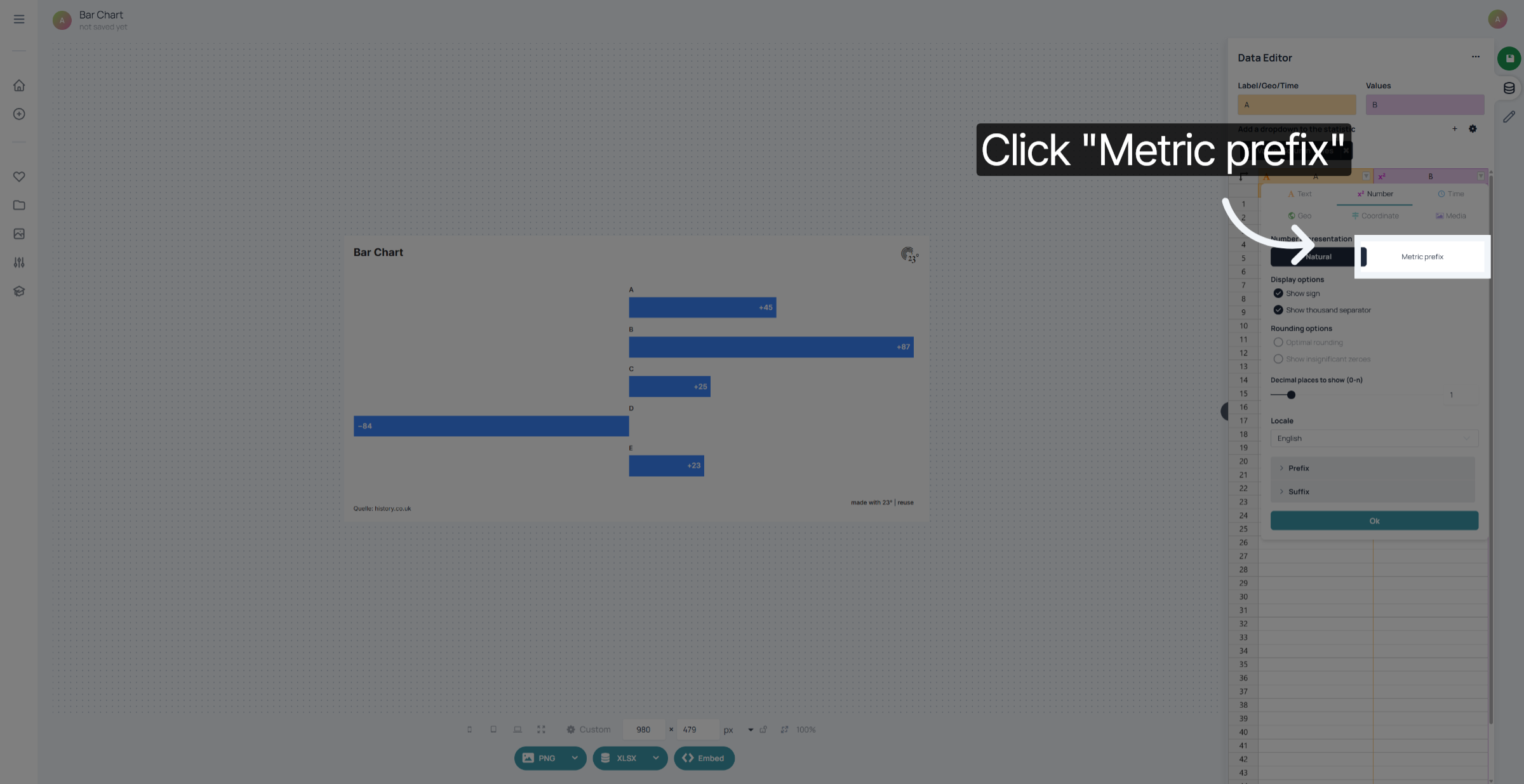
If choosing to display your values in a metric format your values will be displayed in millions, k or billions.
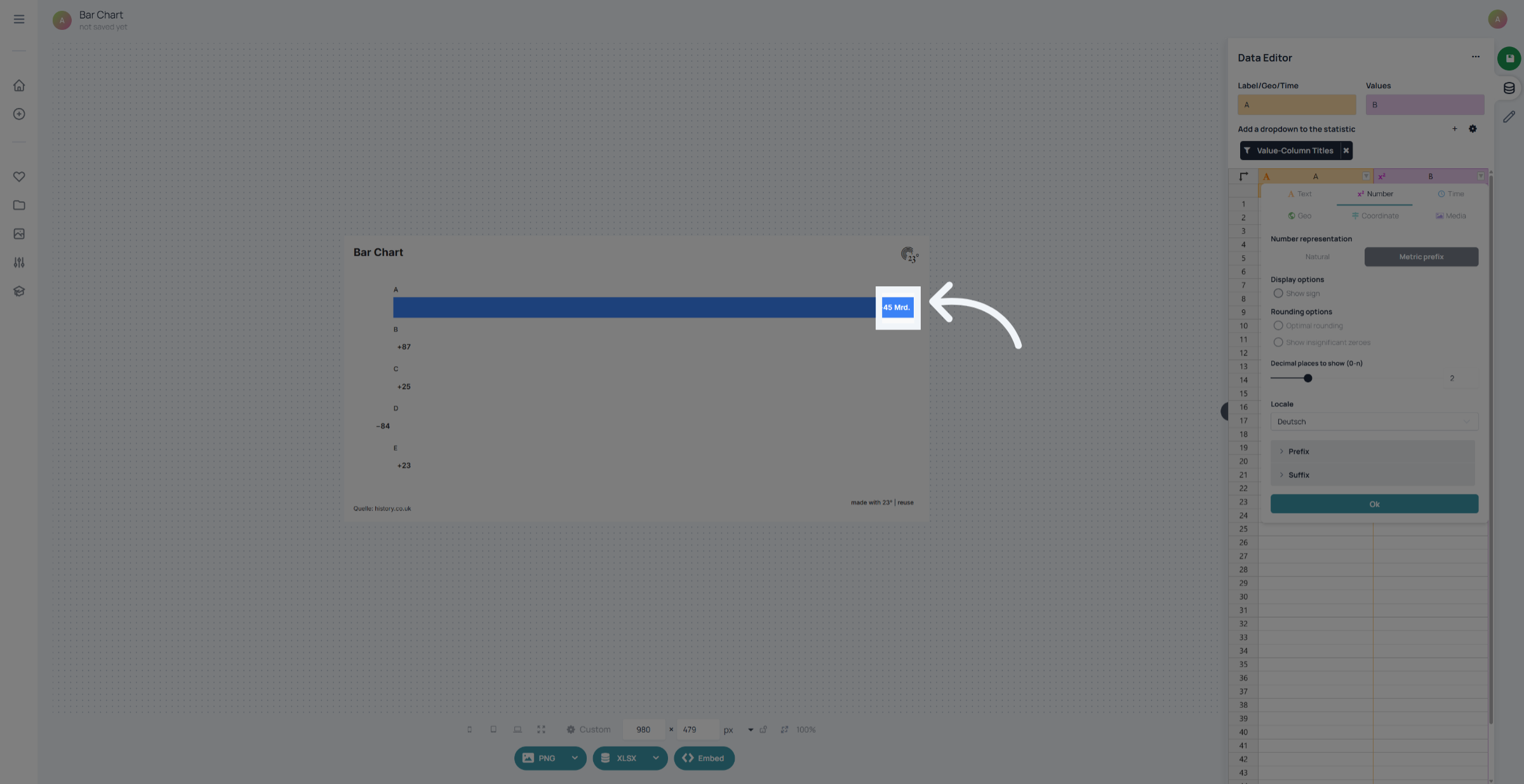
You can choose between displaying english and german metric prefixes.
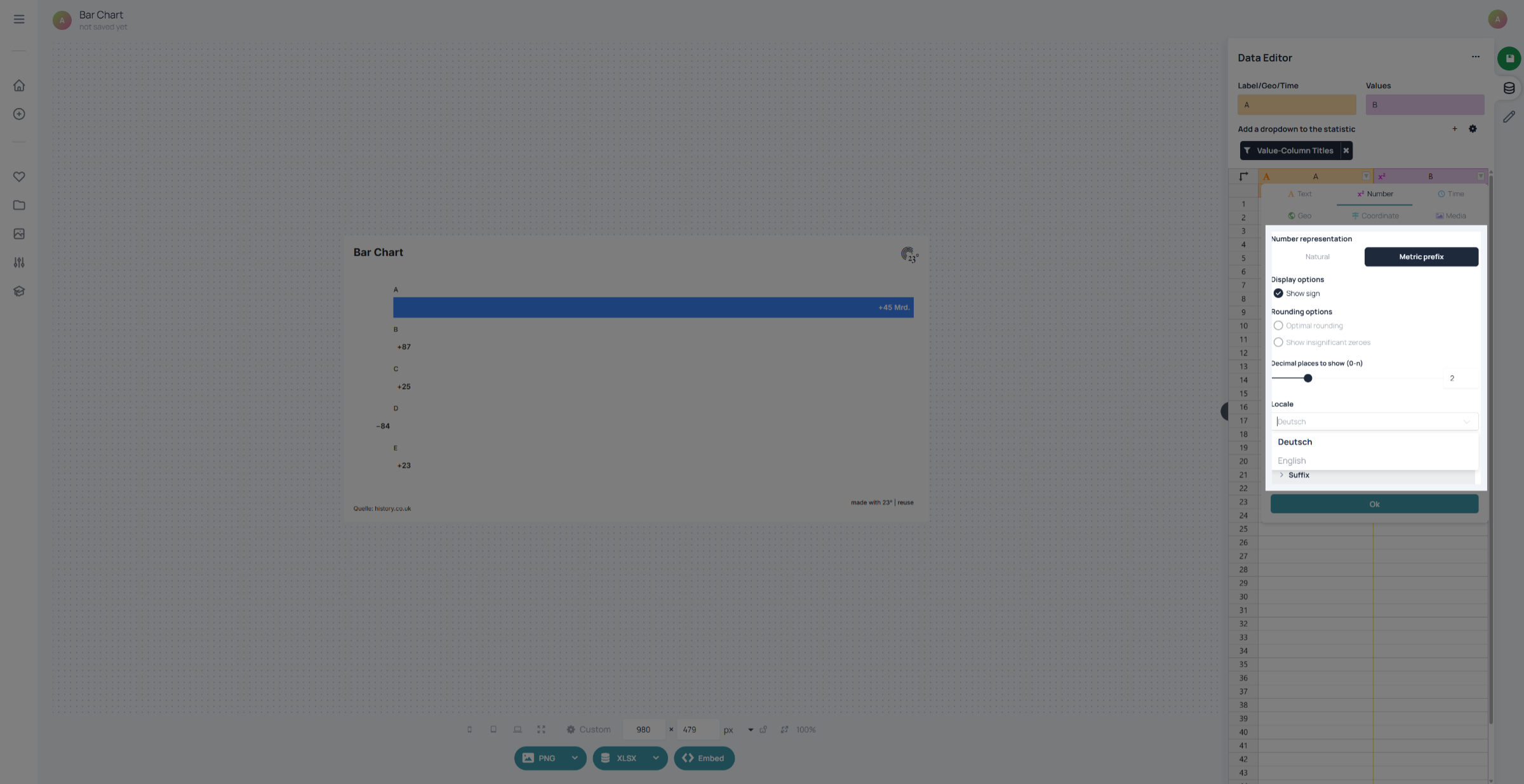
You have successfully configured the column value display settings in 23degrees, including sign display, thousand separators, rounding, language preferences, and metric prefixes. These adjustments ensure your data is presented clearly and accurately according to your formatting needs.