How to change the display of large numbers
This tutorial explains how to change the display of large numbers.
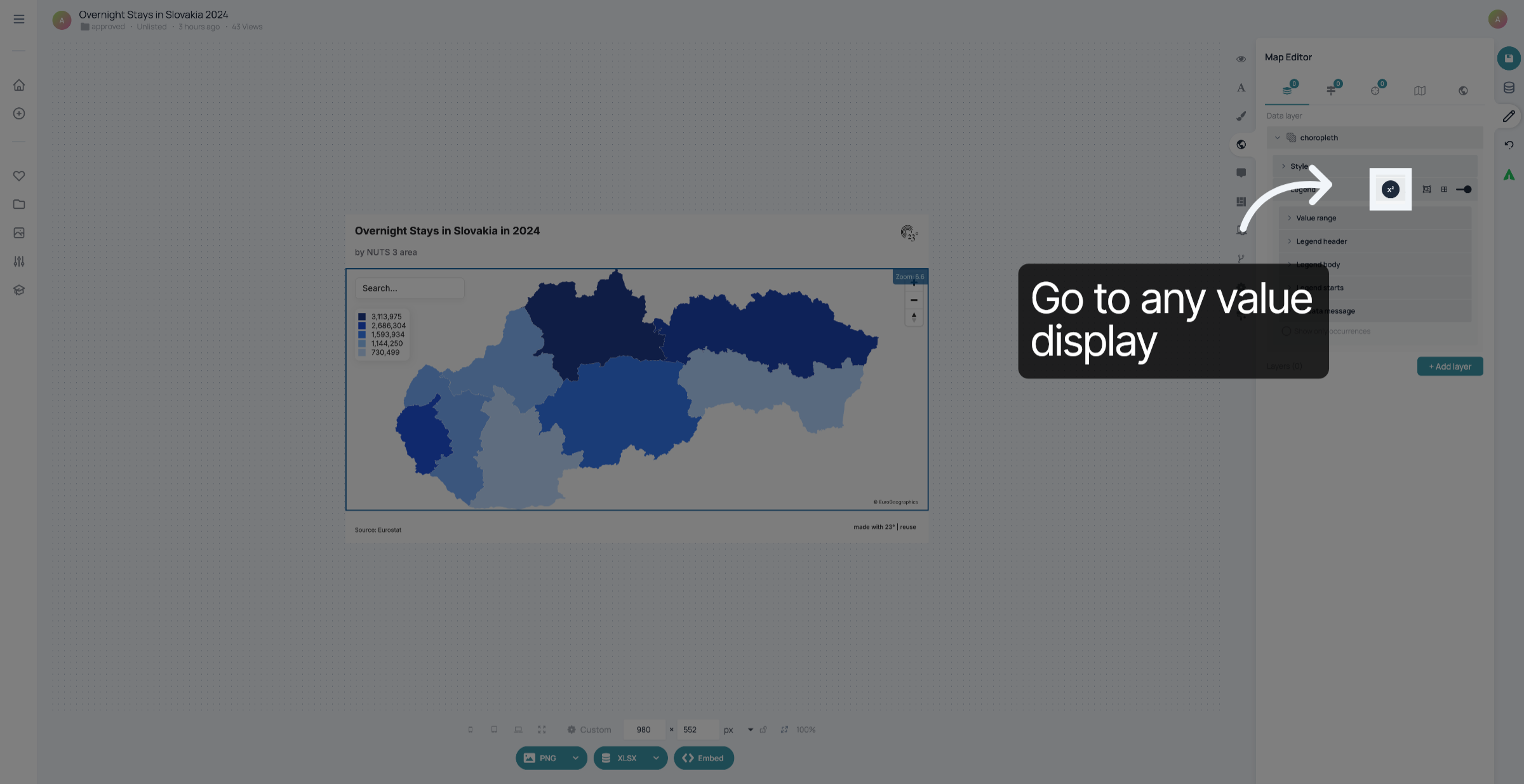
1. Go to any value display
Go to the value display you want to customize. In this case, it's the legend of a choropleth map.
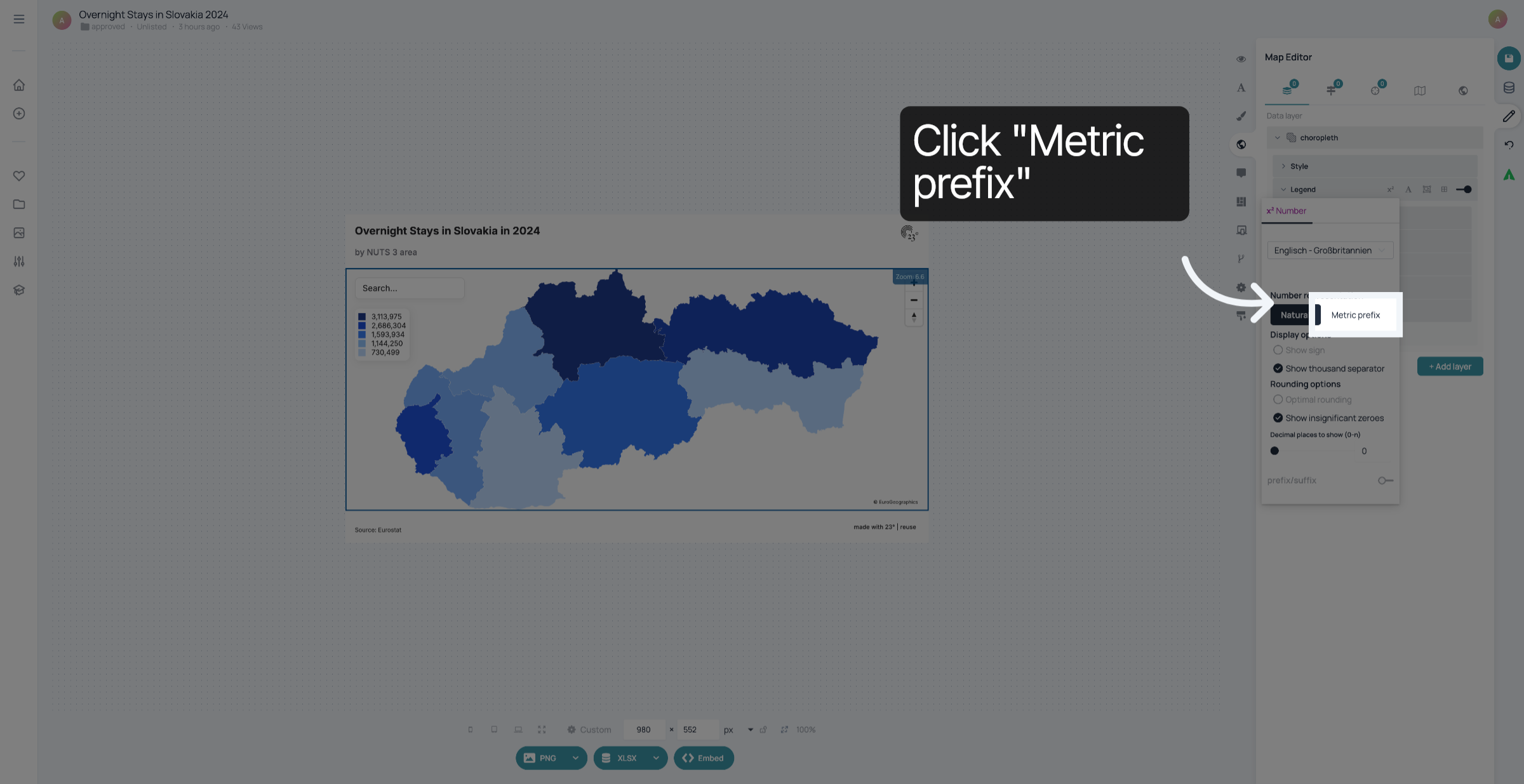
2. Click "Metric prefix"
To show "million" instead of a seven digit number, click "Metric prefix.
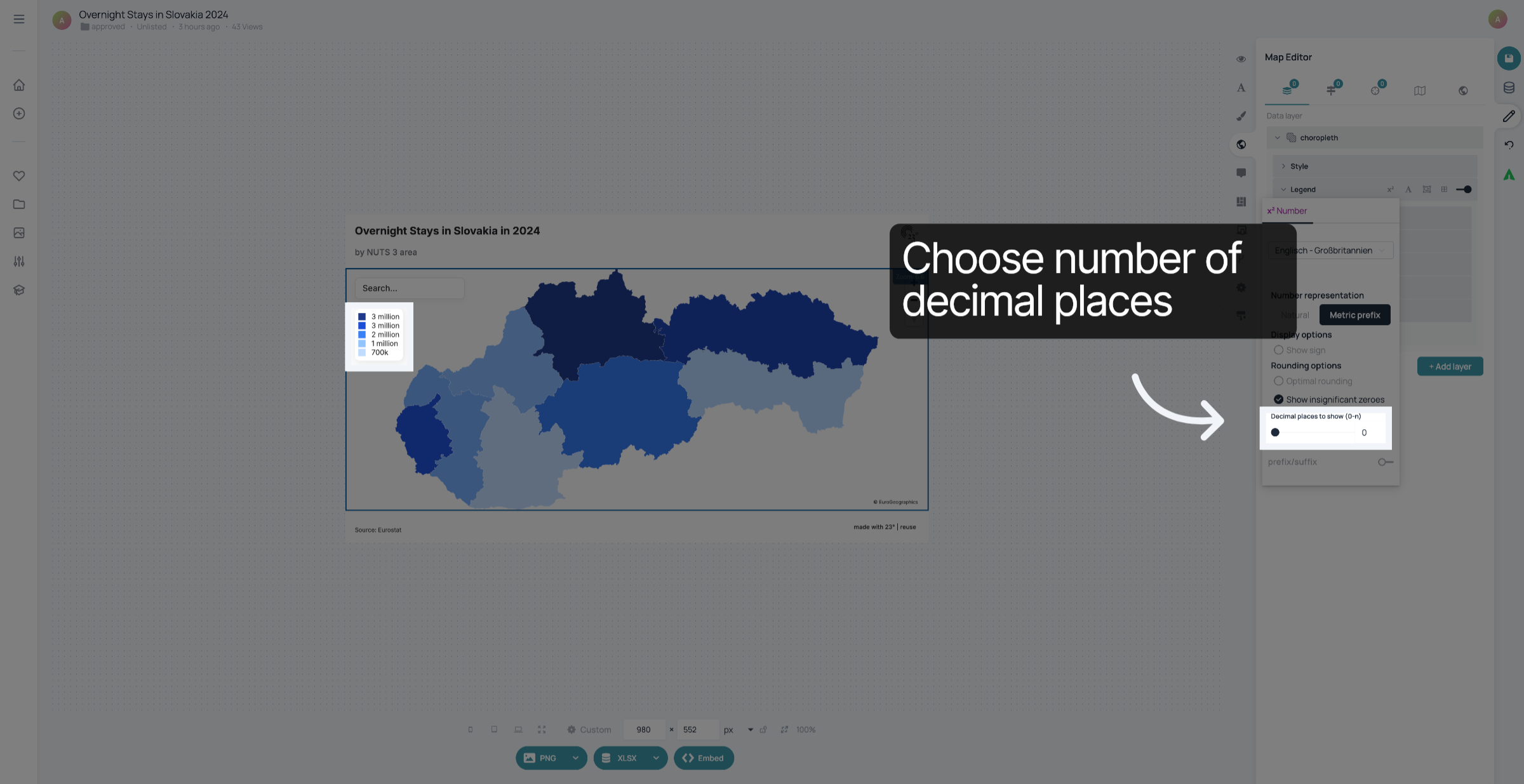
3. Set Decimal Places
You can also choose how many decimal places to show.
4. Save your changes
Once you're happy with the display of the values, don't forget to save your changes.
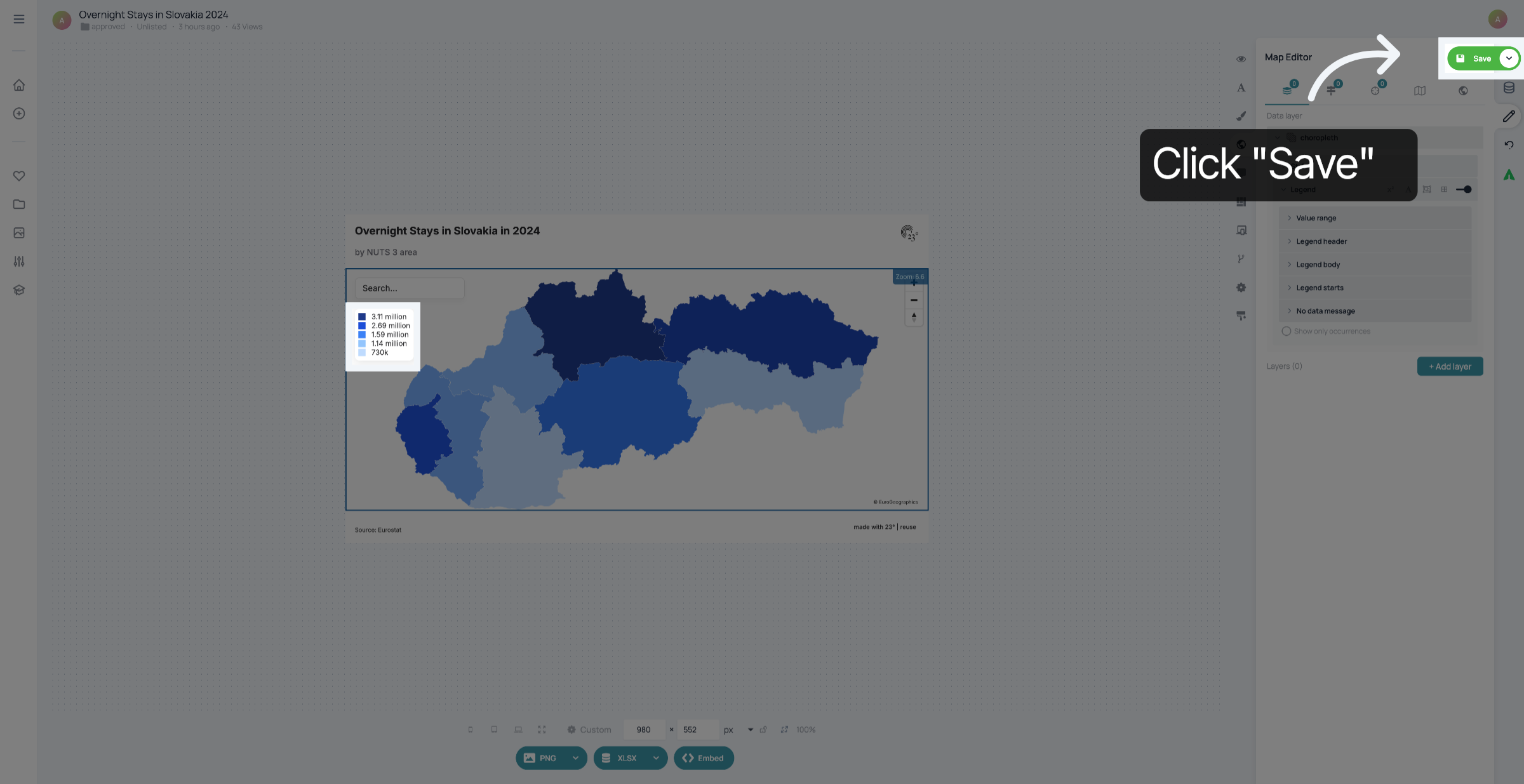
You have successfully changed the display of large numbers.