How to add labels above bars in barcharts
This tutorial demonstrates how to move the labels in your barchart from the left to the top of the bars.
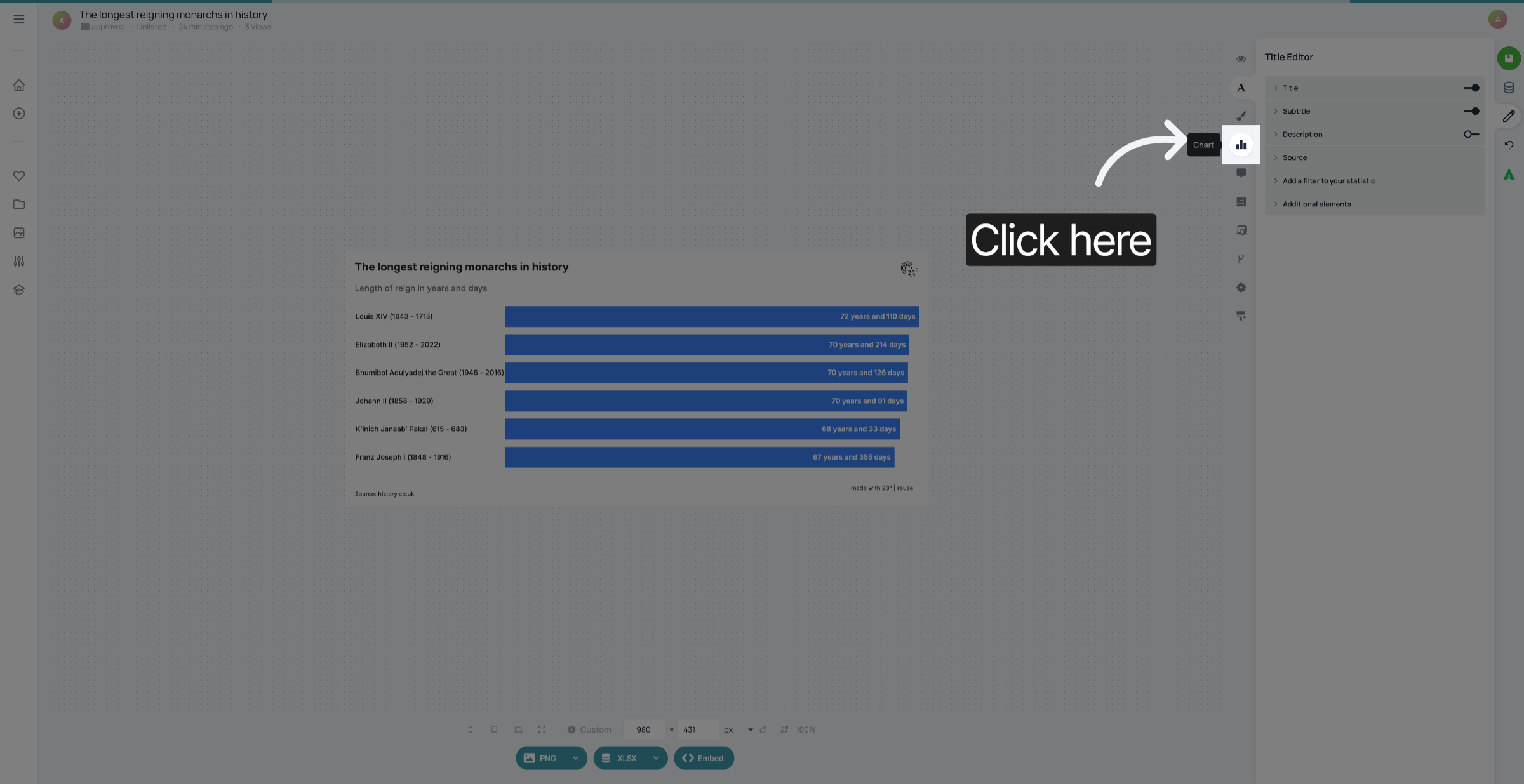
1. Go to Chart Editor
Starting from a barchart with labels at the left, go to the Chart Editor.
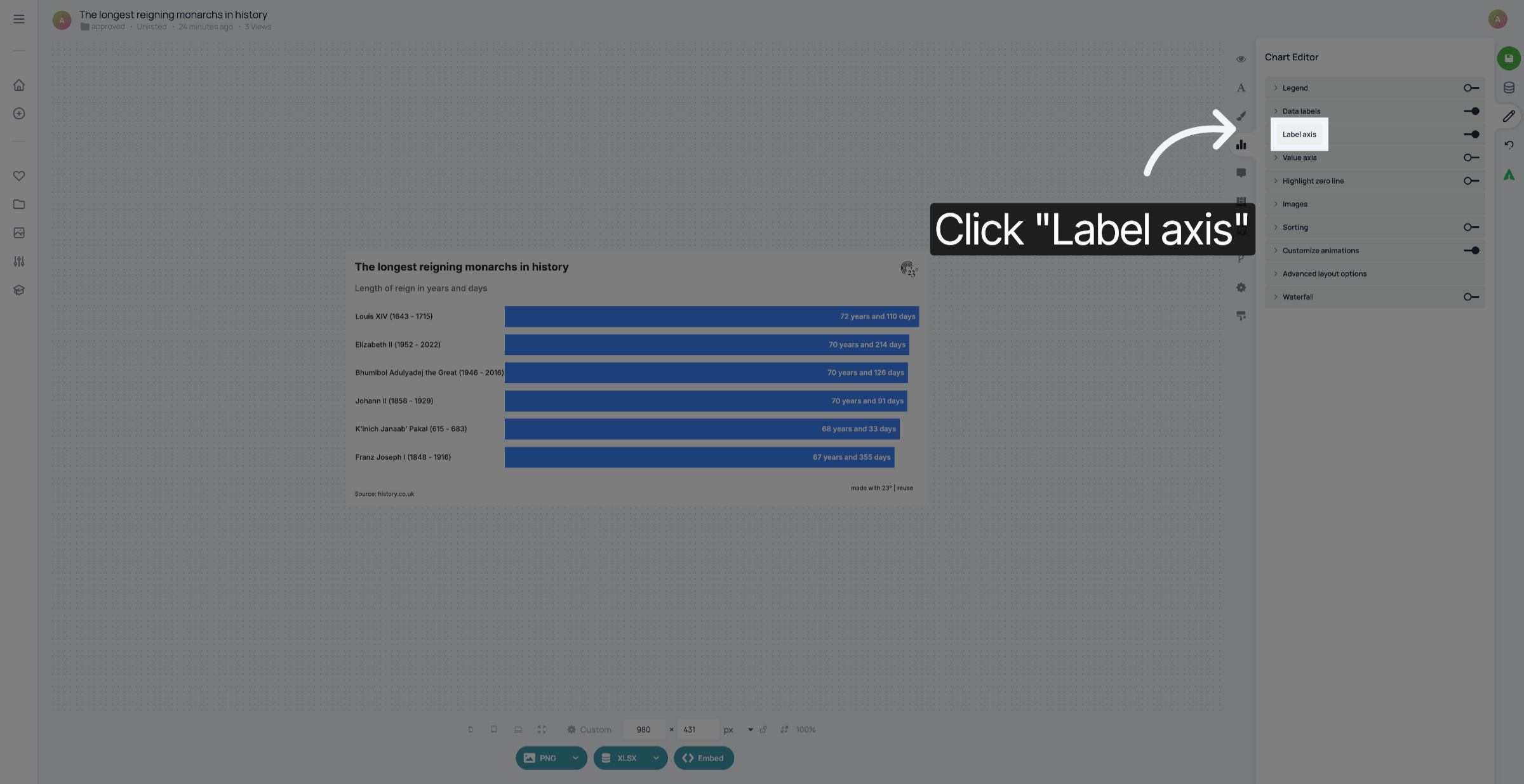
2. Click "Label axis"
Click "Label axis".
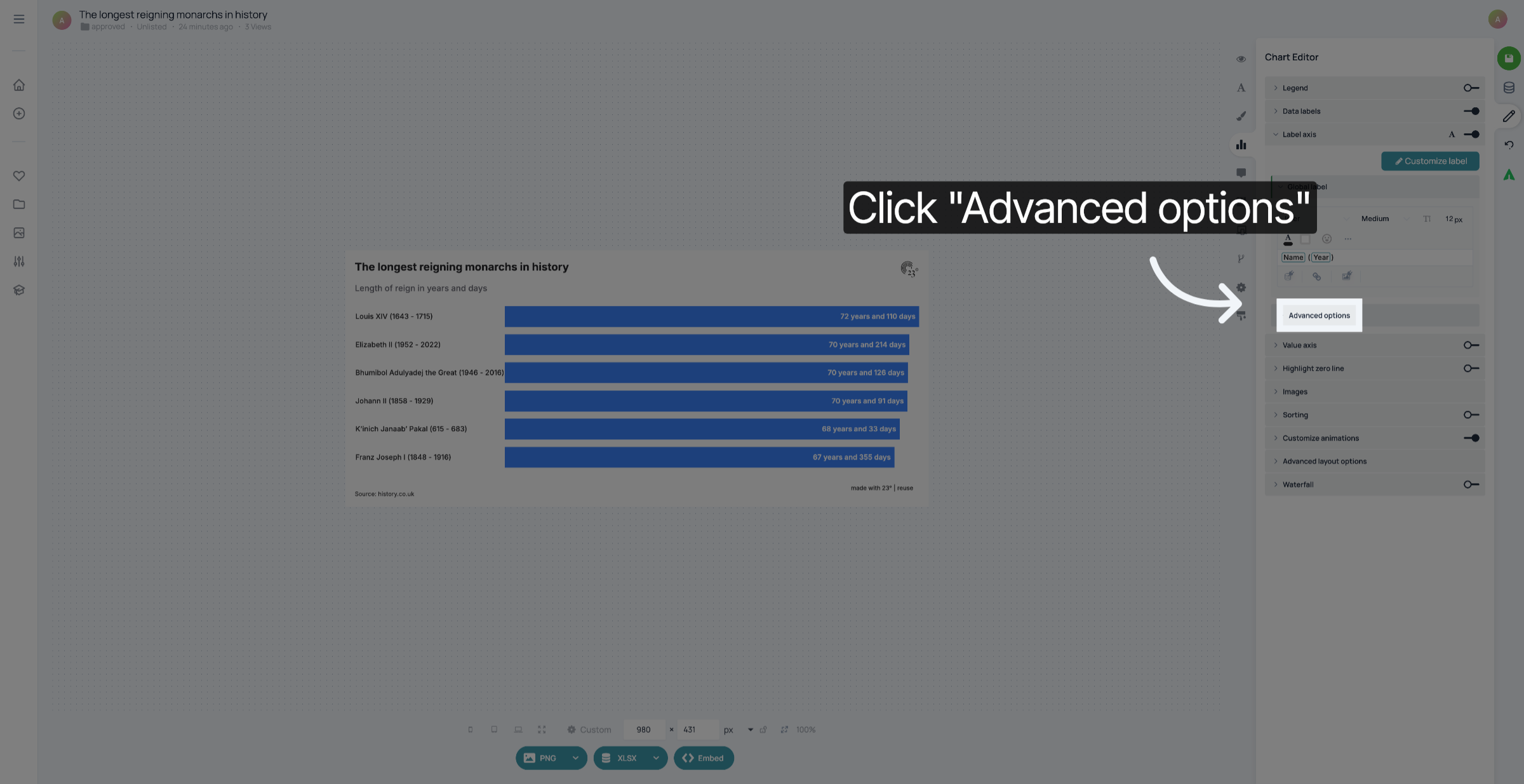
3. Expand Advanced Options
Expand the Advanced Options.
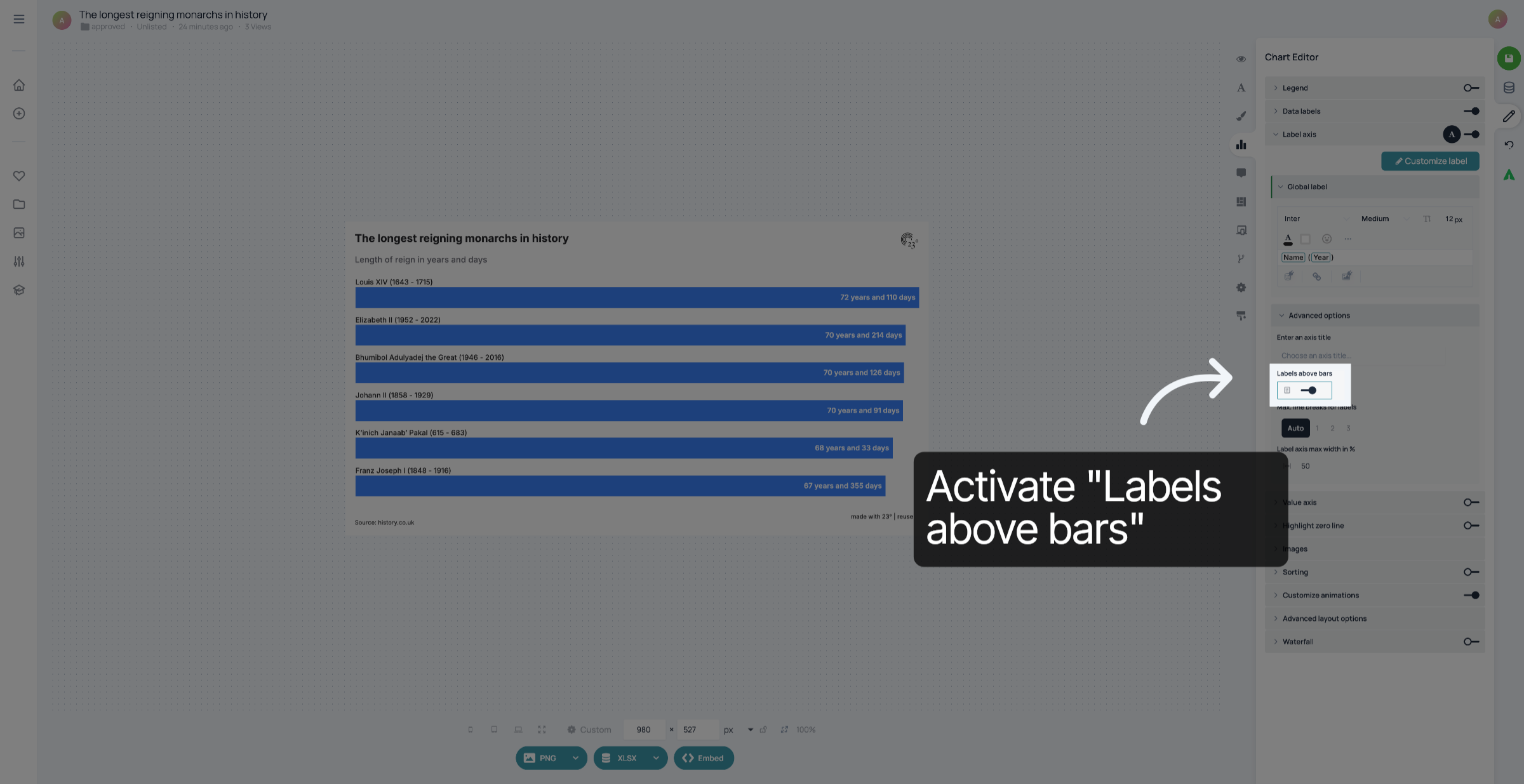
4. Activate "Labels above bars"
Activate "Labels above bars".
5. Optional: Customize padding
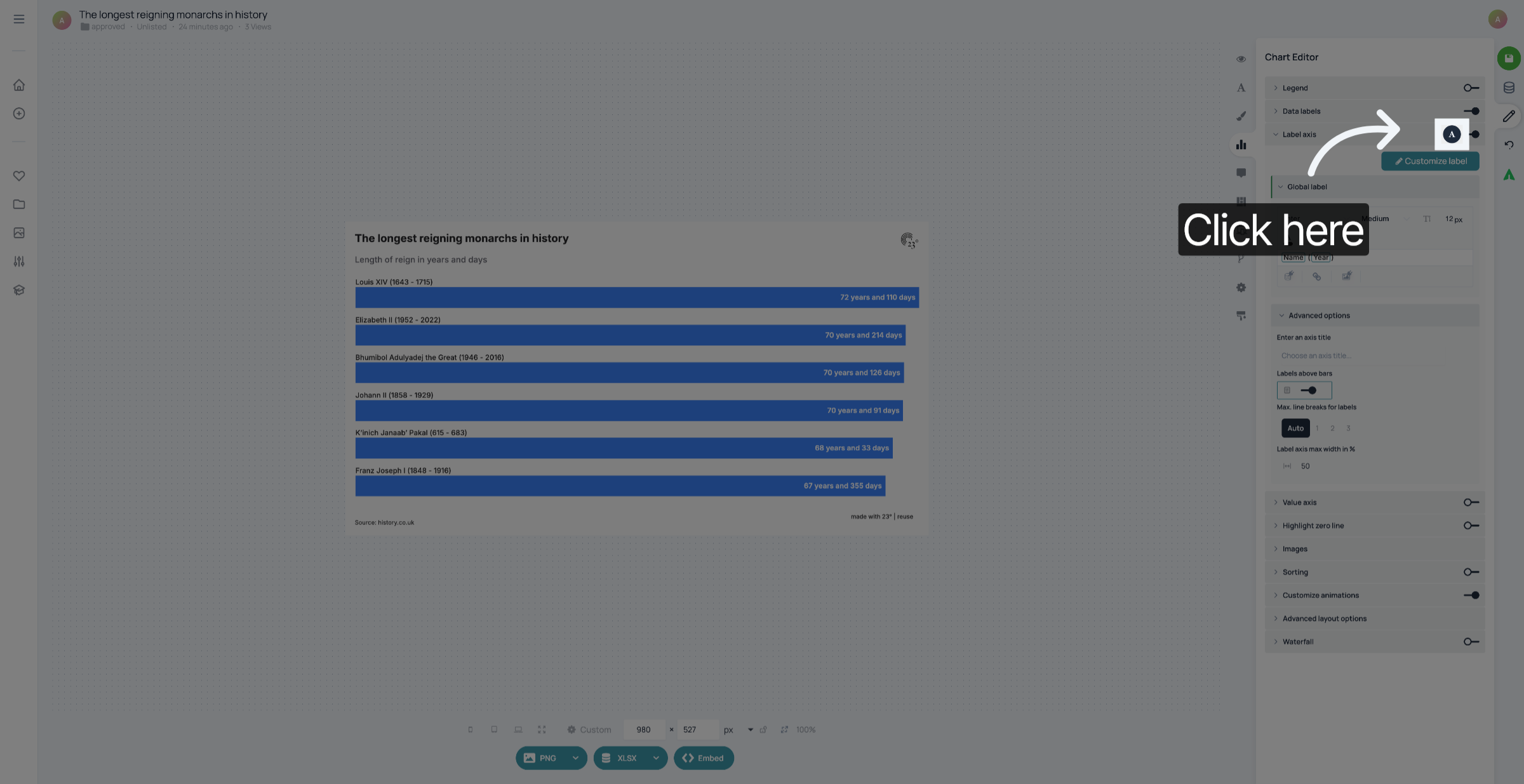
If you want there to be more padding between the label and the bar, click the "A".
6. Customize padding
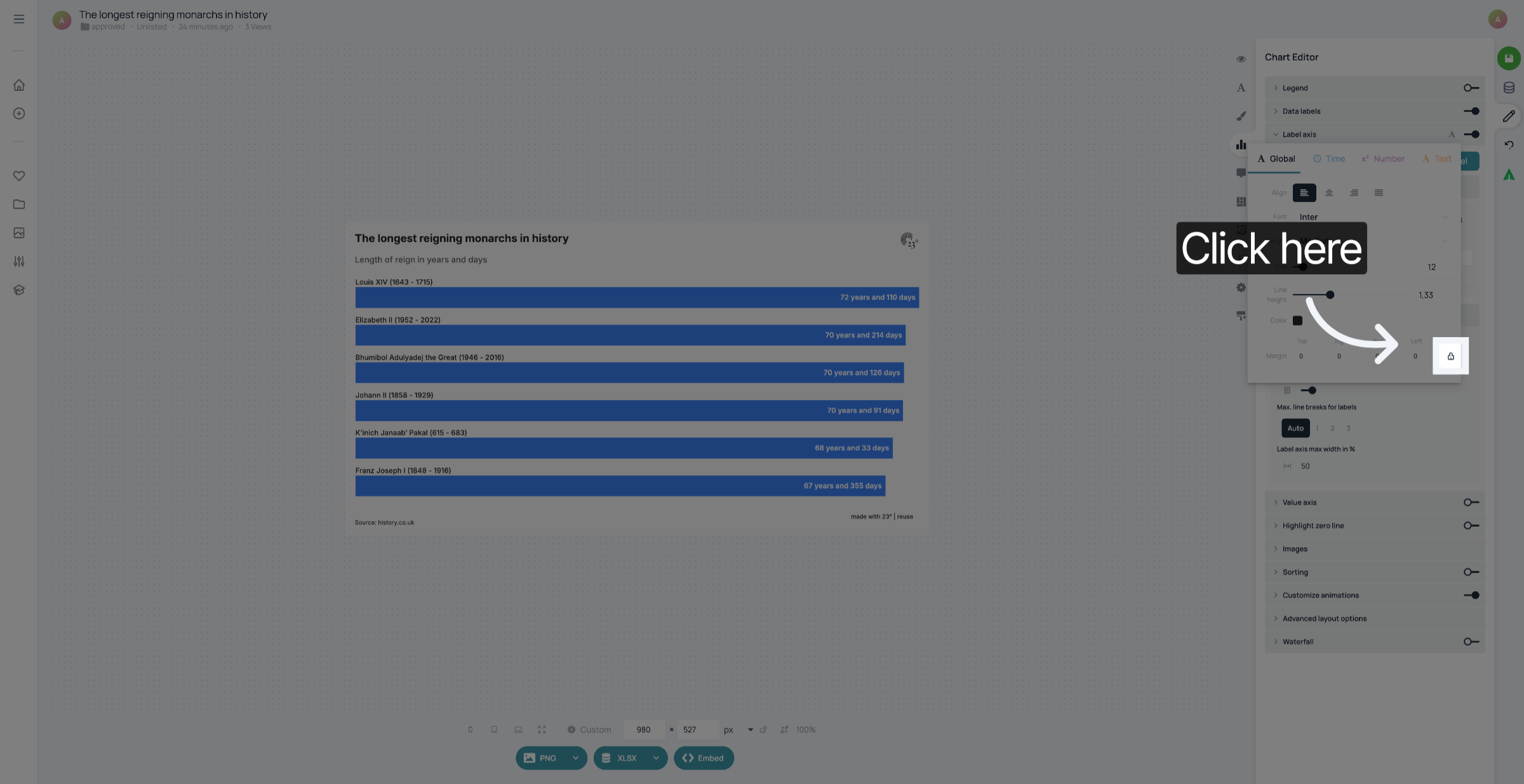
If you want to add padding at the bottom only, click the padlock to unlock it.
7. Customize padding
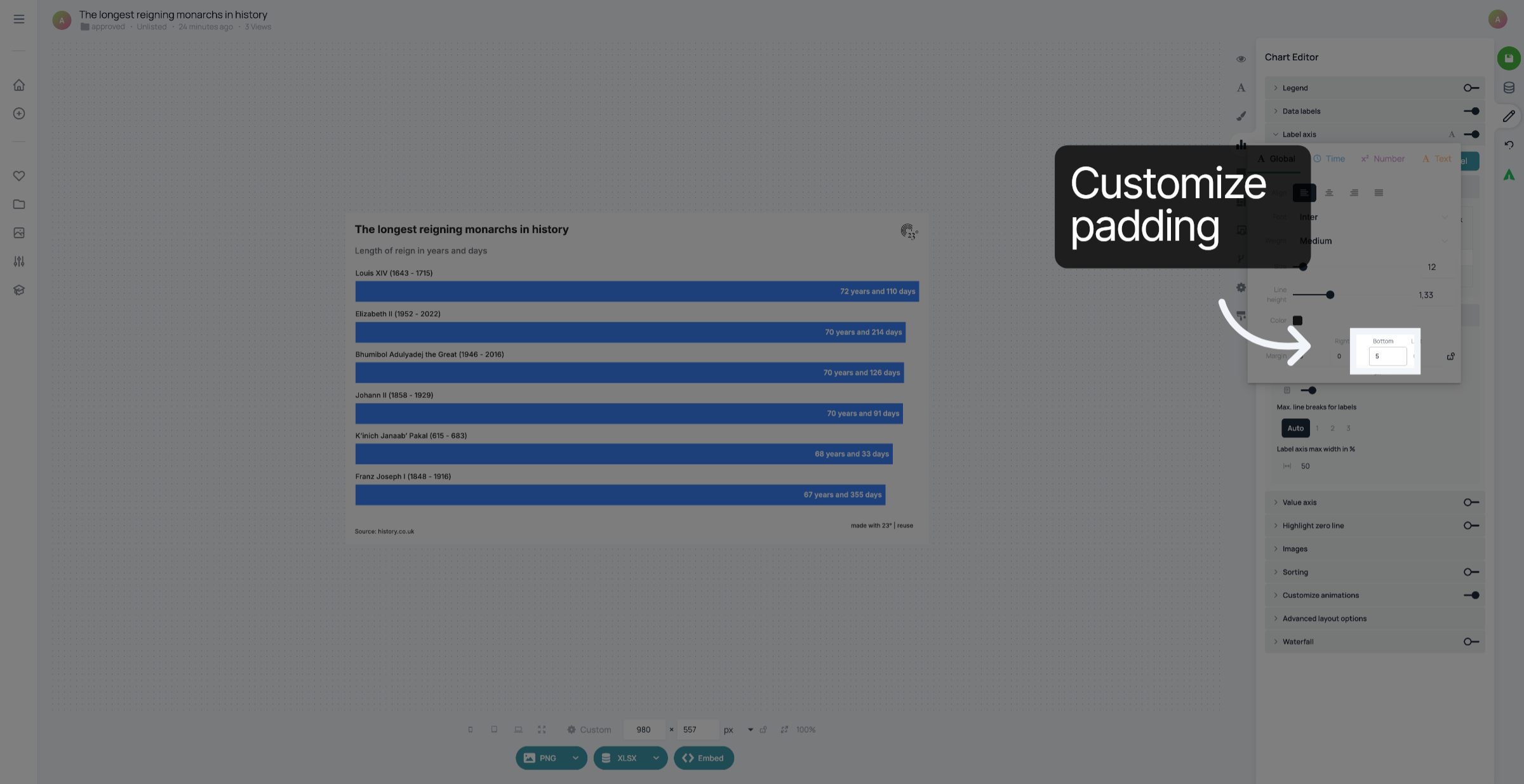
Type in the padding you want around your label
8. Save changes
Don't forget to save your changes.
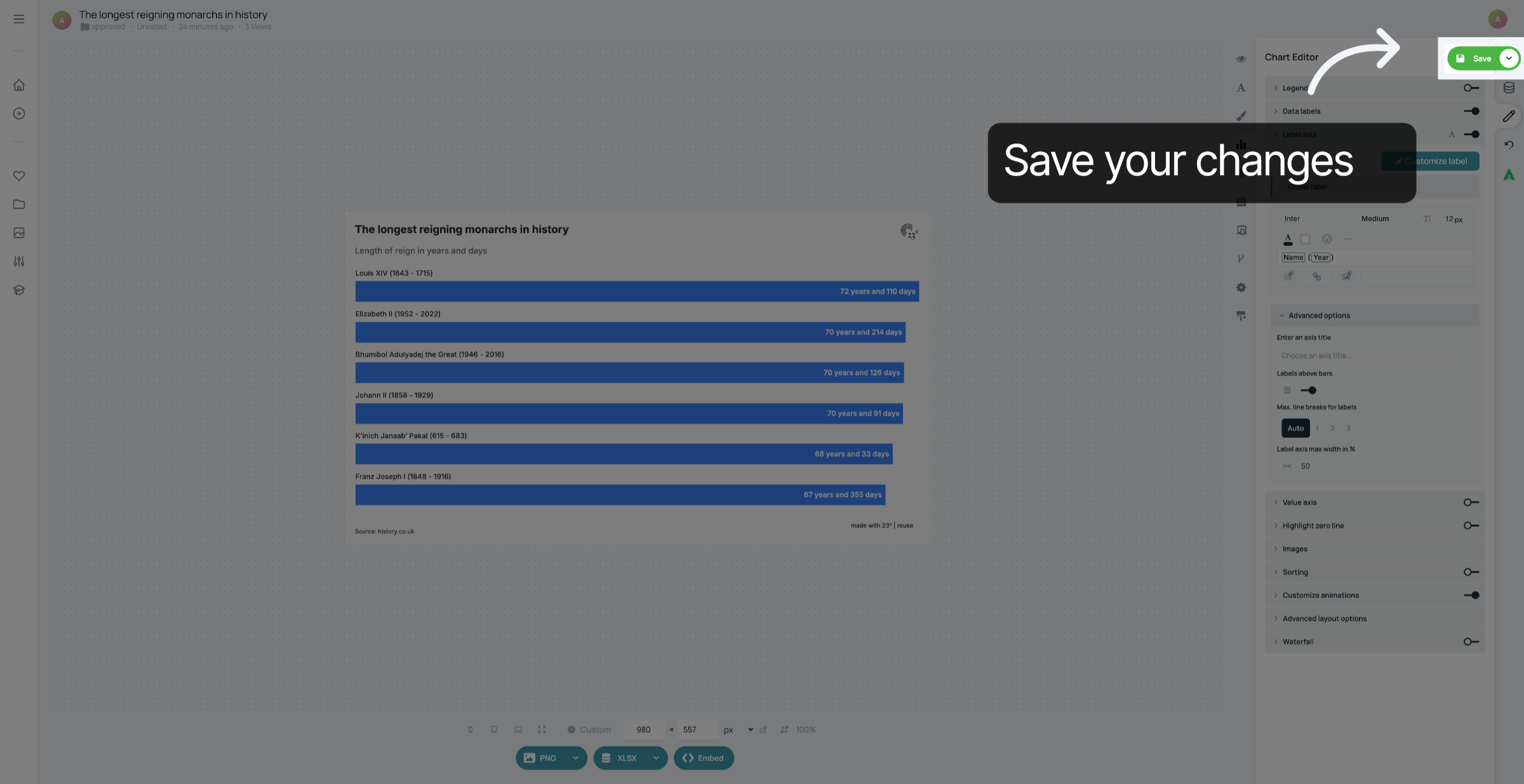
You have successfully moved the labels in your barchart above the bars