Enter Data Manually in 23degrees Step by Step
This tutorial guides you through manually entering data in the chart data editor in 23degrees.
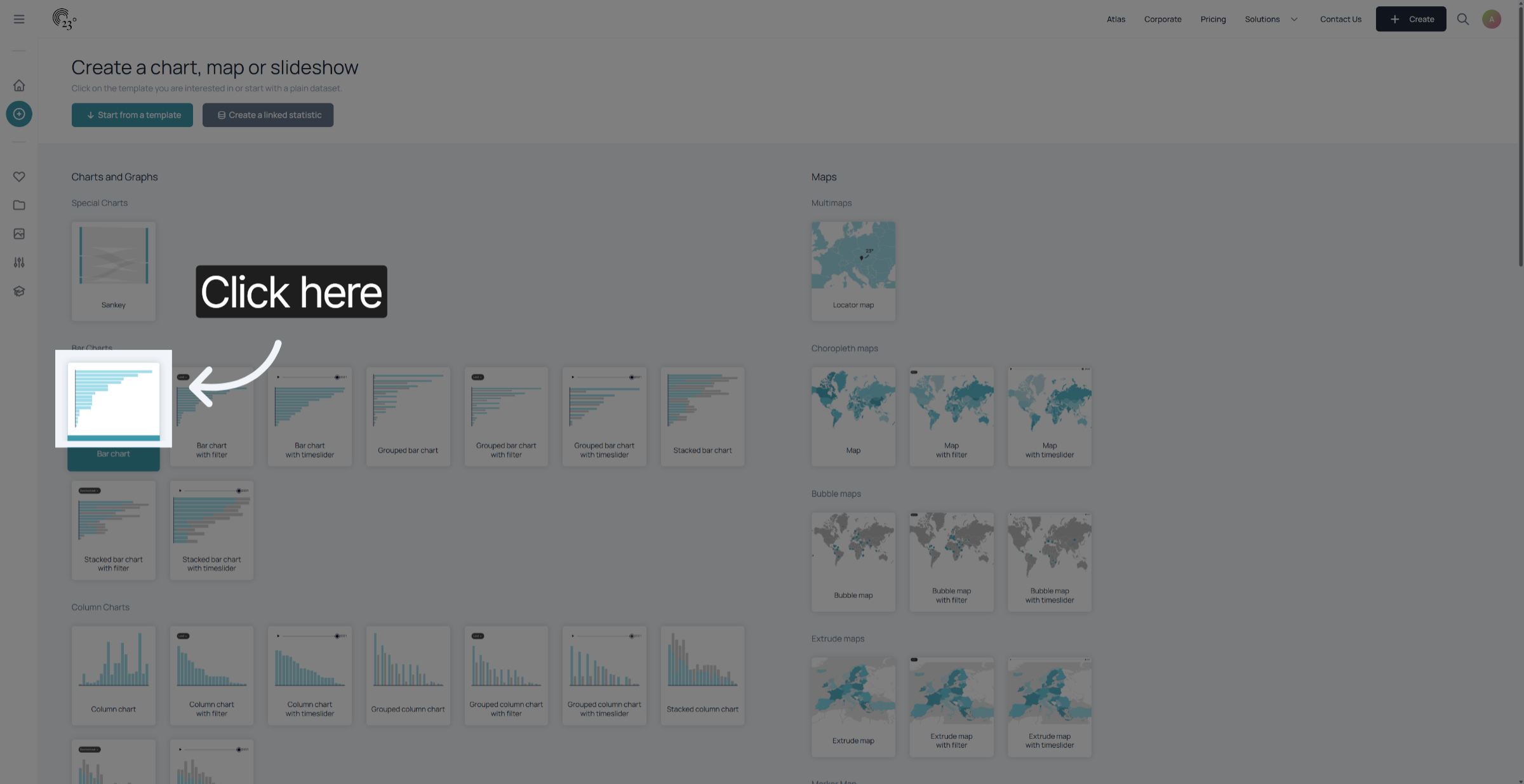
1. Select Chart
First Select the chart you want to create
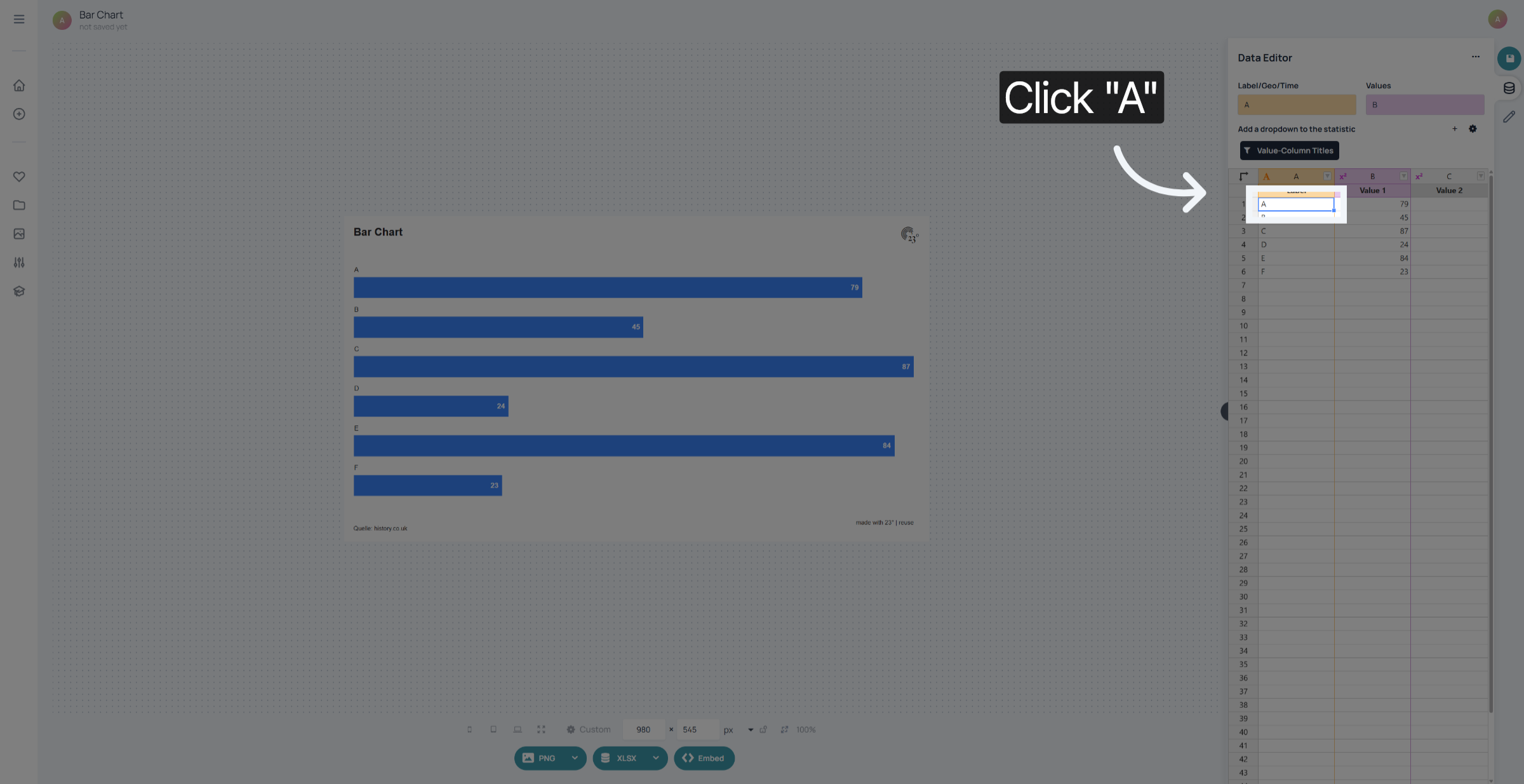
2. Select Cell
Click in the cell you want to fill out
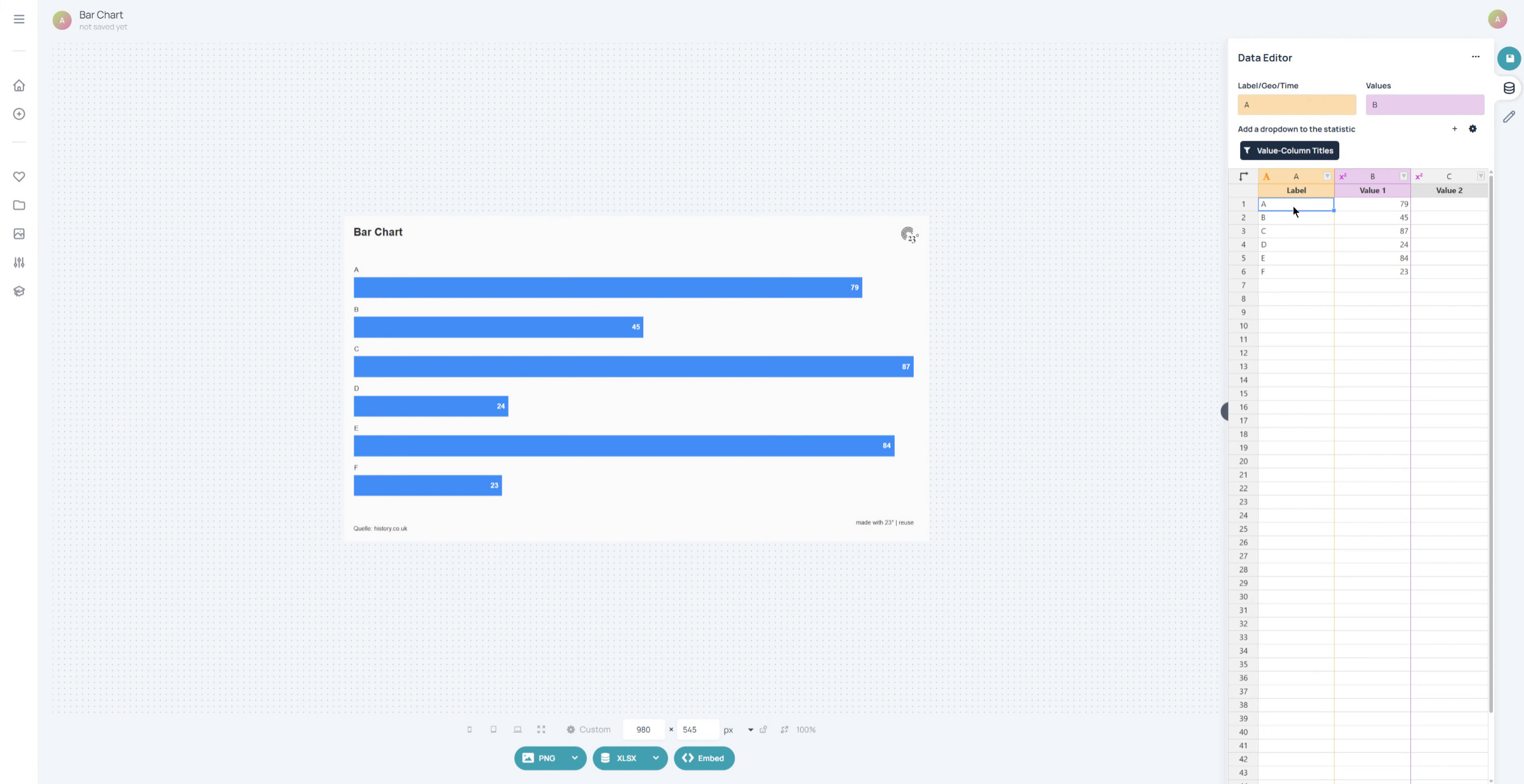
3. Enter First Data Item
Enter your data like you would in oogle sheets or Microsoft Excel.
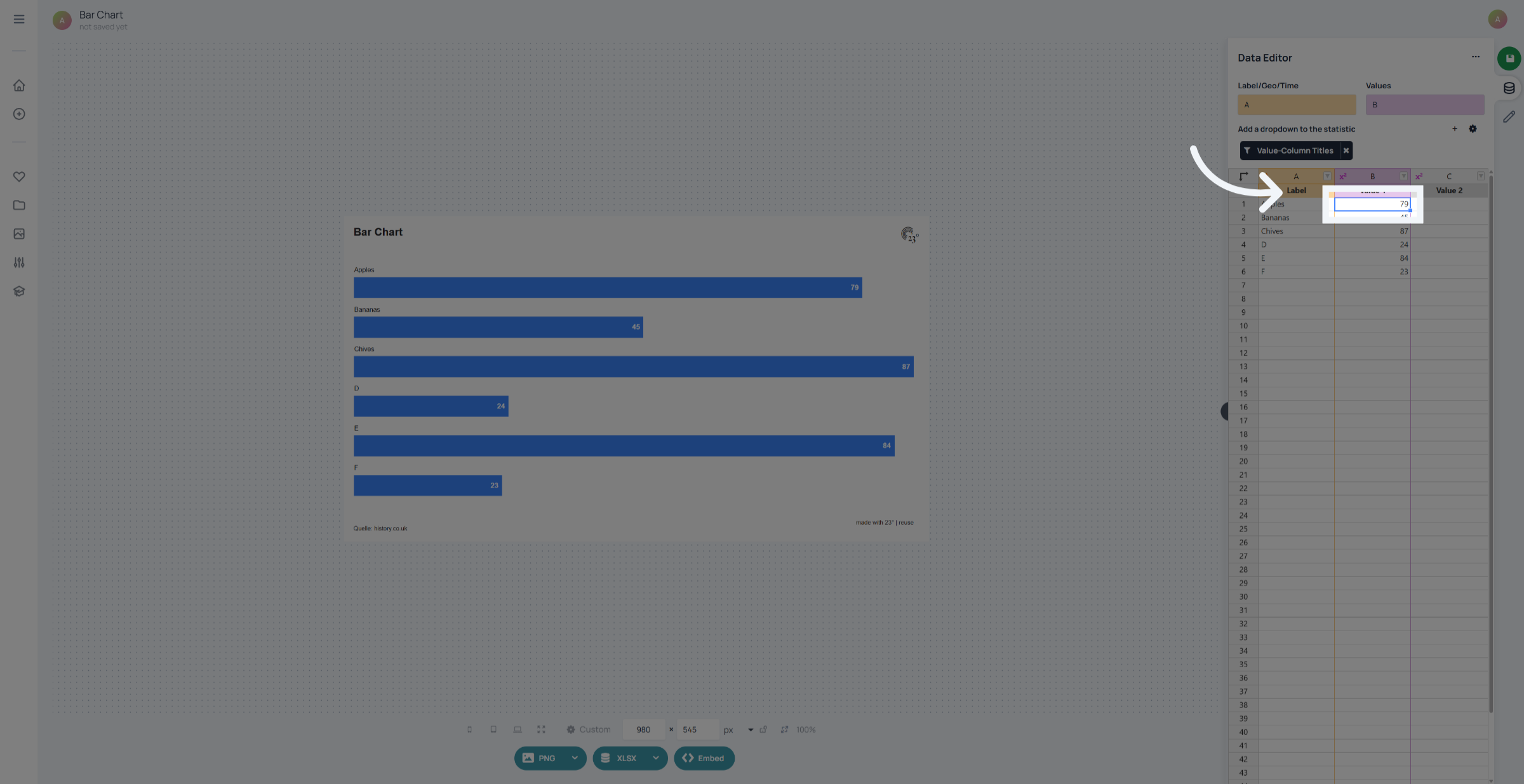
4. Numeric Values
Fore values its the same process. Just type in the corresponding values to your labels and see the chart adjust automatically after data entry.
5. Remove Columns
To remove unwanted rows left click and mark all the rows you wish to remove
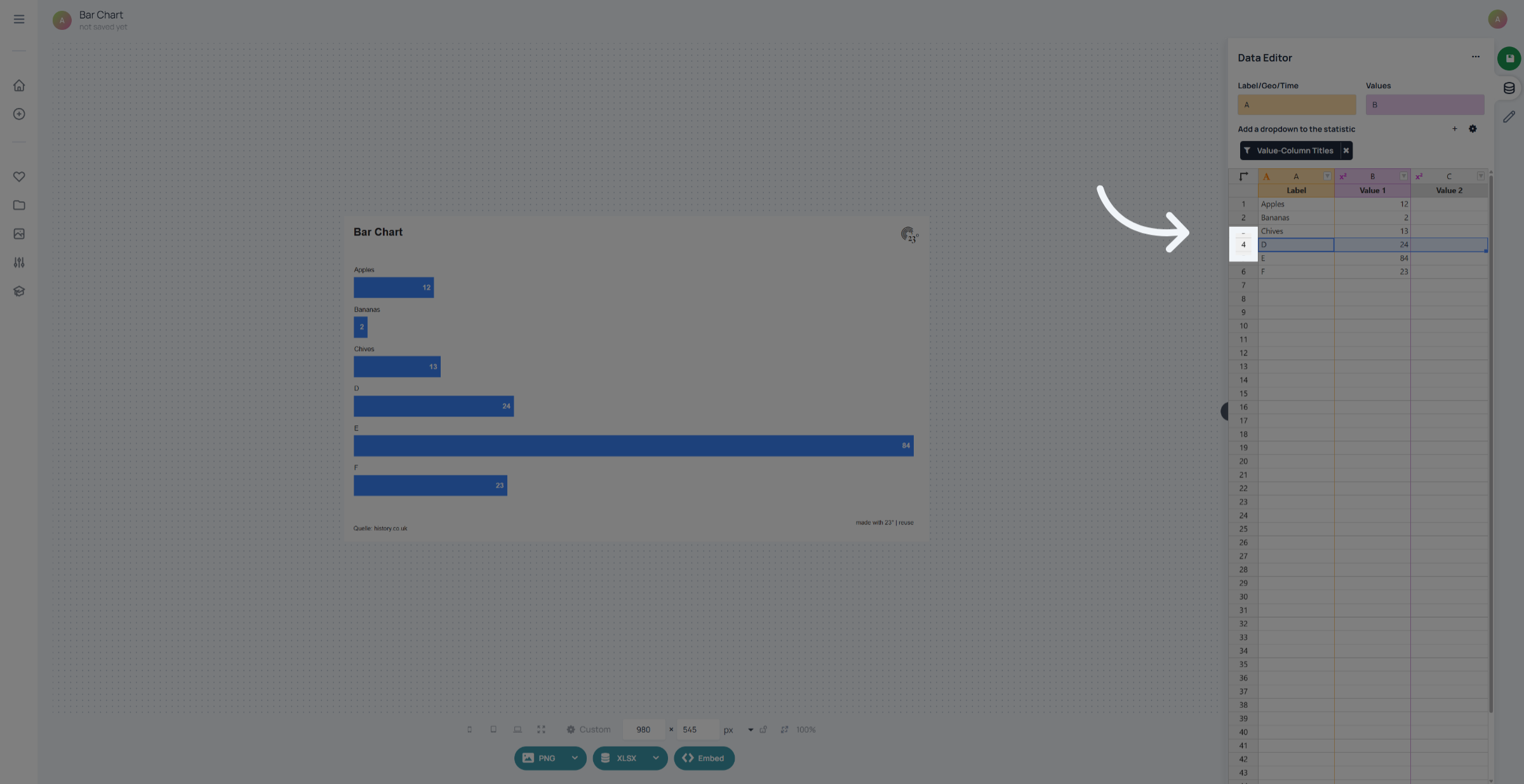
6. Remove Unnecessary Rows
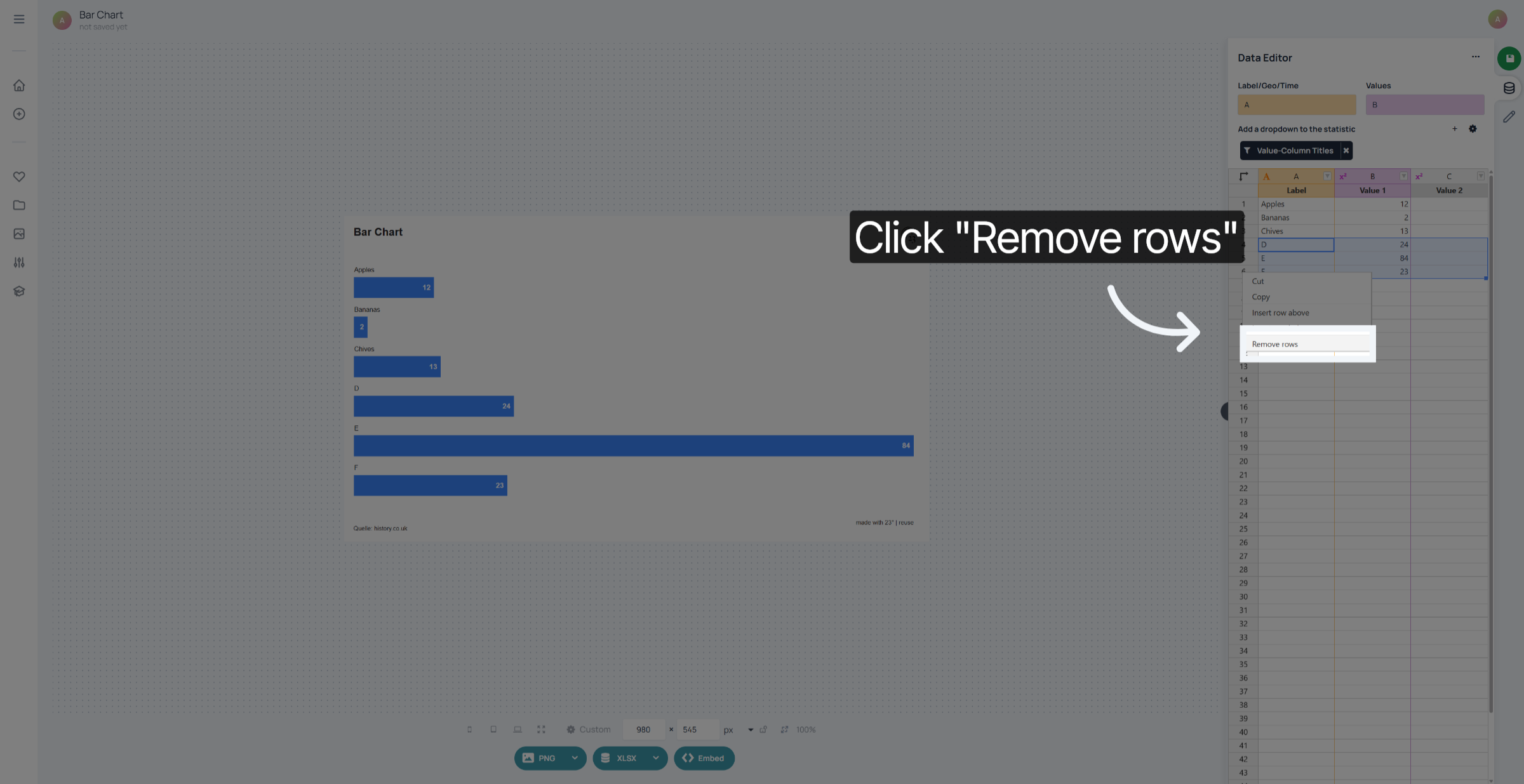
Right click on the selected rows and select remove rows.
You have successfully entered and managed data manually in 23degrees.