Configure Legend Intervals in 23degrees Application
This tutorial explains how to configure custom map legend intervals within the 23degrees application.
You will learn to adjust color ranges and set specific interval values for effective data visualization.
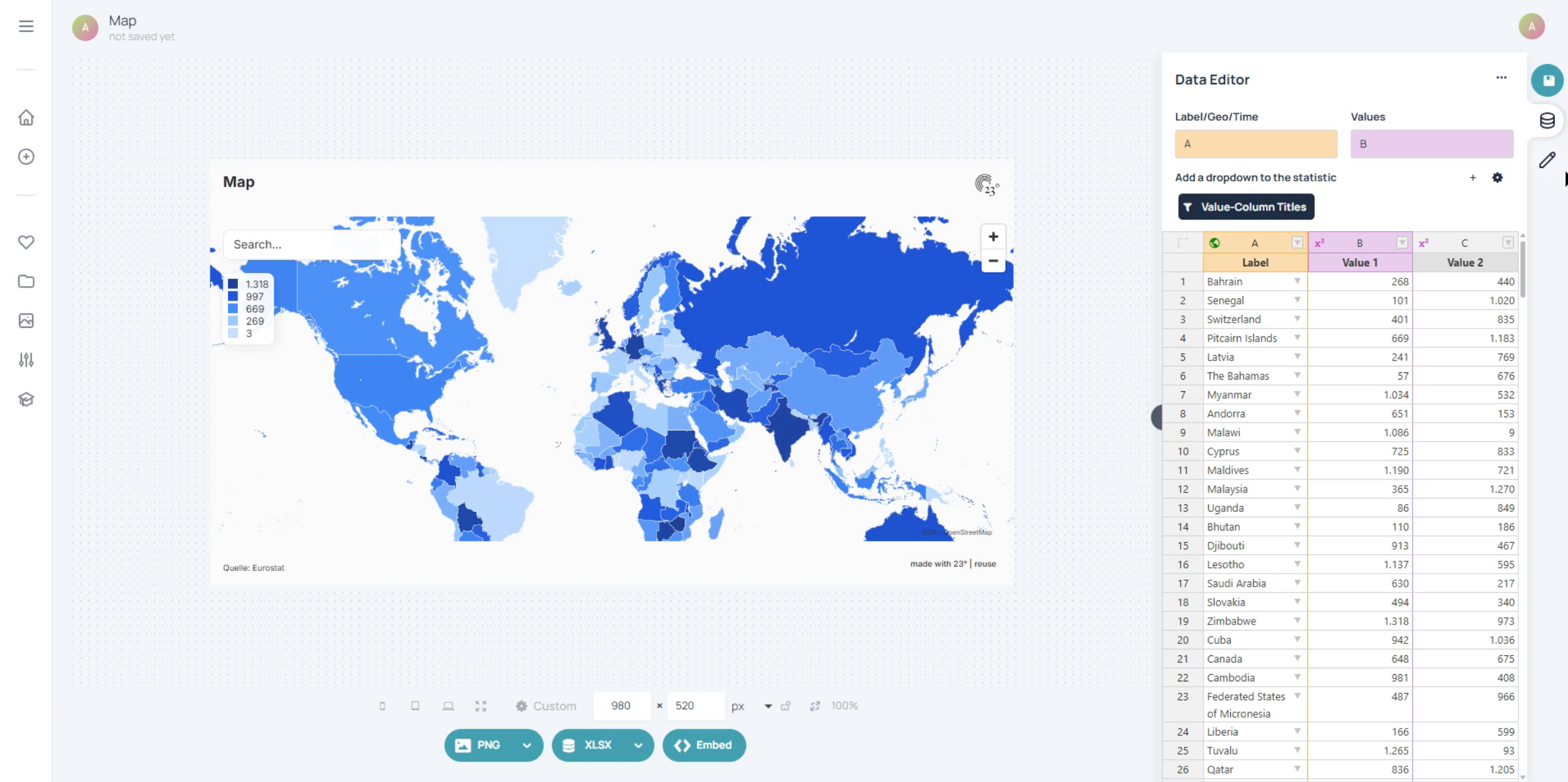
Click the Start editing button to begin modifying the legend settings.
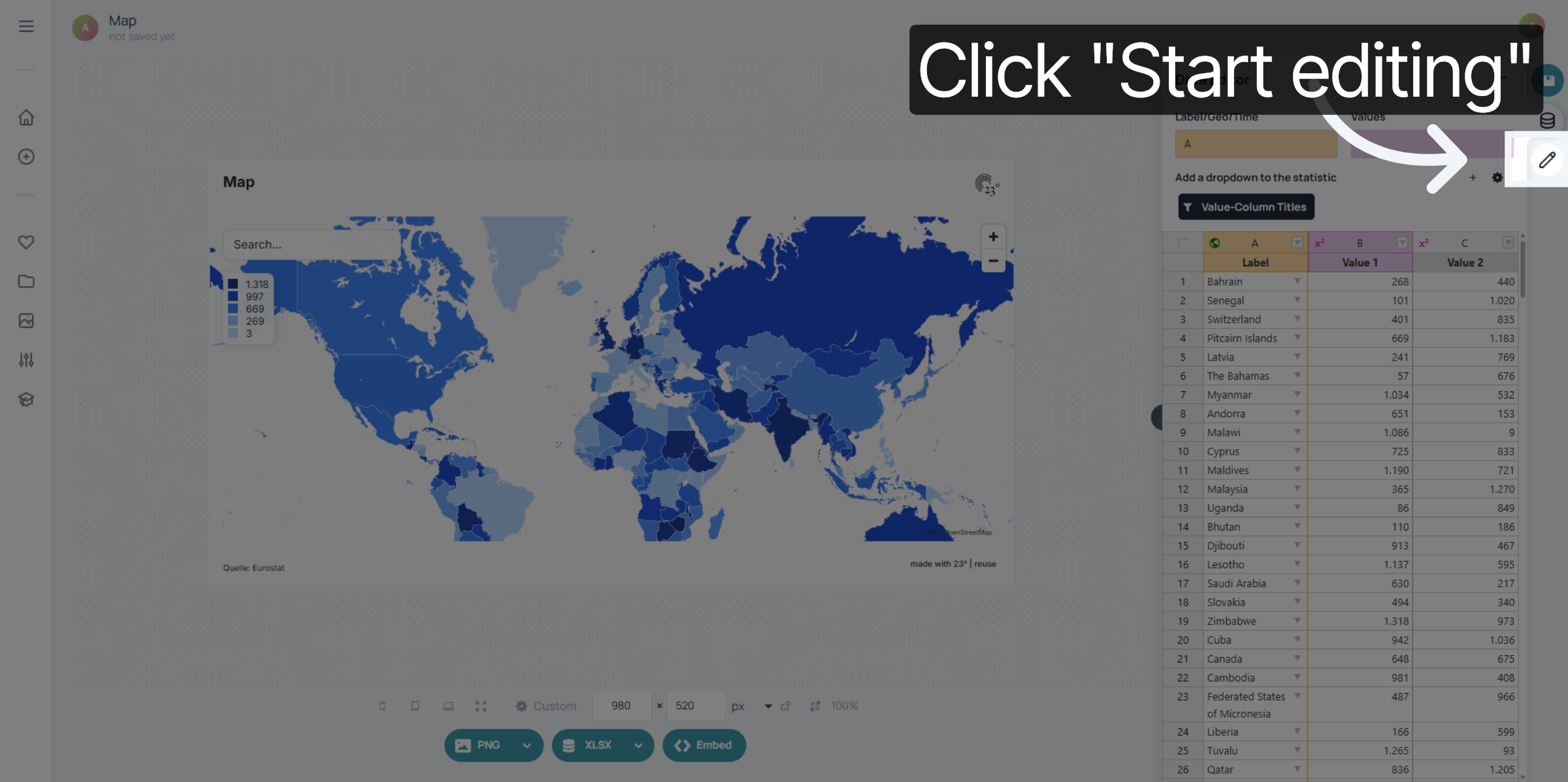
Click the Color option to access color configuration for the legend.
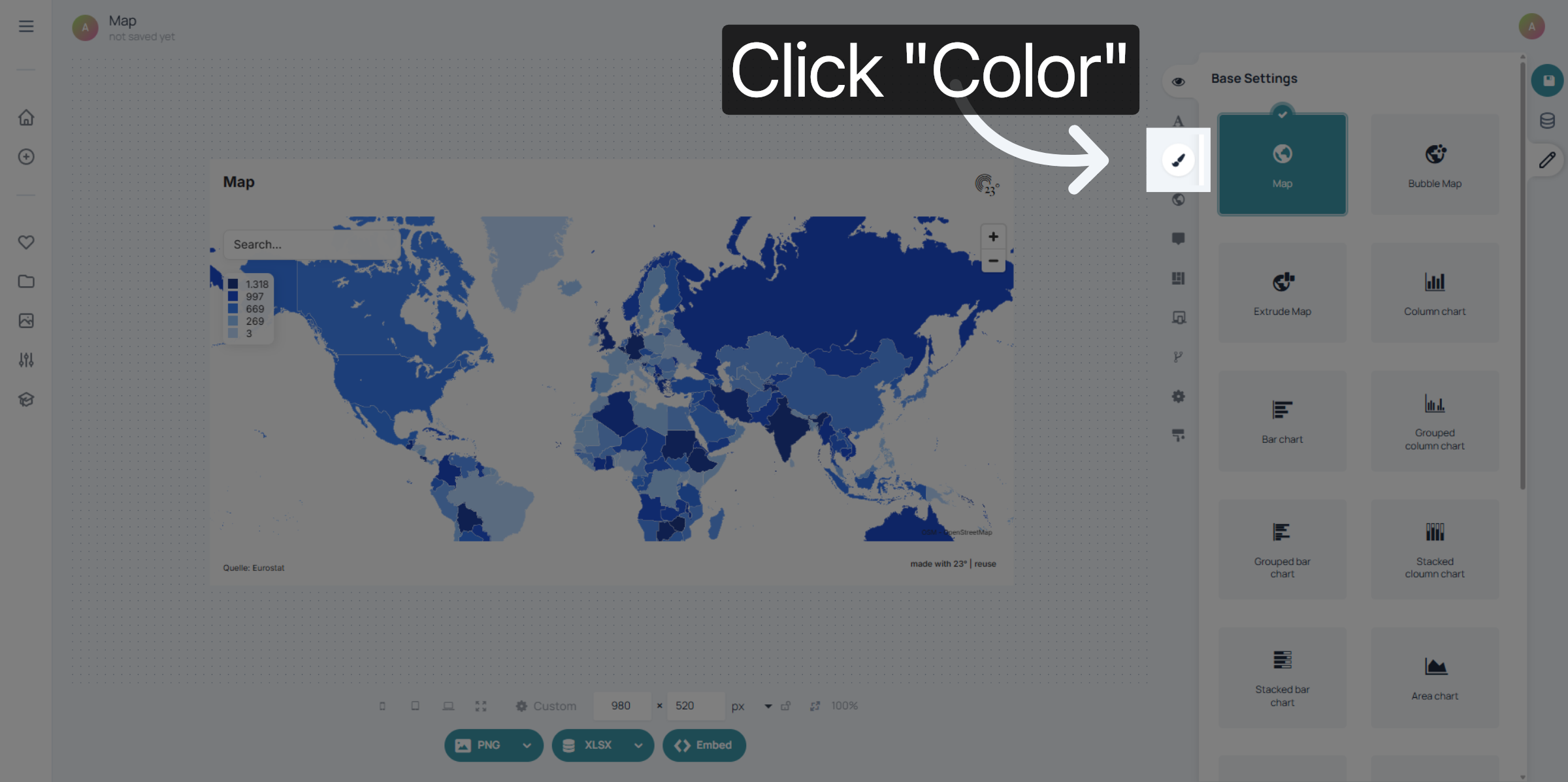
Click the Range tab to define the intervals for the legend colors.
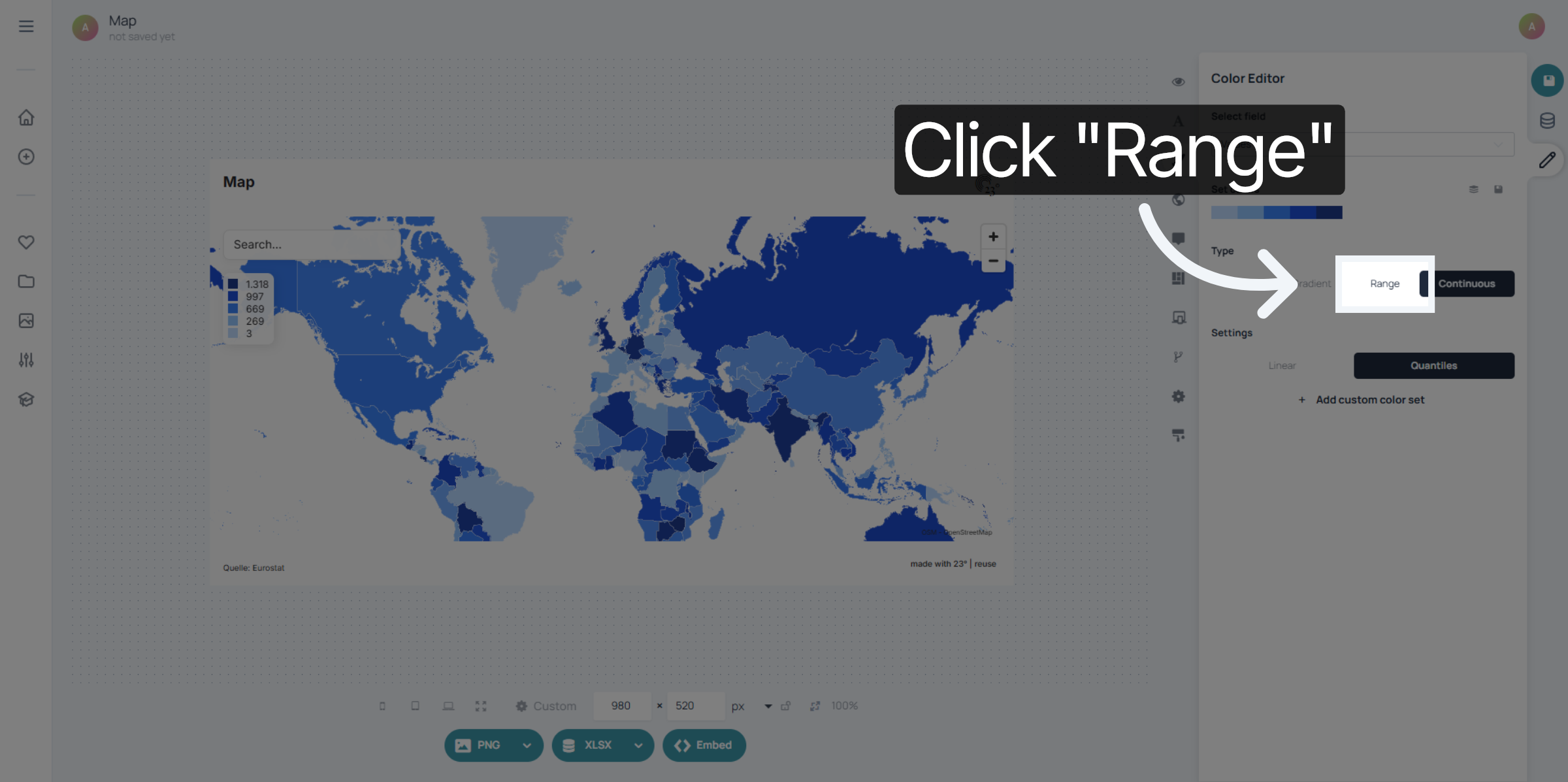
First select a color set by clicking on the color palette.
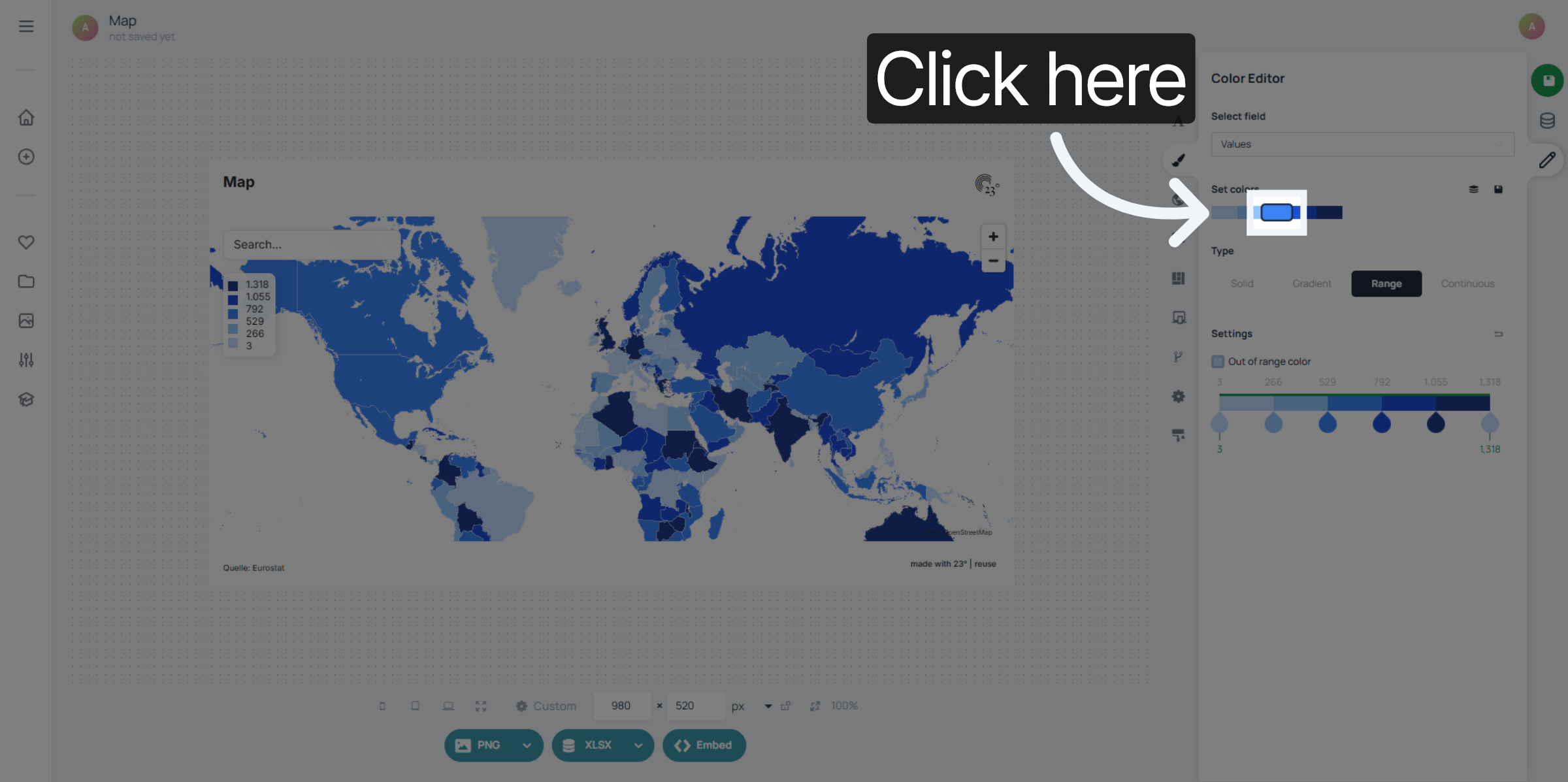
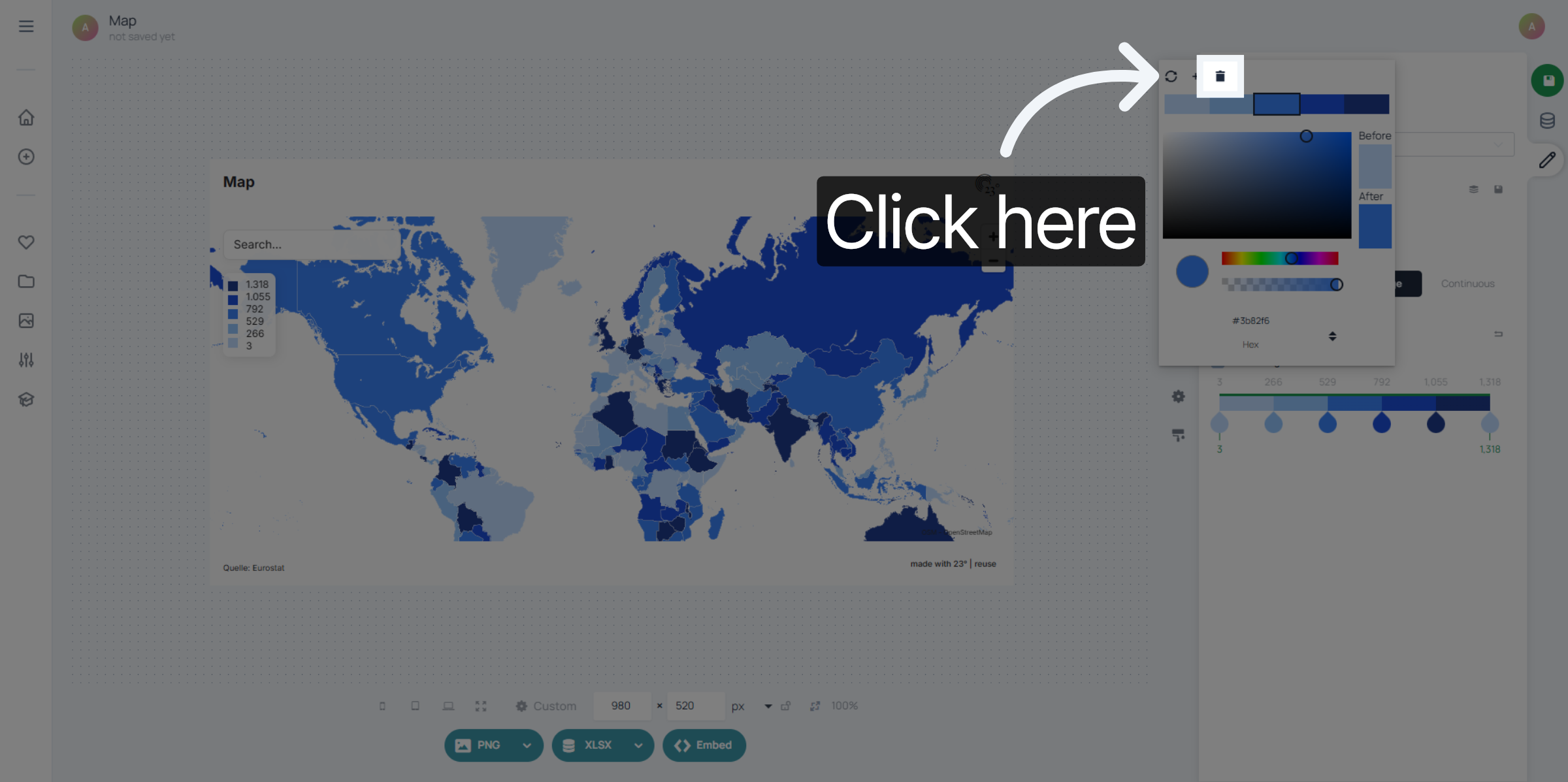
If you need less intervalls you can remove colors by selecting the color and clicking on the delete icon
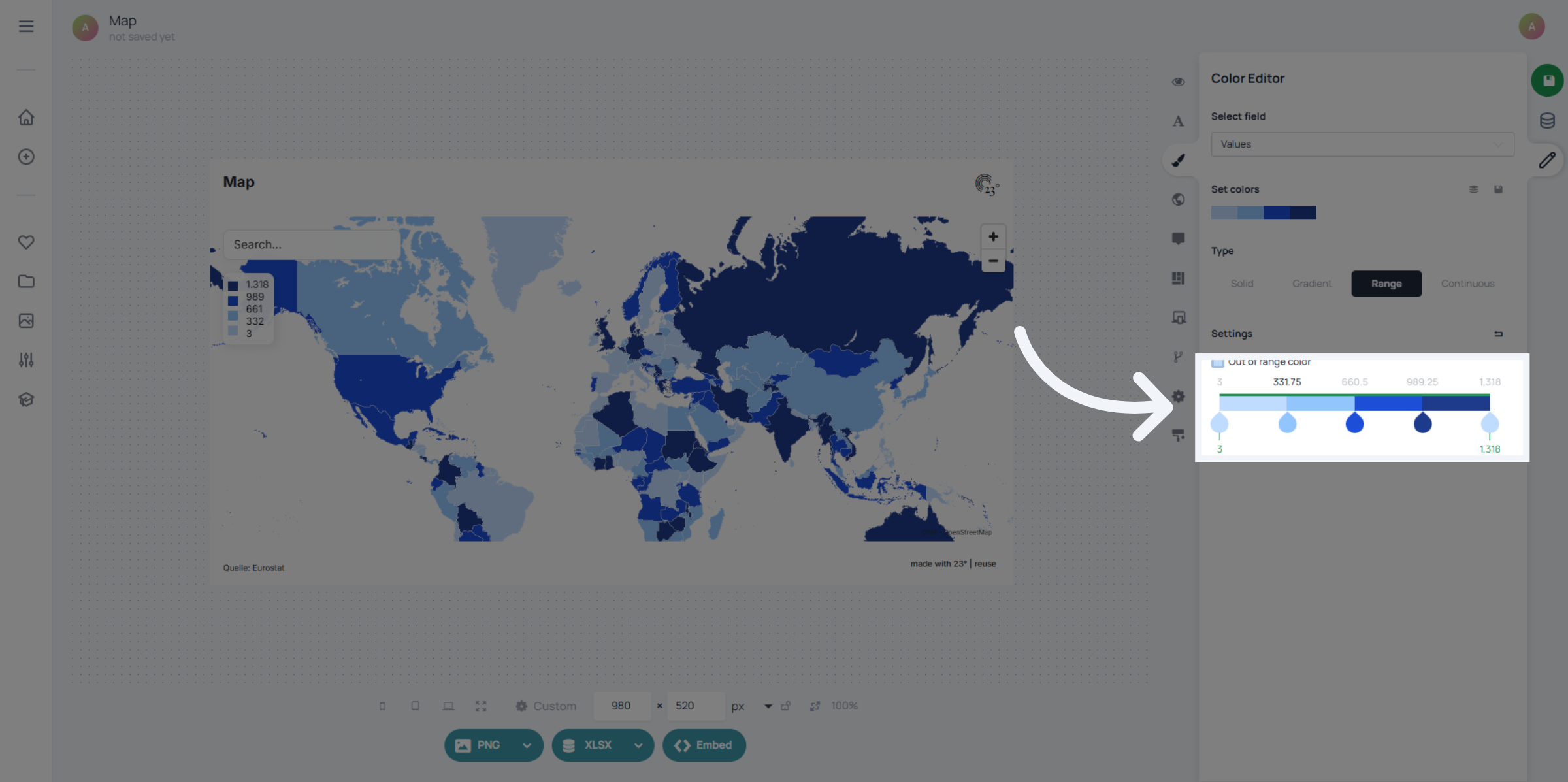
Use the slider or type the values in directly to set your intervalls.
You can now see that the legend displays your custom intervalls.
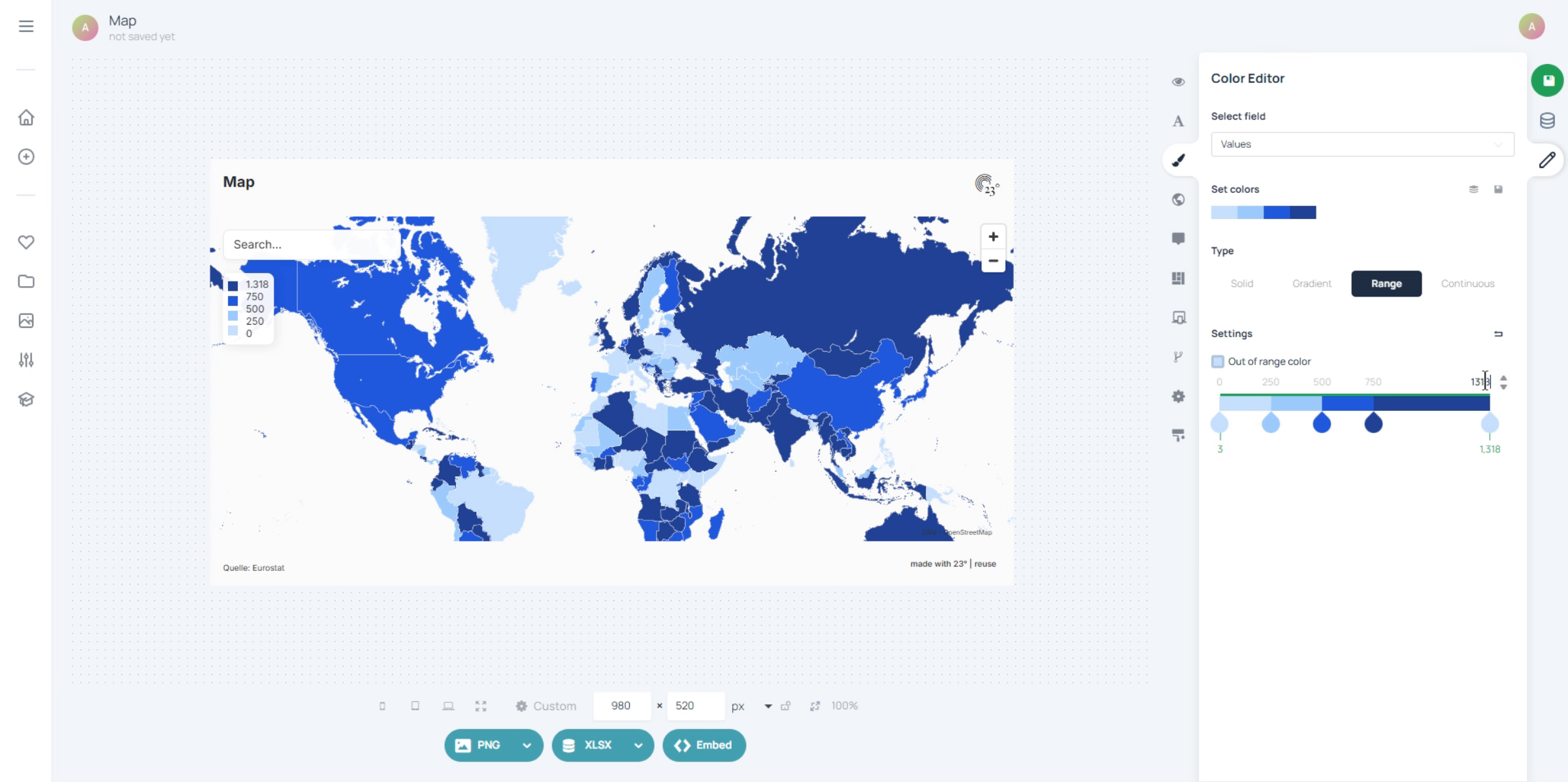
You have successfully configured the legend intervals by setting specific range values and adjusting color settings in the 23degrees application. This setup ensures your data visualization accurately reflects the desired intervals for better interpretation.