Add Columns Efficiently In Data Editor
This tutorial demonstrates how to add columns within the Data Editor.
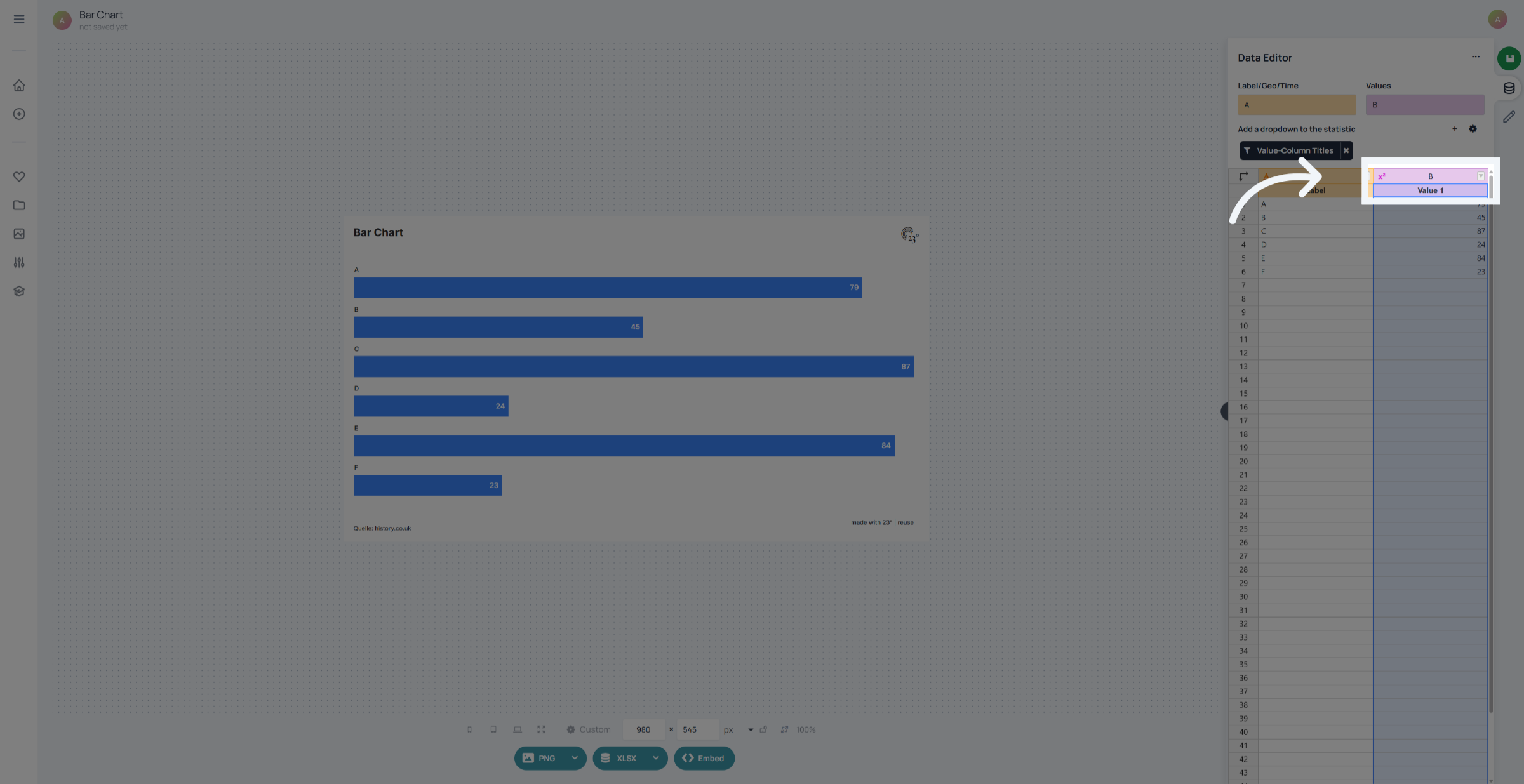
1. Select Column B
To Add a new column in the data editor right click on an extisting column.
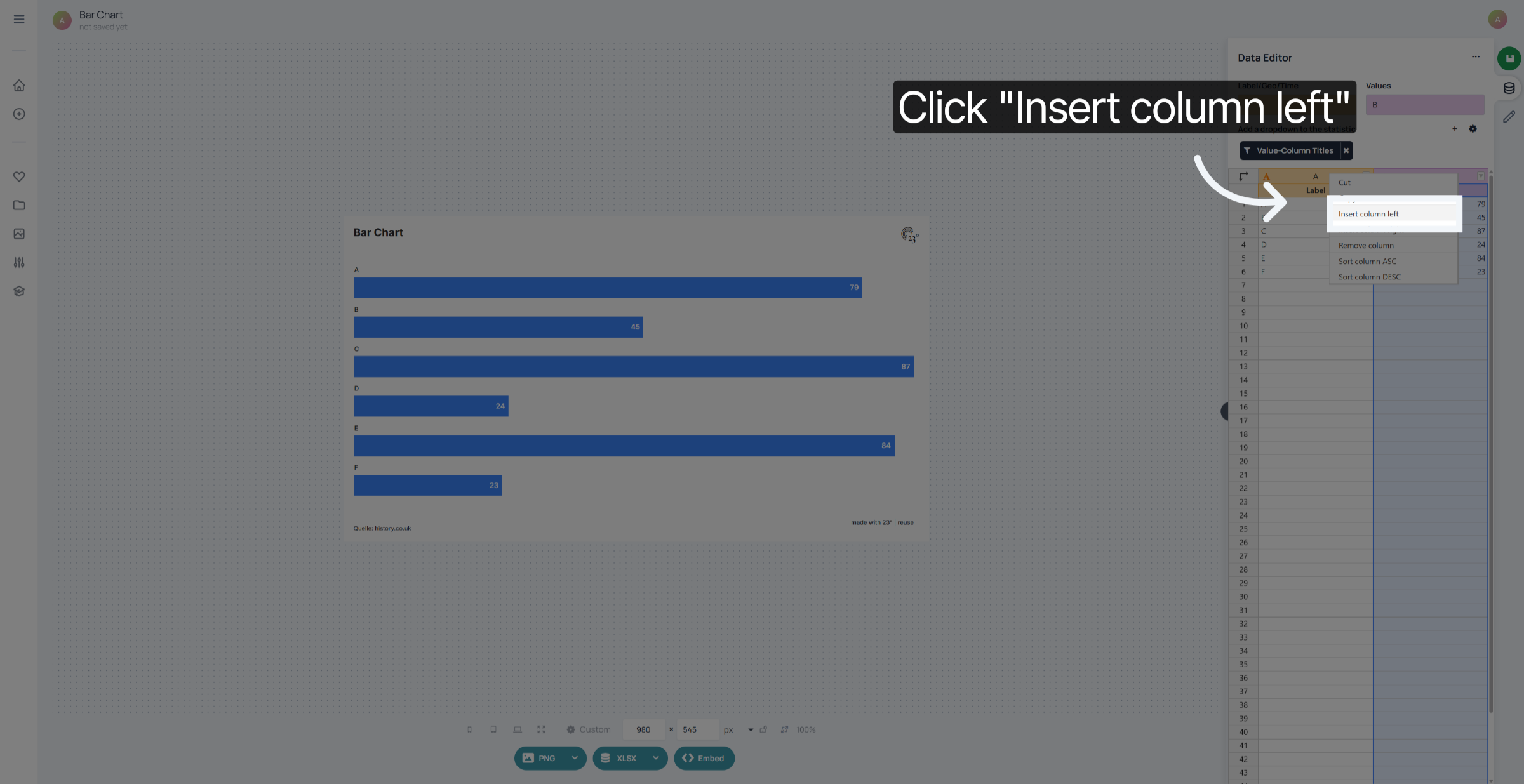
2. Insert Column To Left
Select "Insert column left" if you wish to insert a column to the left of your chosen column
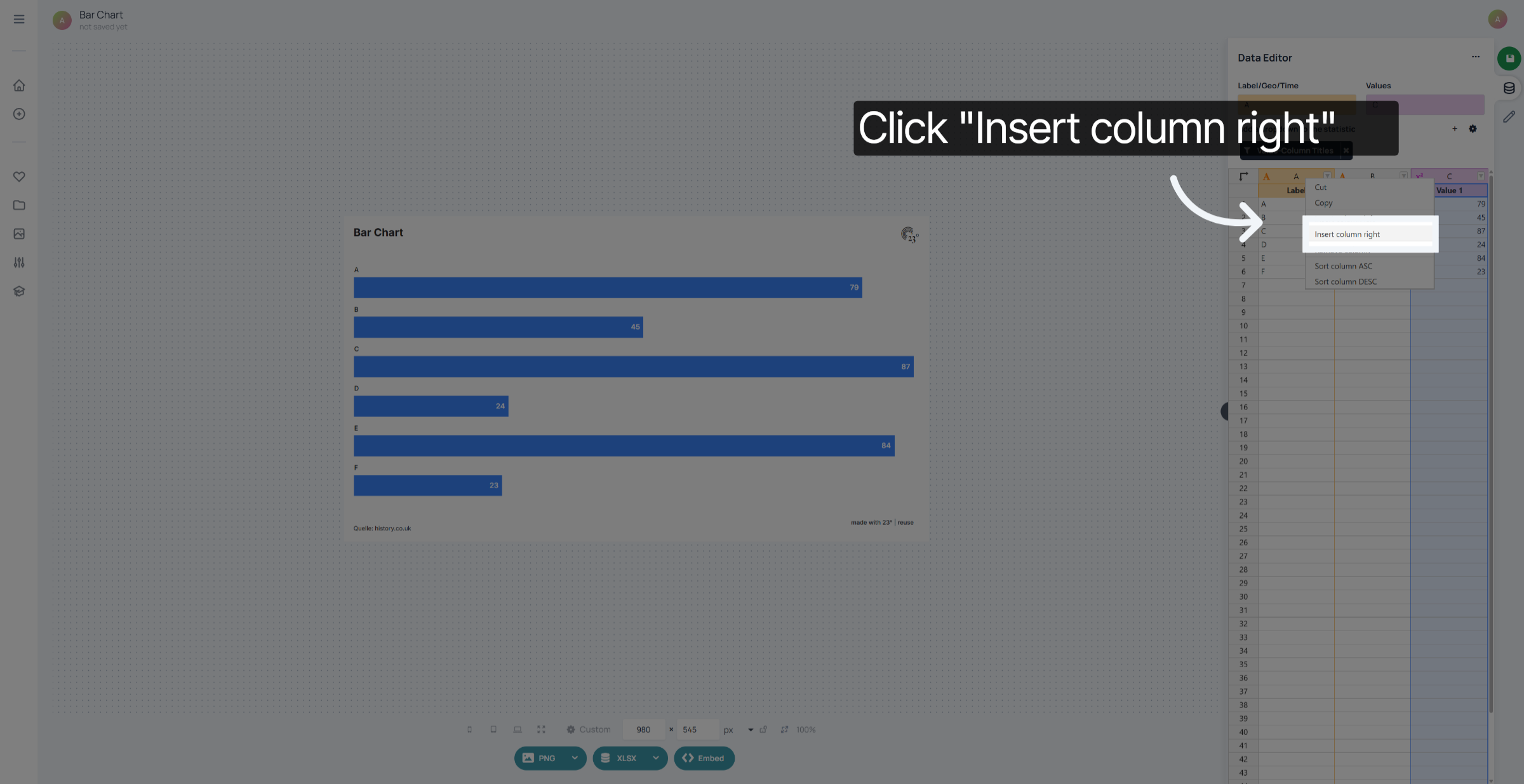
3. Insert Column To Right
Select "Insert column right" if you wish to insert a column to the right of your chosen column. Keep in mind: your new column will have the same column type depending on the one you used to create the column from. If you pick a value column your new column will also be a value column.
You have successfully added new columns to the left and right in the 23degrees Data Editor.