Duplicate Visualizations Efficiently in 23degrees
This tutorial demonstrates how to duplicate visualizations or reuse visualisations from other users within the 23degrees application.
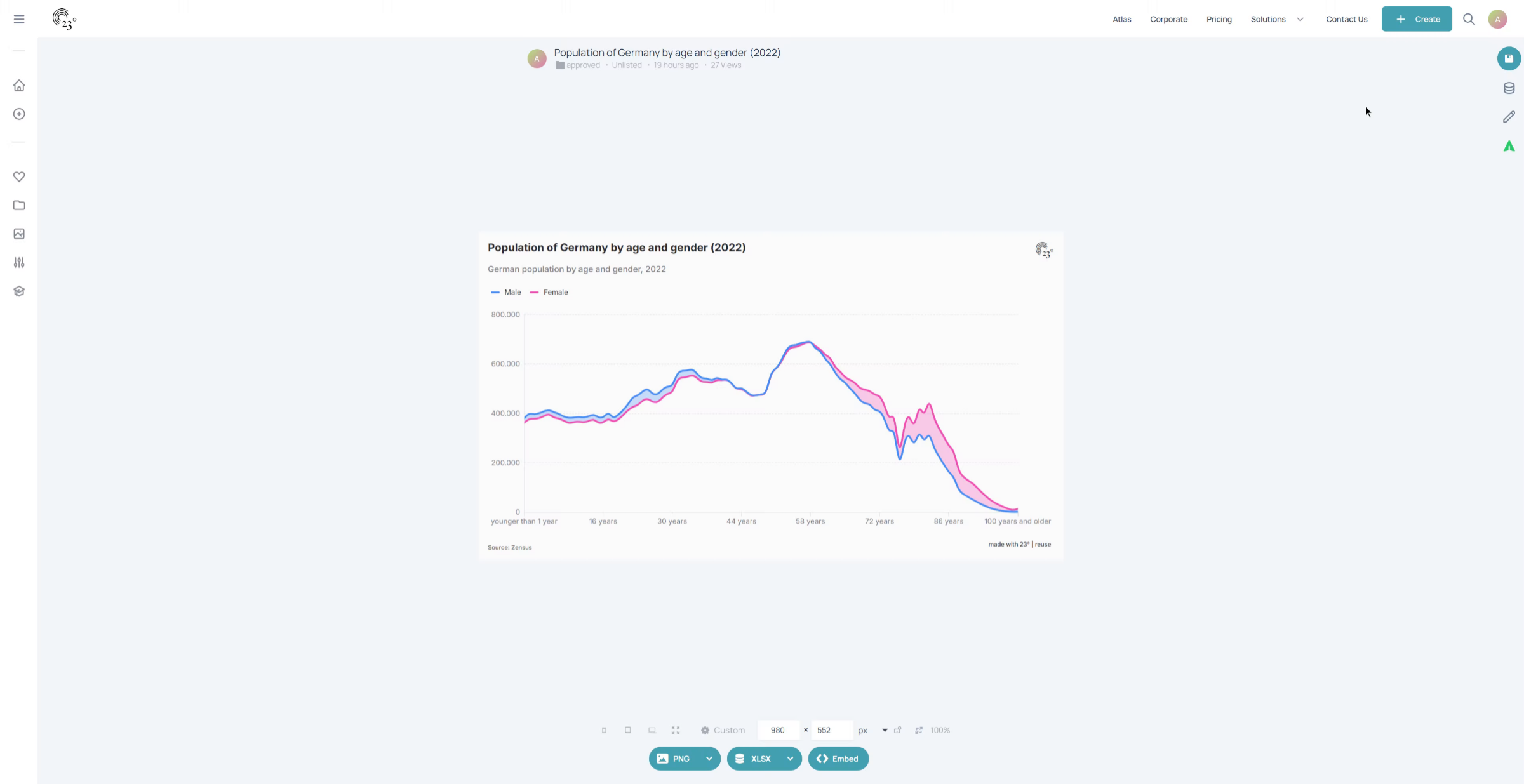
To create a duplicate of your existing visualisation hover over the save icon in the top right corner of the screen
click on the arrow
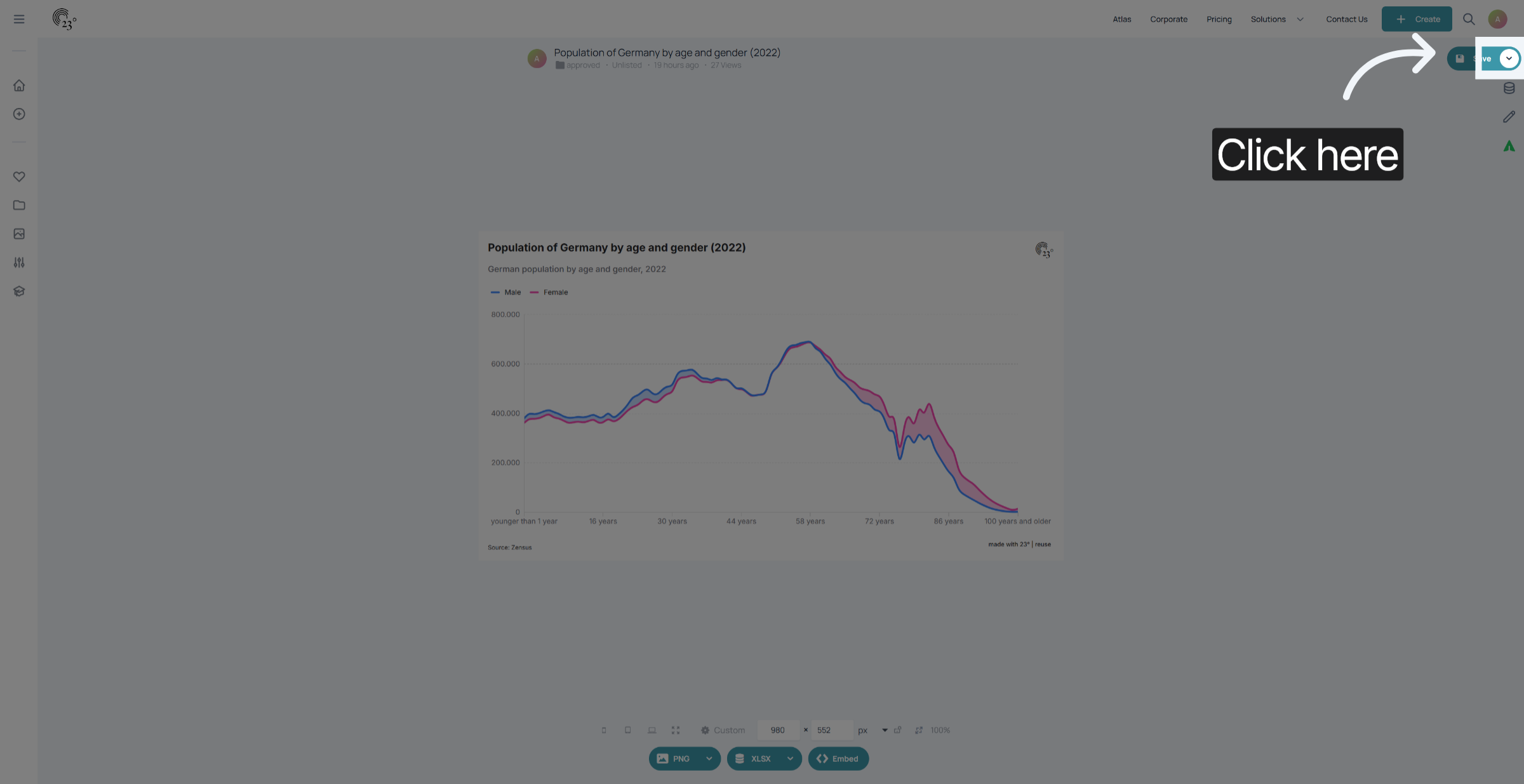
Click here.
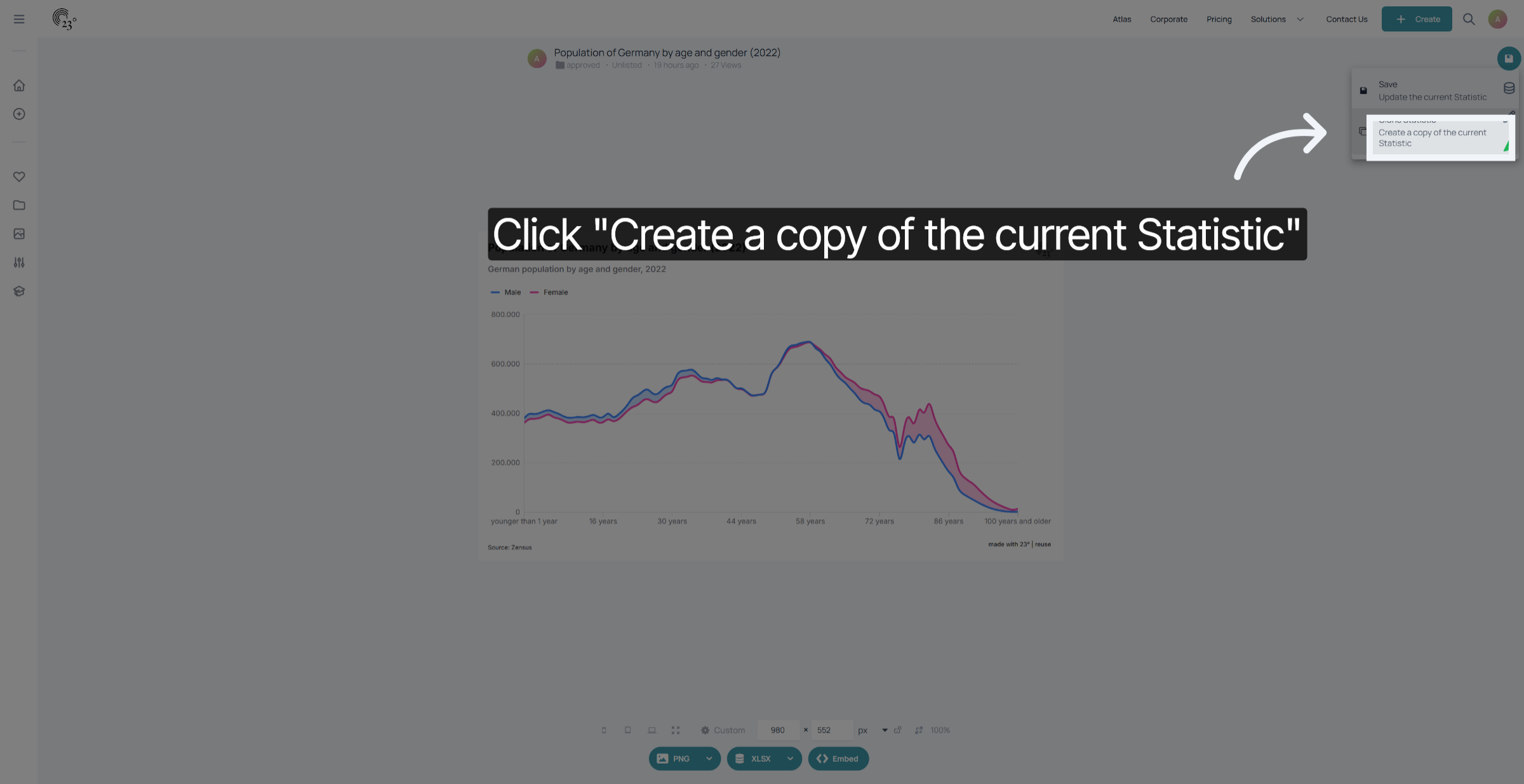
Now you have created a duplicate of your statistic. This is indicated by the save icon turning orange. Don't worry. Any changes made to this visualisation have no affect on the original visualisation.
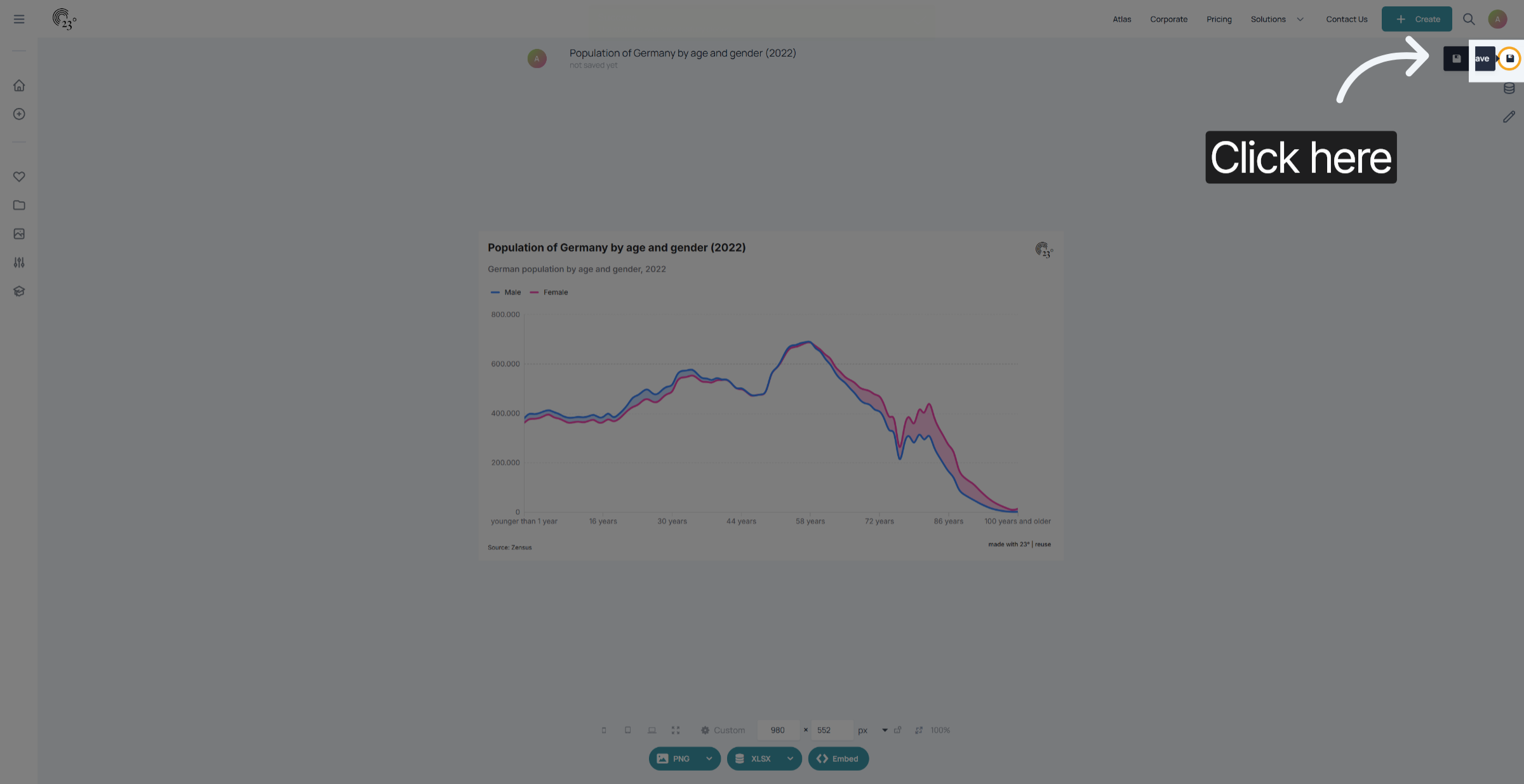
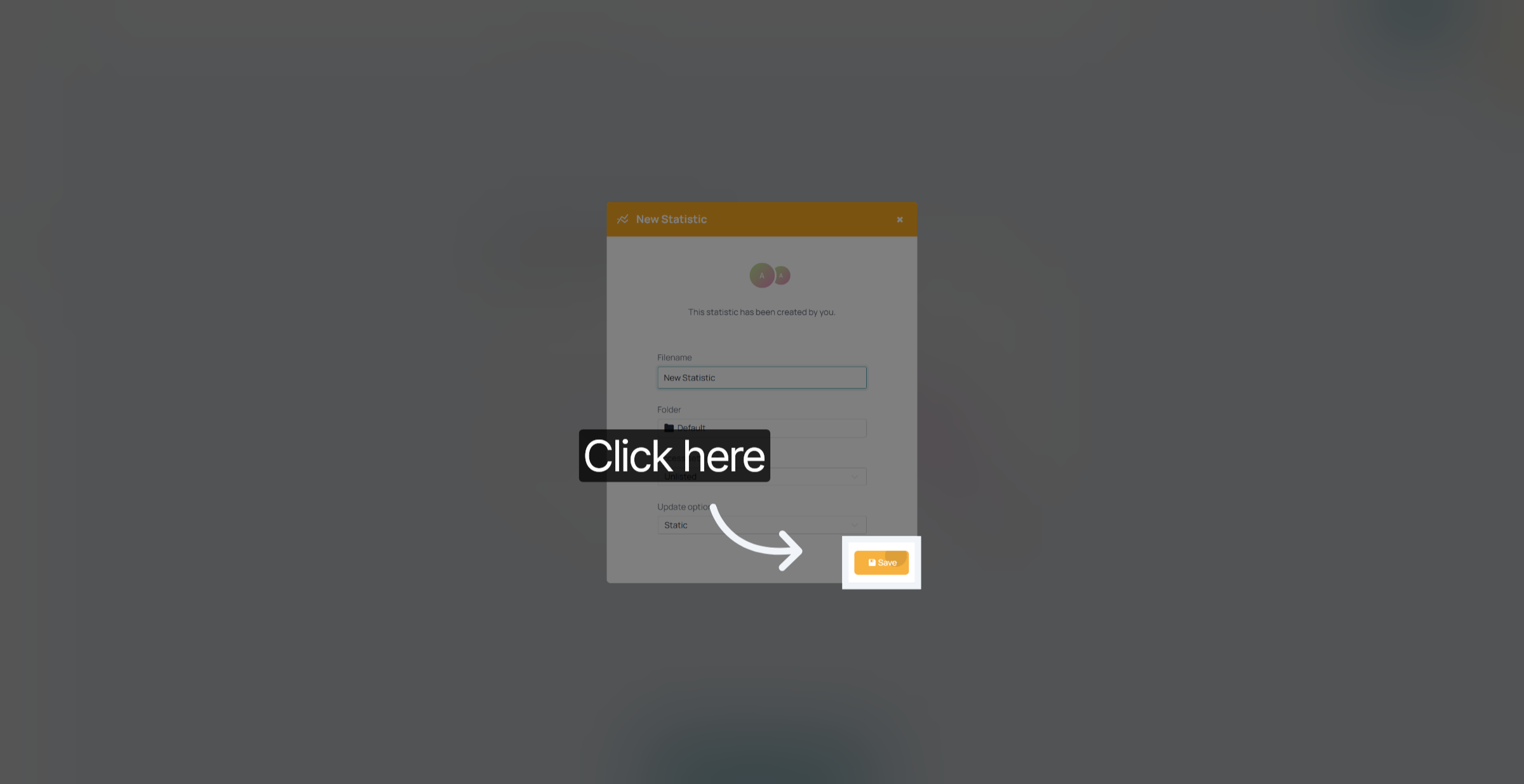
Do't forget to save your duplicated visualisation.
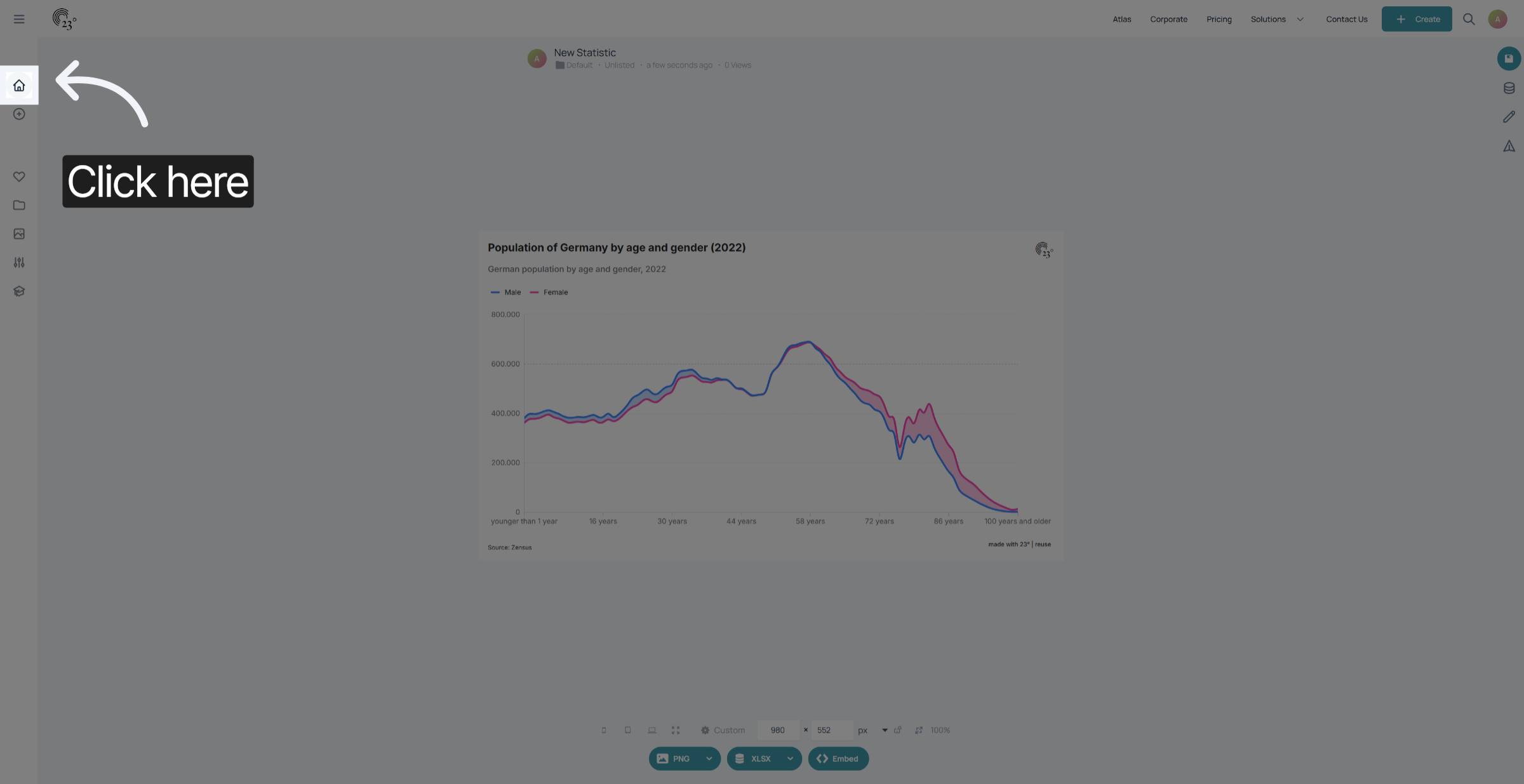
In the next step i am going to show you how you can reuse visualisations that other users have published on the platform. Therefore we are going to the home screen.
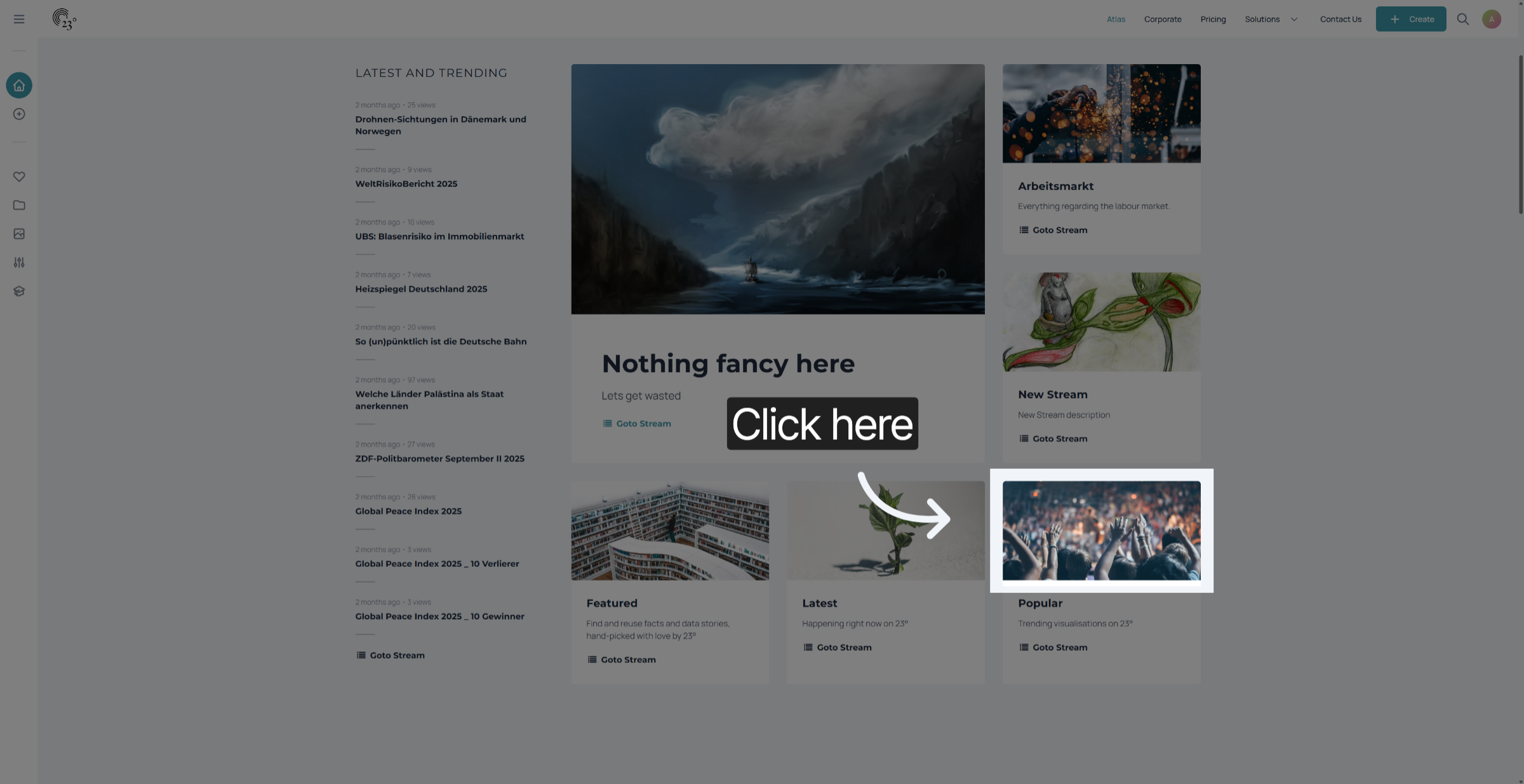
We are going to select an item from the popular stream.
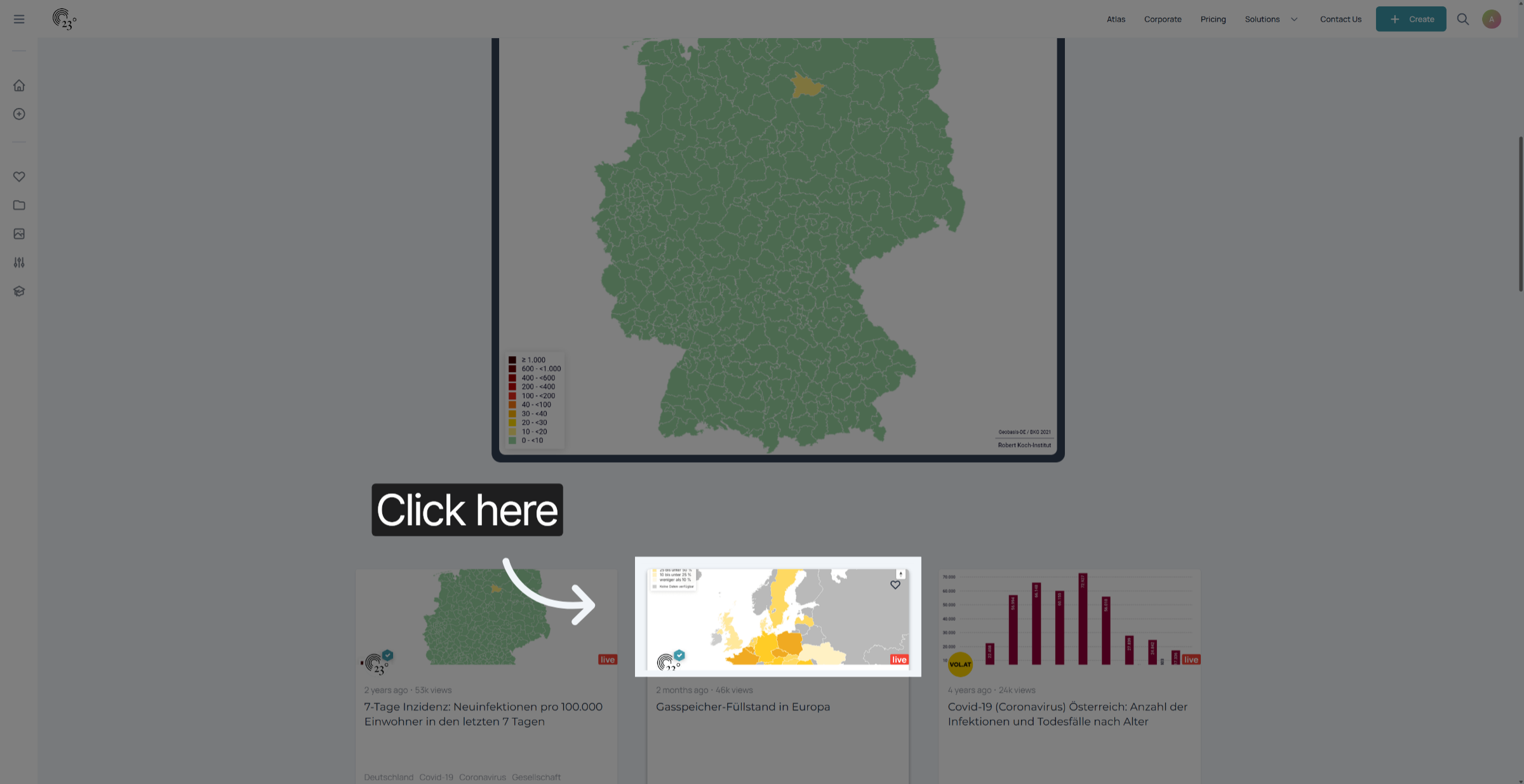
Select the item that you want to duplicate.
click on the orange reuse arrow in the top right corner of the screen
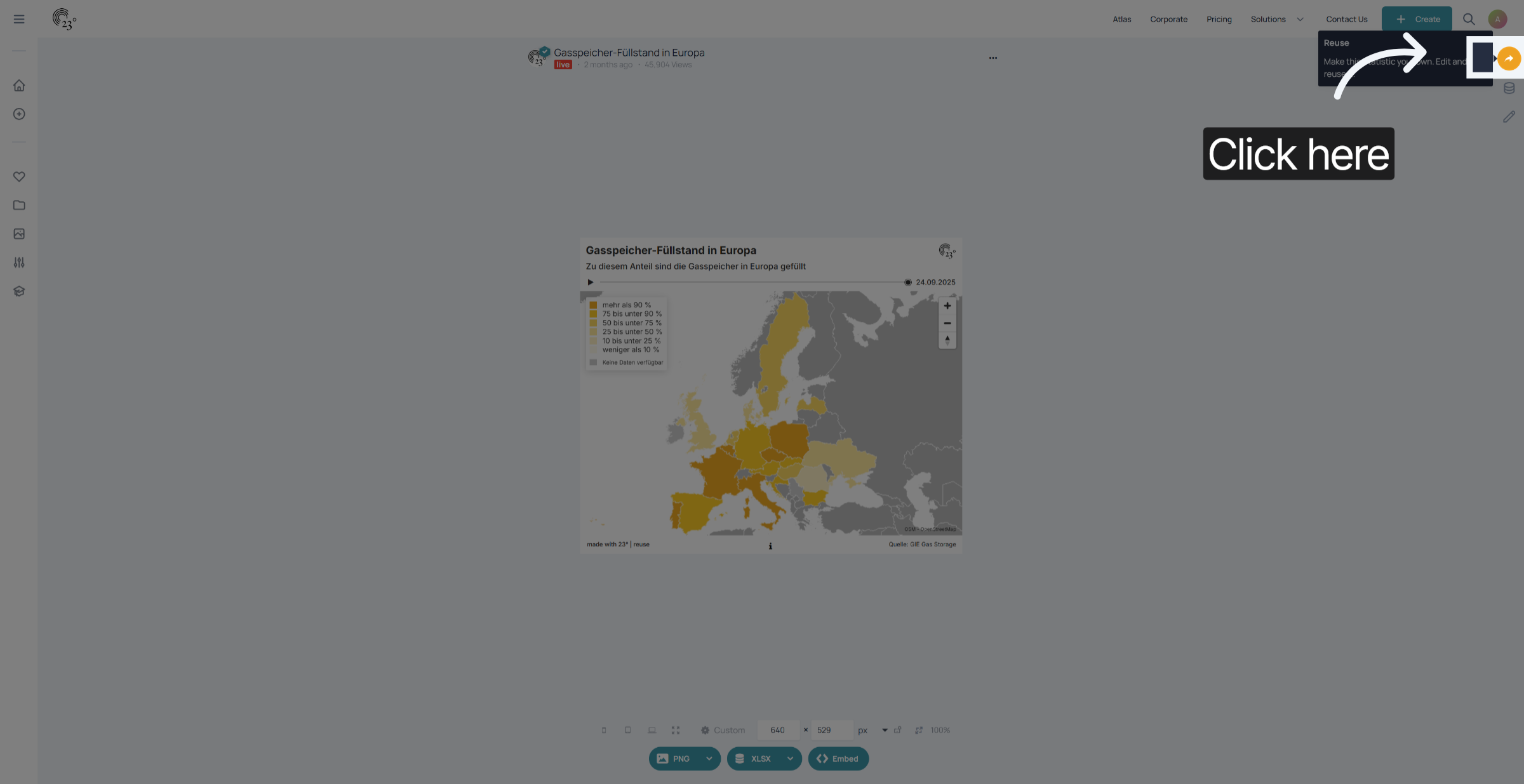
you have successfully duplicated a visualisation provided from another user.
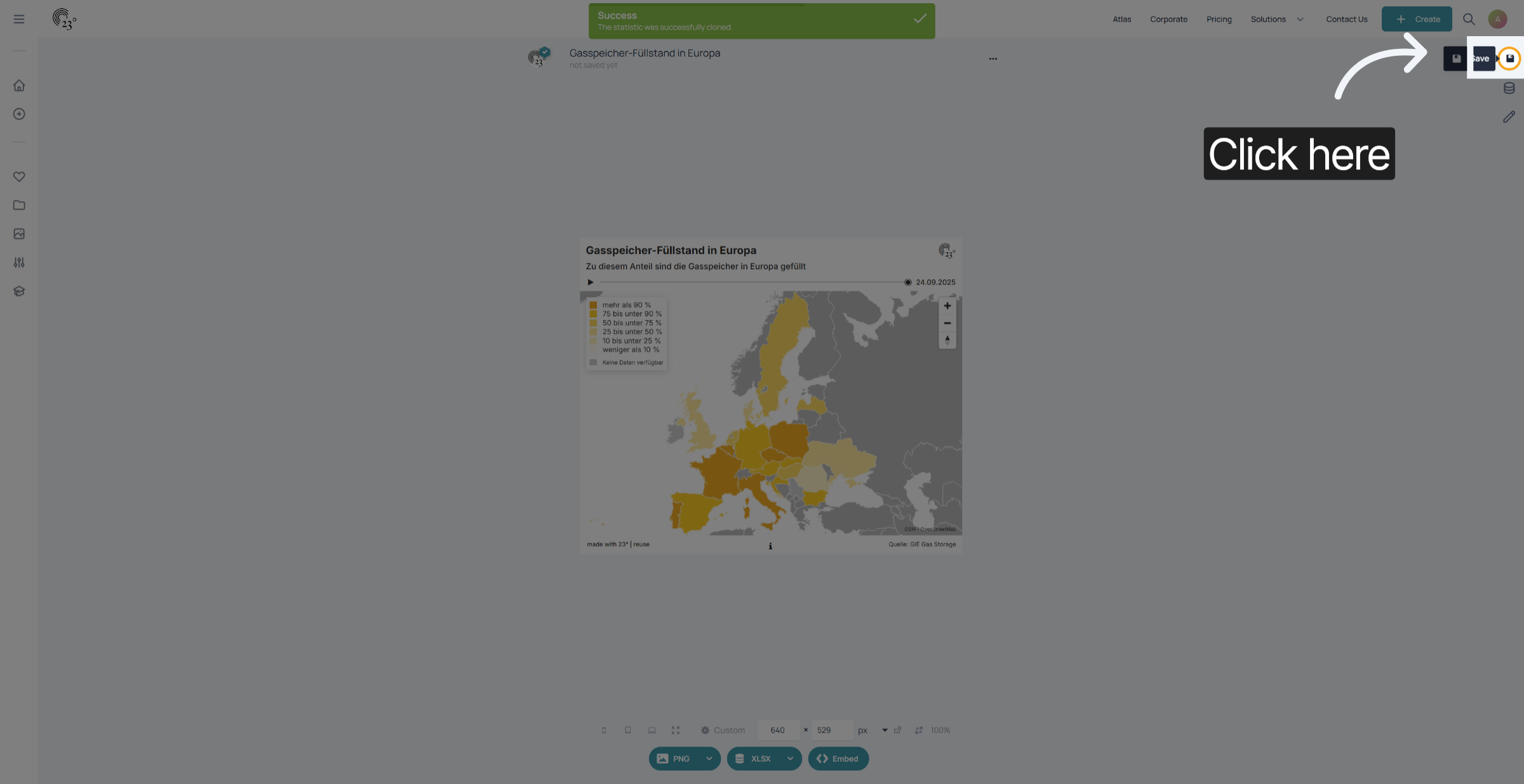
Dont forget to save your changes.
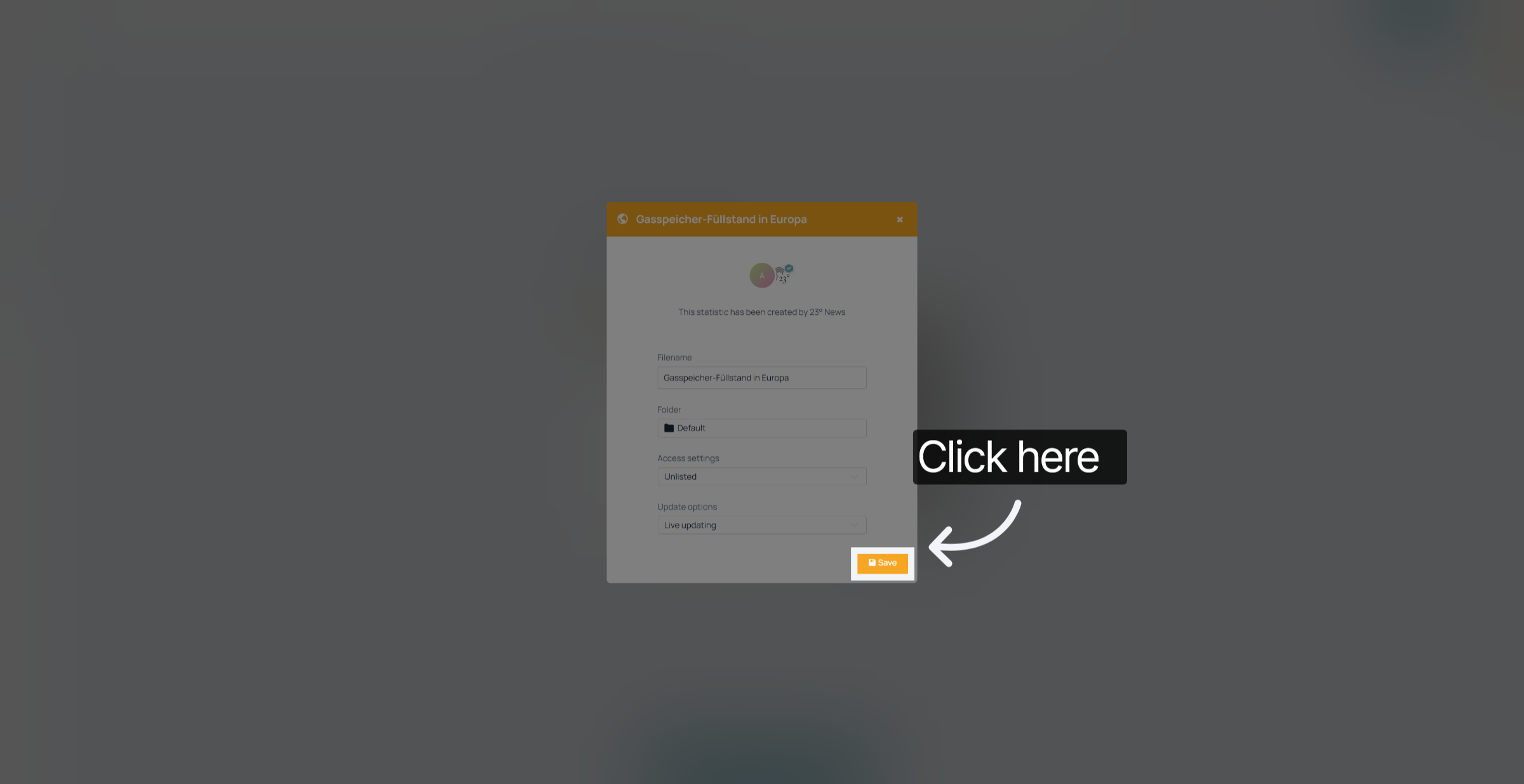
You have successfully duplicated an existing visualisation and reused a visualisation from another user in 23degrees. You can now use this new statistic for further analysis or reporting or apply your template to it and publish it.