Use Search Functionality in Folder View Efficiently
This tutorial explains how to use the search feature within the folder view to locate specific items.
1. Introduction
You will learn how to enter search terms and navigate the results effectively.
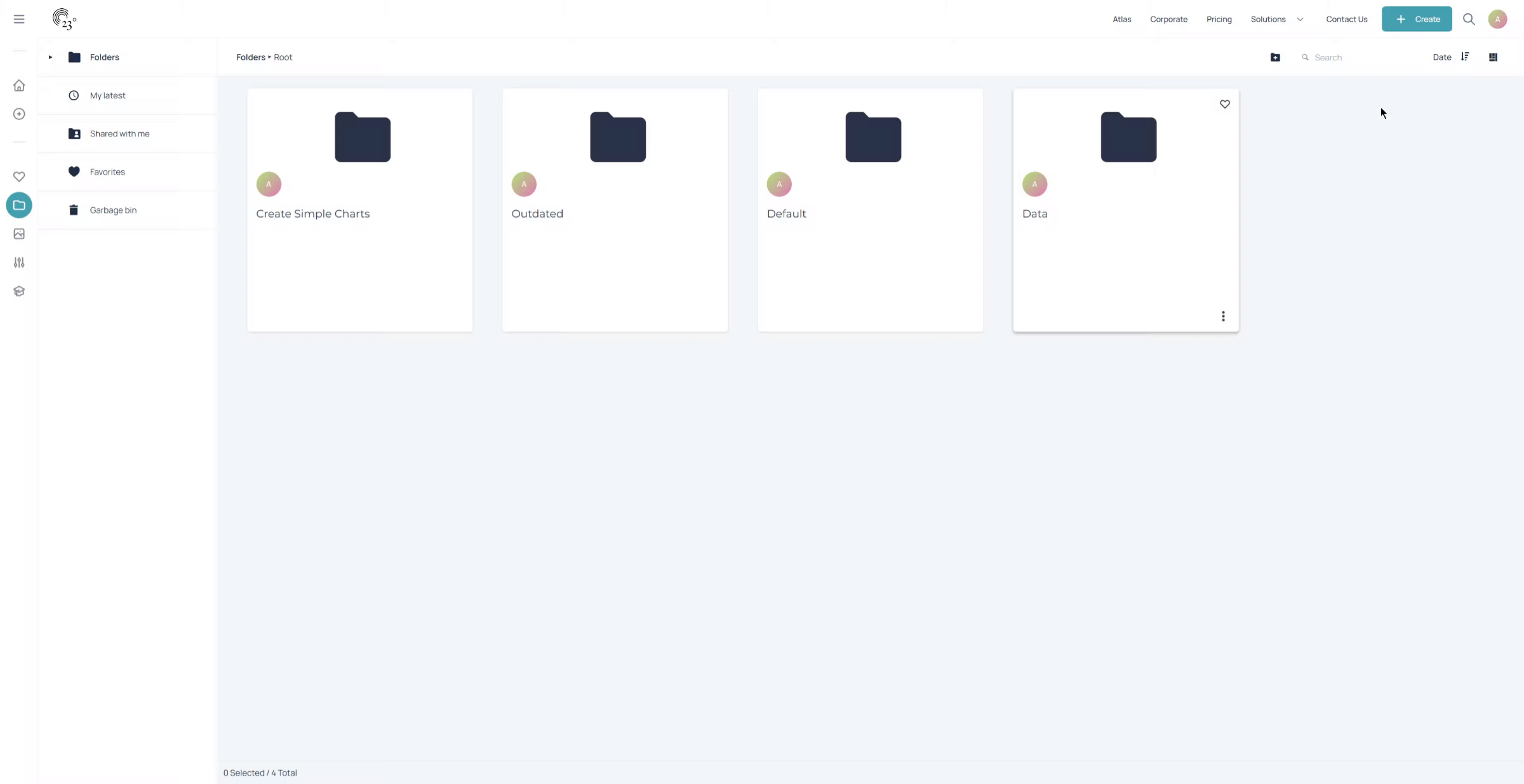
2. Click Search Button
The search bar is located in the top right corner of the screen
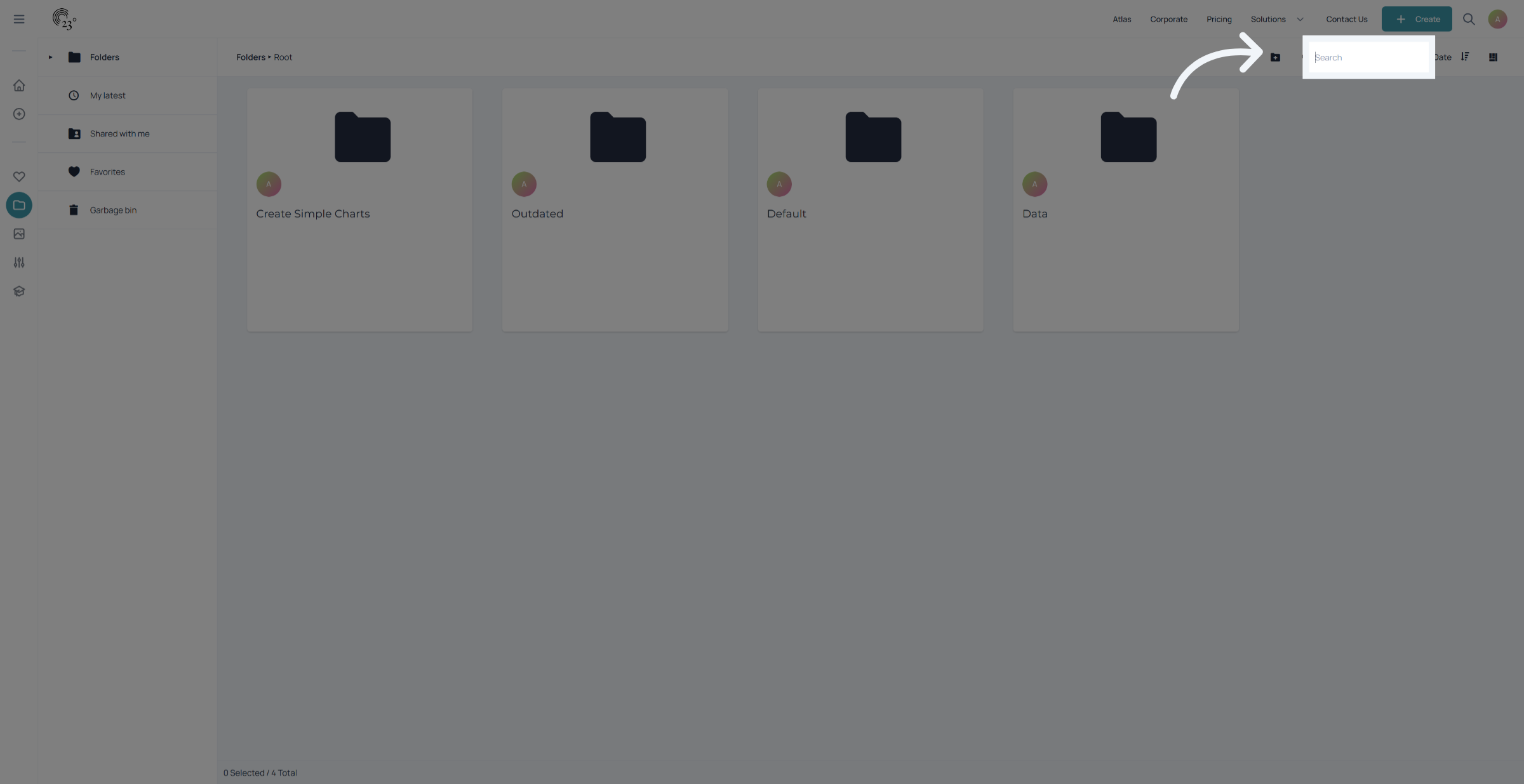
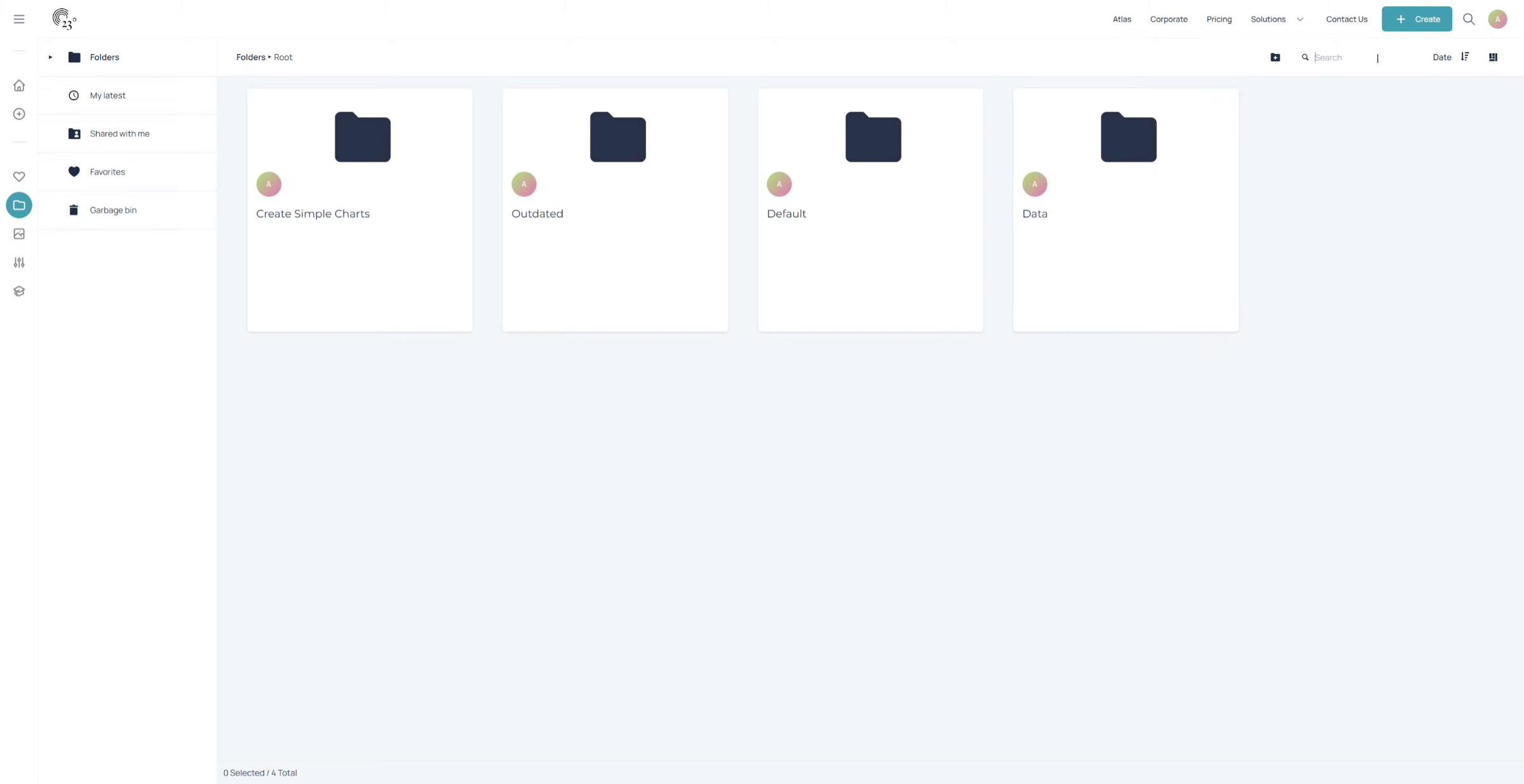
3. Enter Search Term
To search for items all you need to do is type in the label that you are looking for.
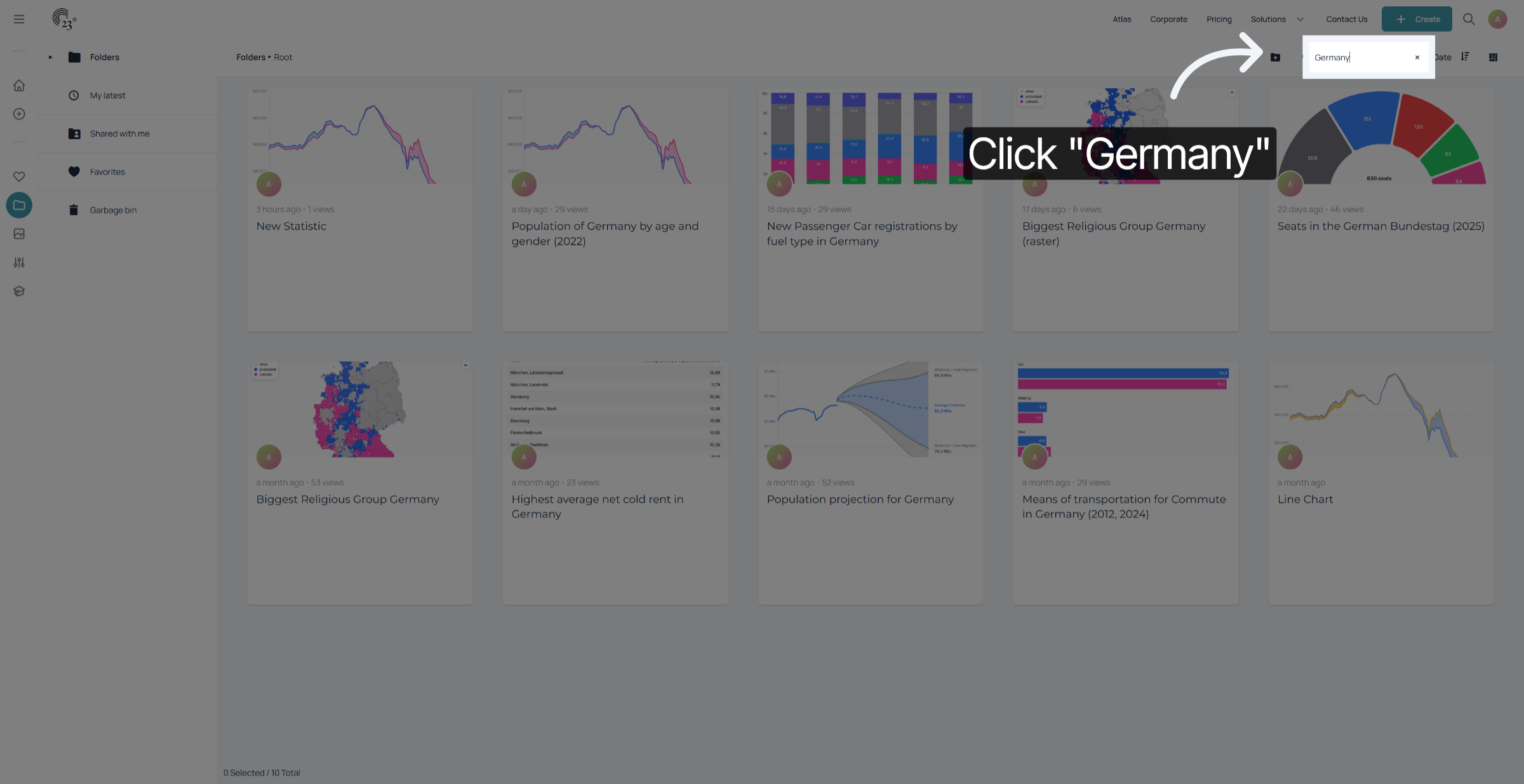
4. Select Search Result Item
In this case we want to look for all the visualisations that are based on "Germany". The search filters down everything that has Germany in its file name, visualisation title or subtitle.
You have successfully used the search feature in the folder view to find and filter specific items. This process helps you quickly locate relevant content and manage your folder efficiently.