Customize Bubble Styles In Your Bubble Map
This tutorial shows you how to customize the style of bubbles in your bubble map.
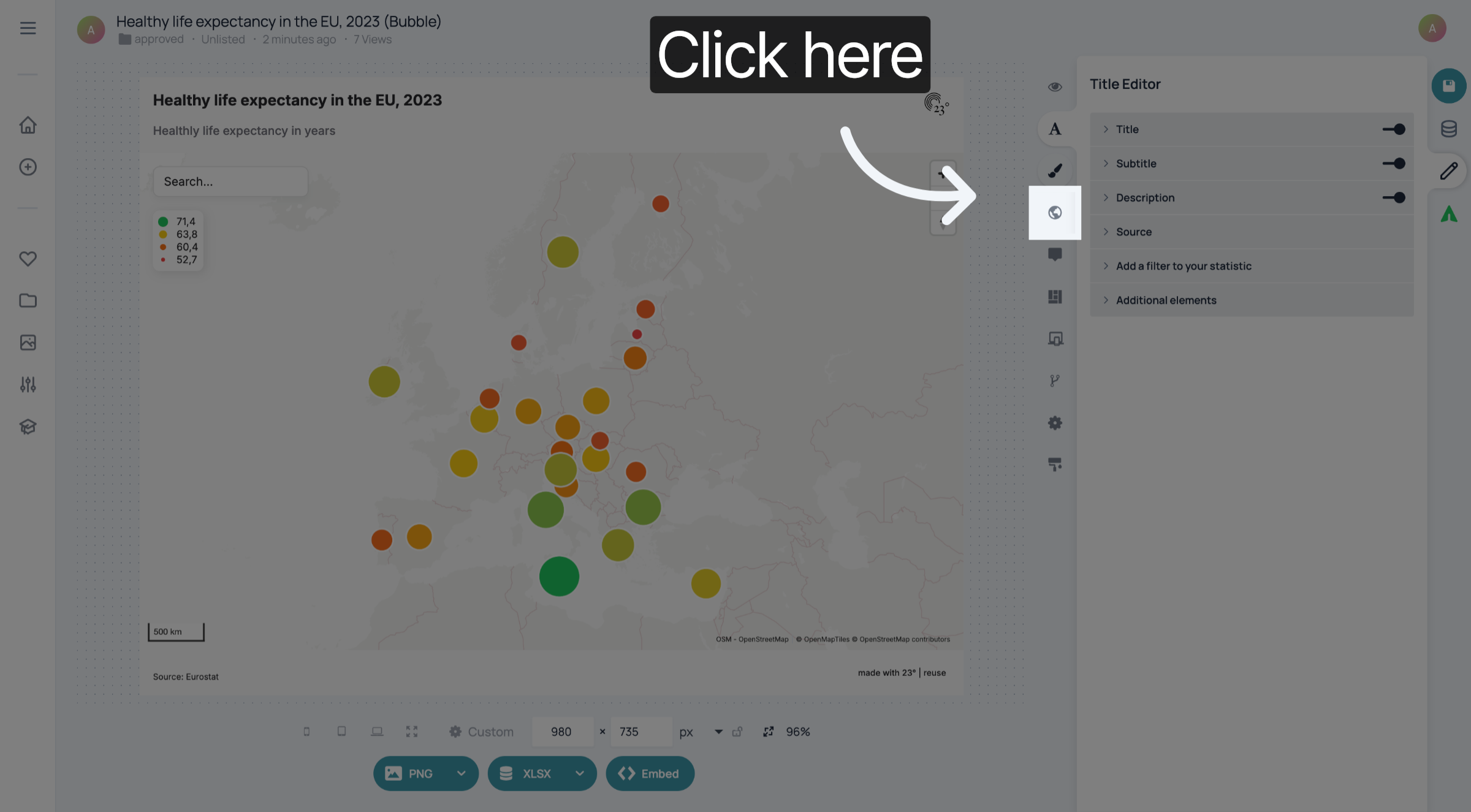
1. Open Map Editor
Click here to open the Map Editor.
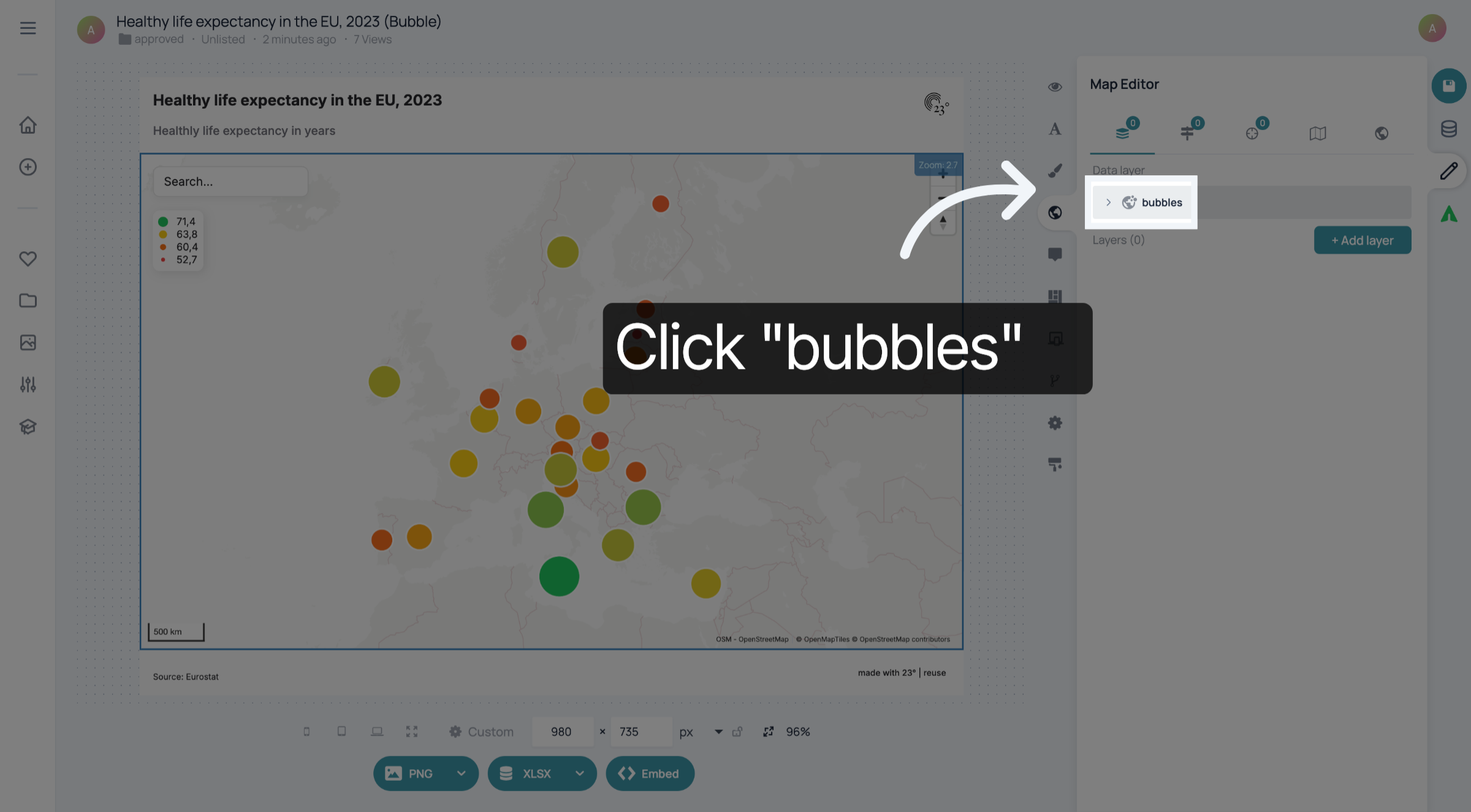
2. Click "bubbles"
Click "bubbles" to customize the bubbles in your map-.
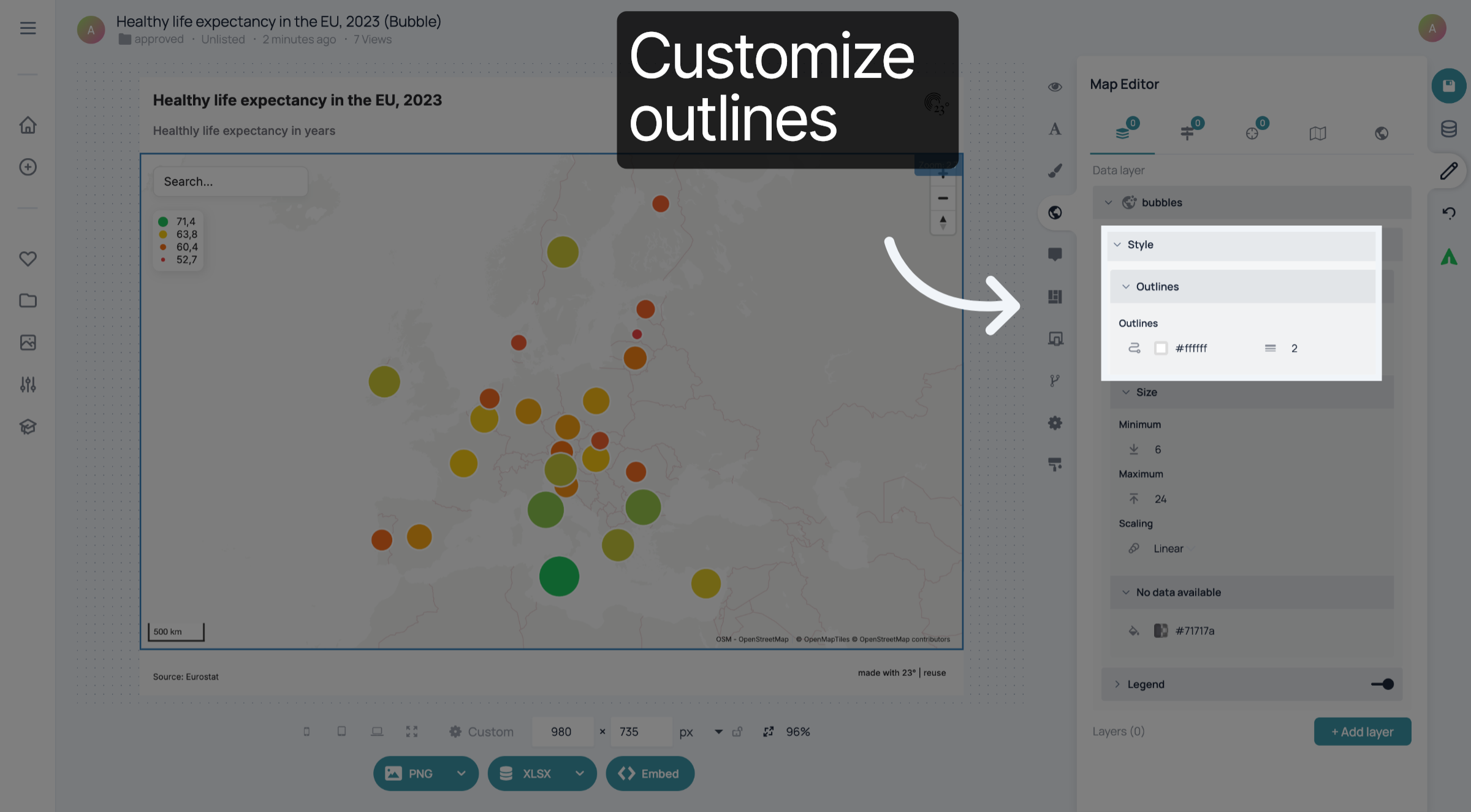
3. Customize outlines
Click "Outlines" to customize the colour and width of the outlines of the bubbles.
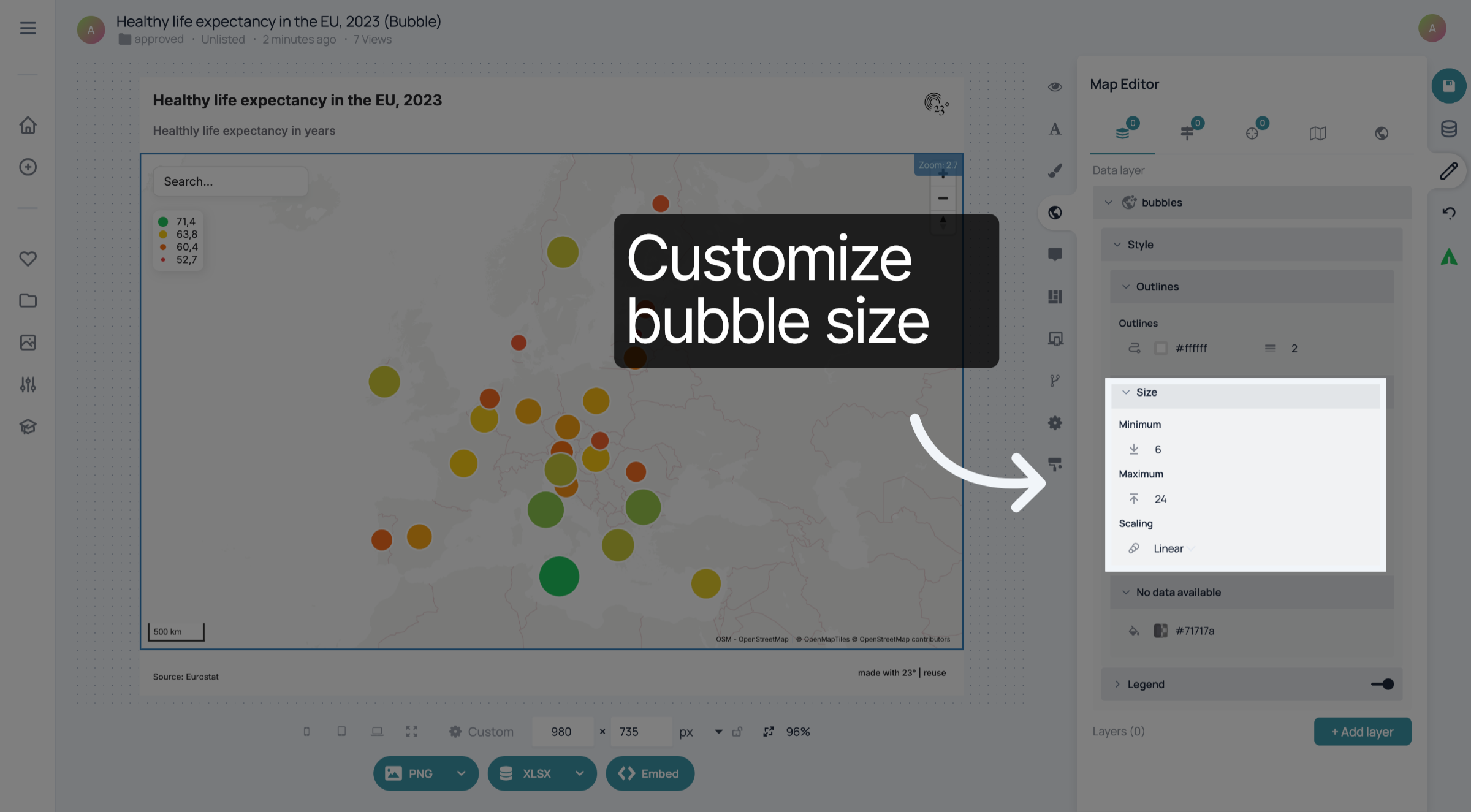
4. Customize bubble size
Expand "Size" to customize the size of the bubbles in your bubble map. You can choose the minimum and maximum size in pixels and whether the scaling should be exponential, linear, or logarithmic.
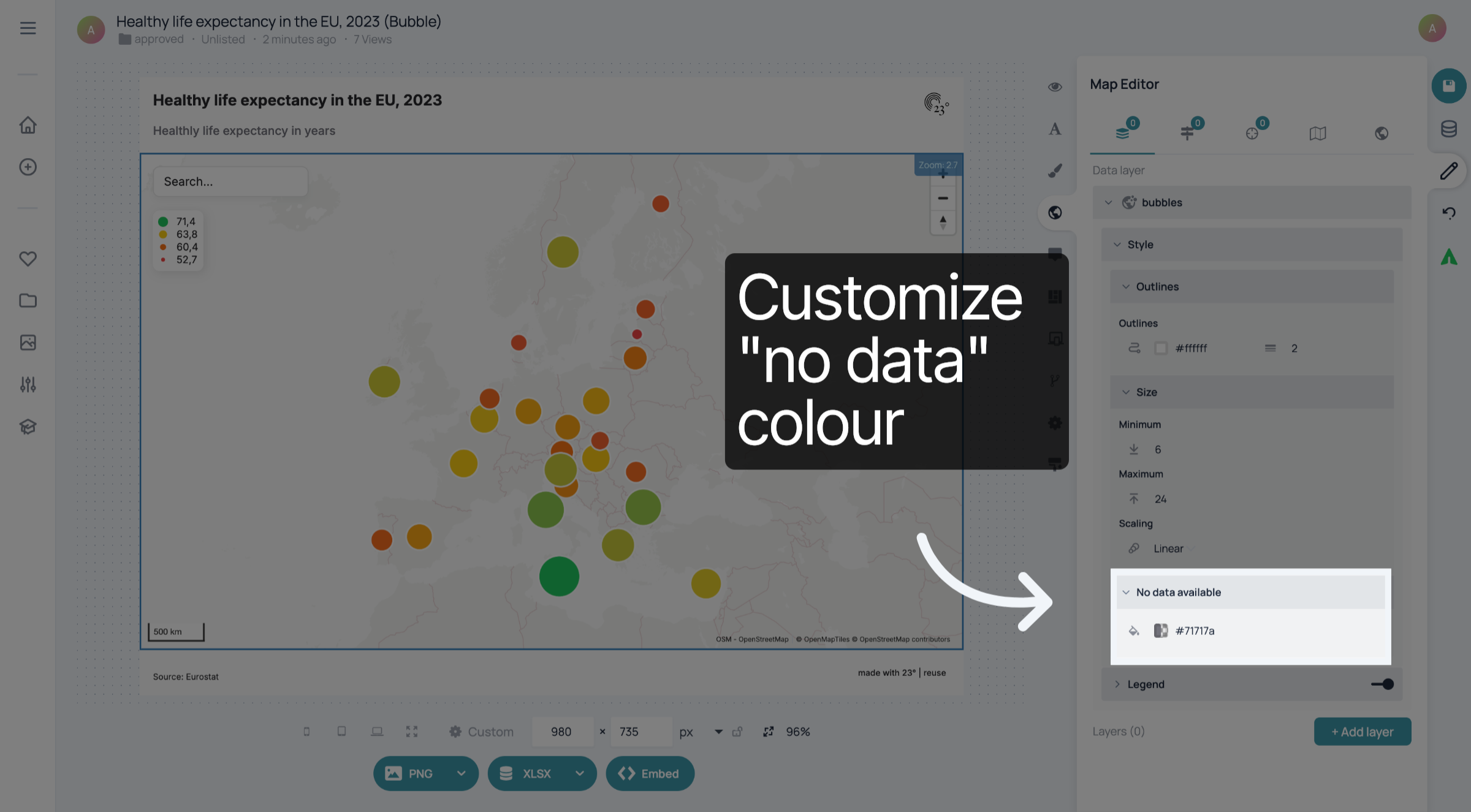
5. Customize "no data" colour
In "No data available", you can choose the colour of the bubbles that don't have any data availabe.e
You have successfully customized the style of the bubbles in your bubble map.