How to add Text Elements to a Parliament Chart
This tutorial shows how to add text in the middle of your parliament chart using 23degrees.
1. Open Description
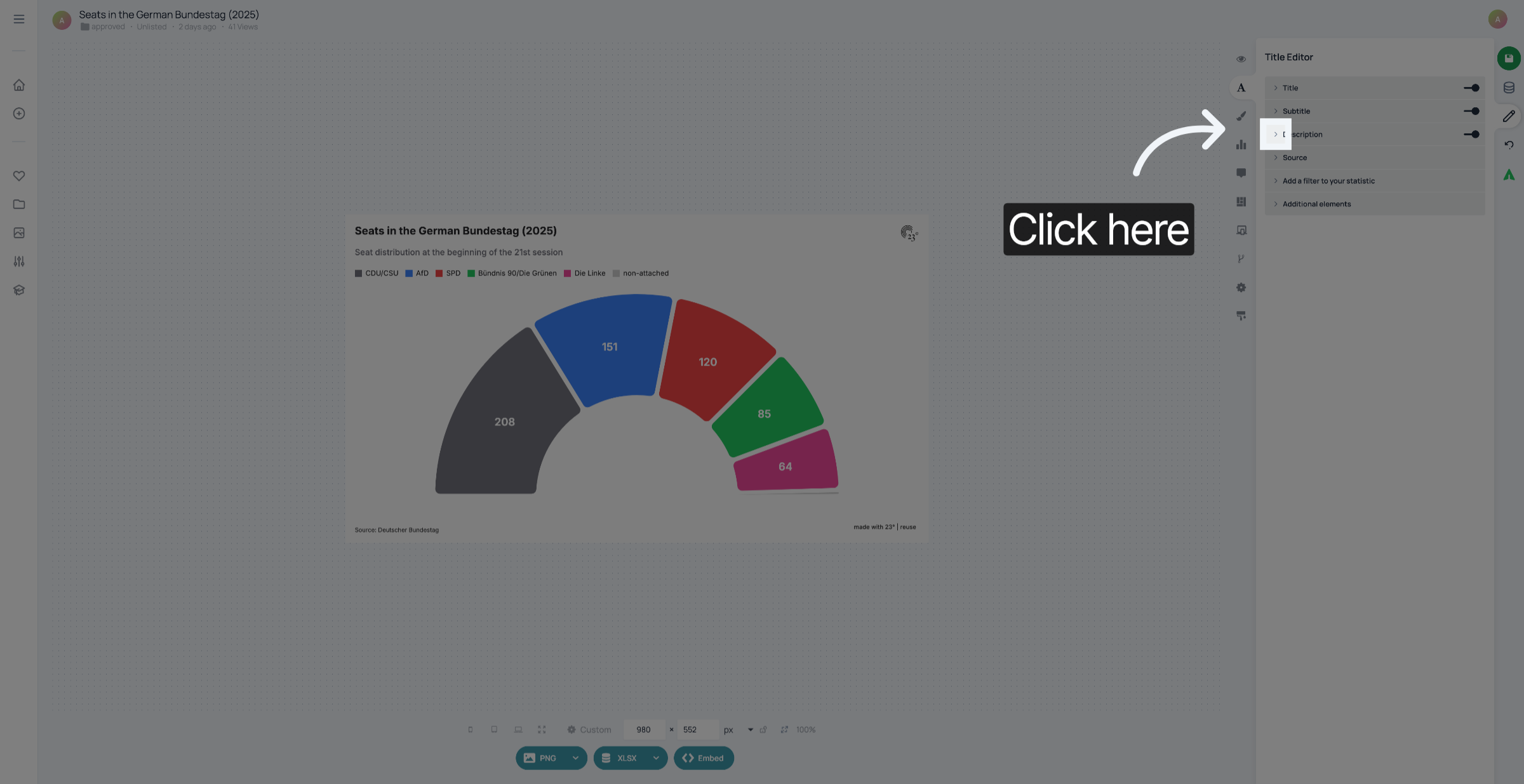
If you created a parliament chart and use the space in the middle to add more information, go to the Title Editor und click "Description".
2. Add text
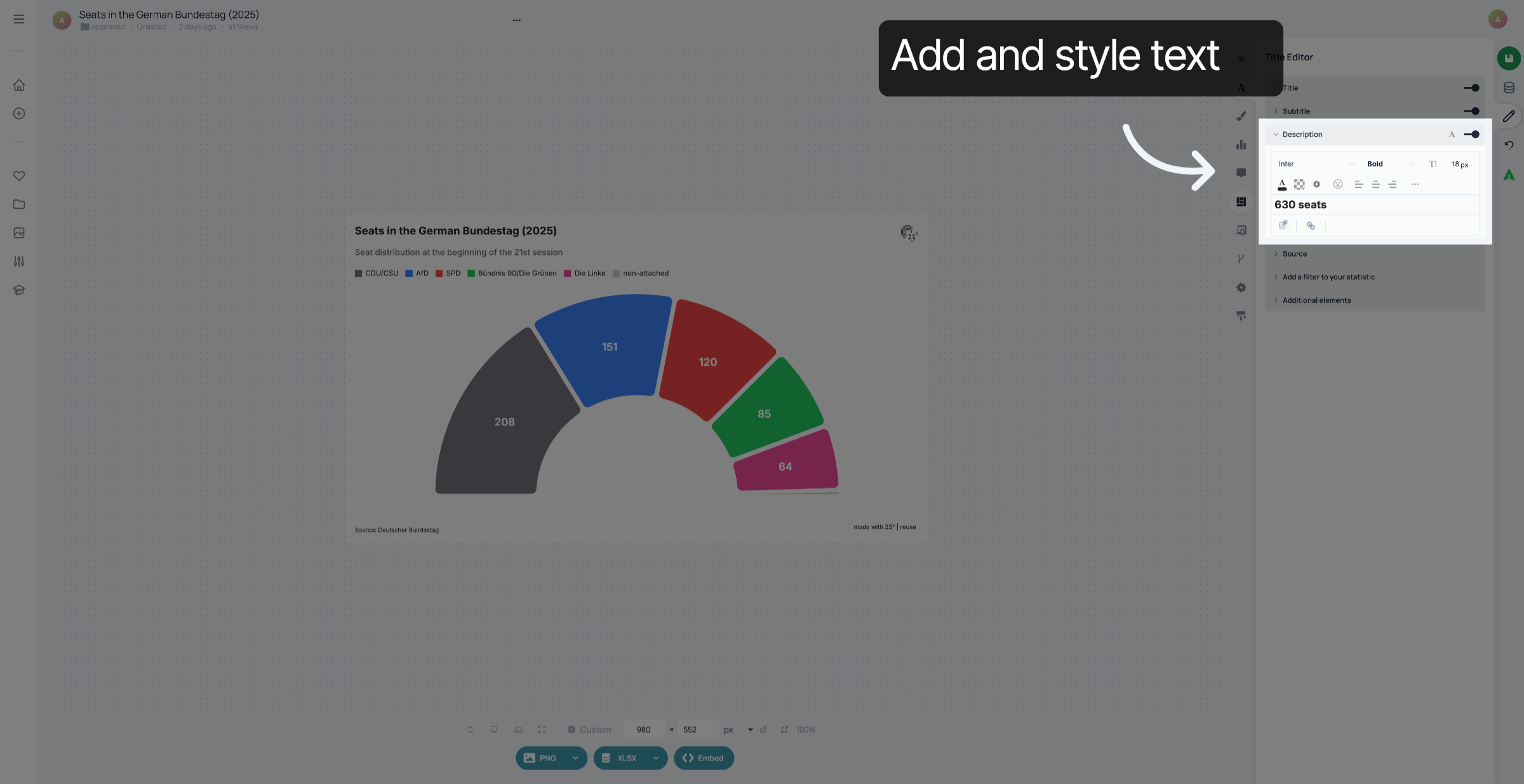
Add text and style it.
3. Open Layout Settings
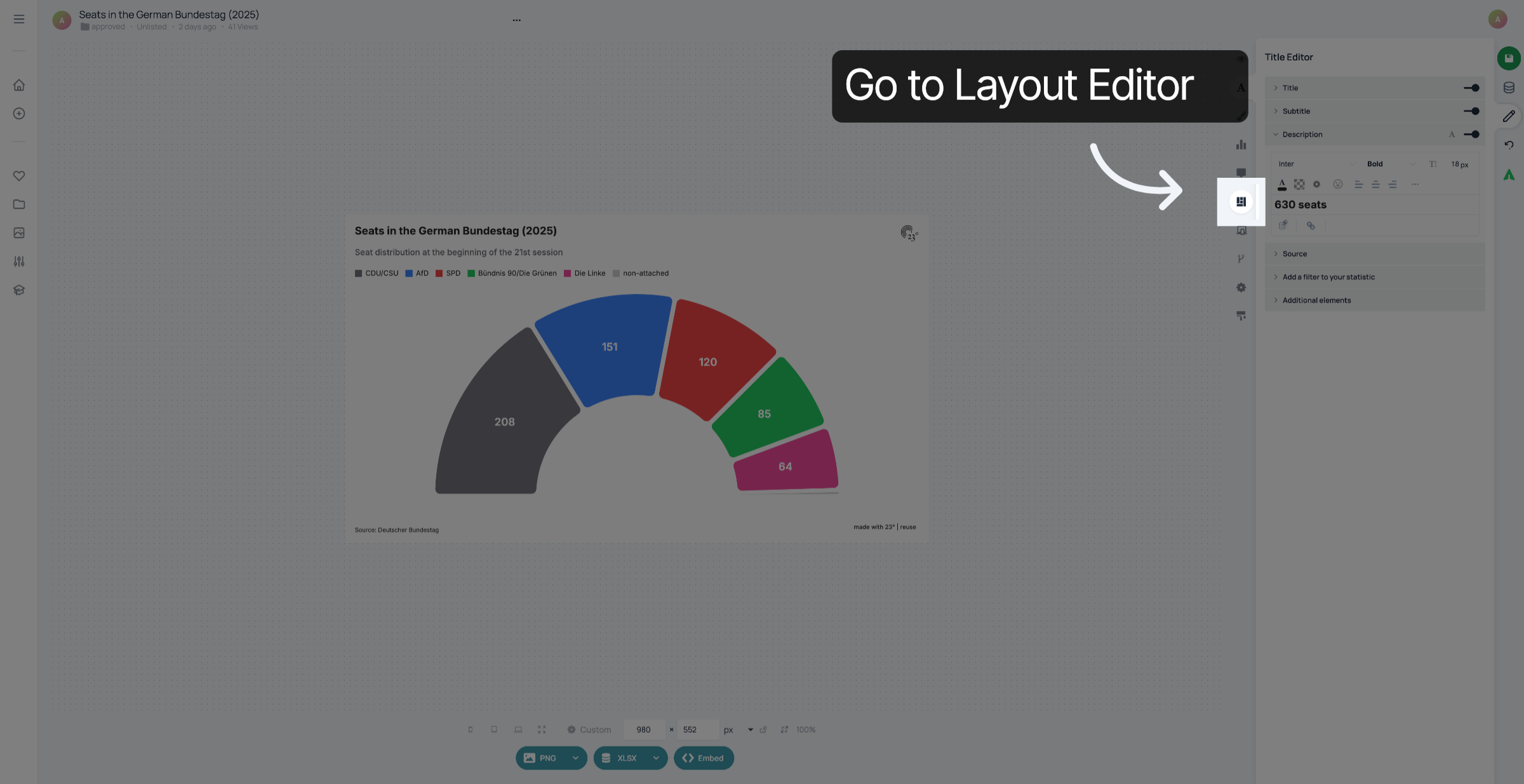
Click here to go to the Layout Editor.
4. Click "Description"
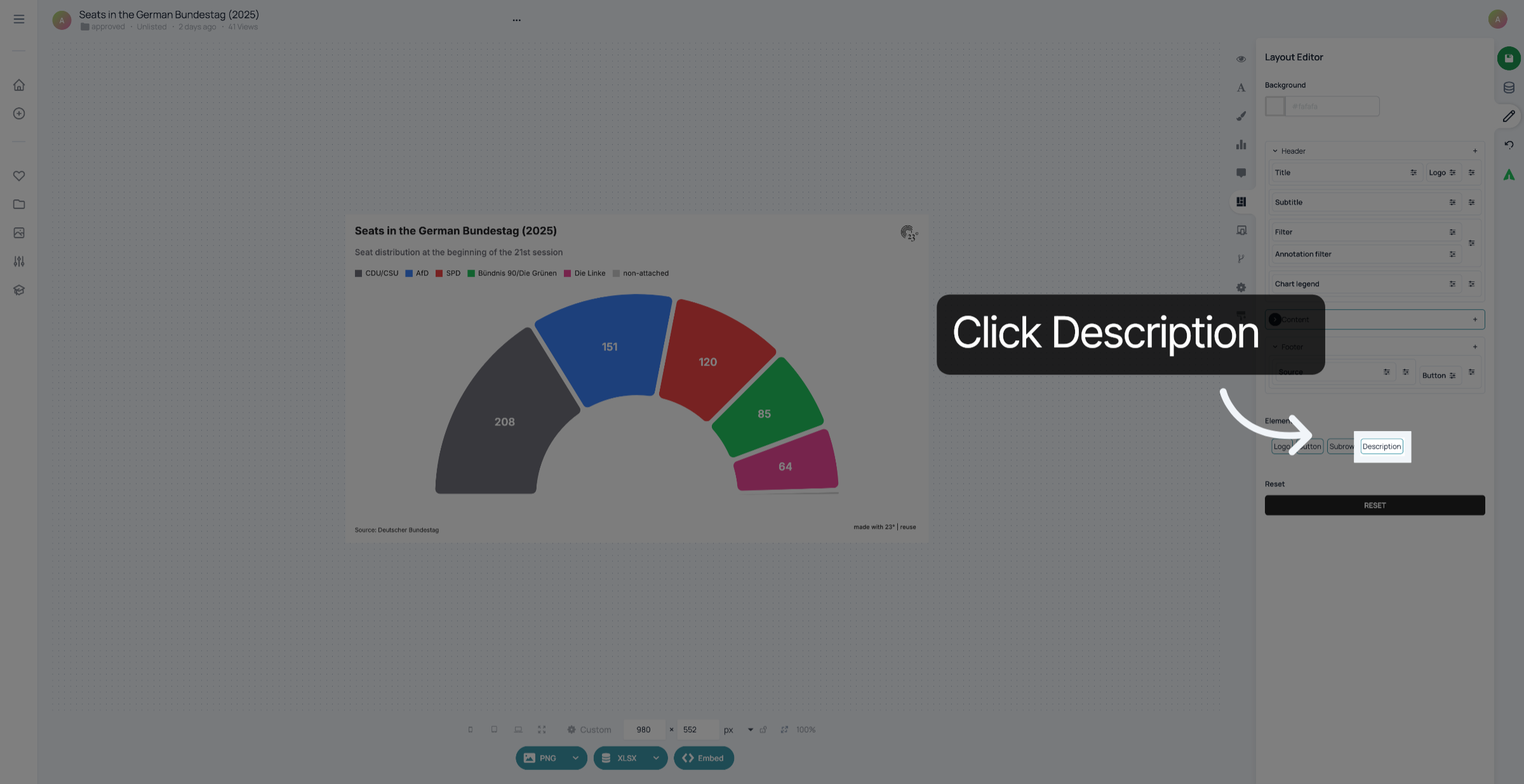
Click Description
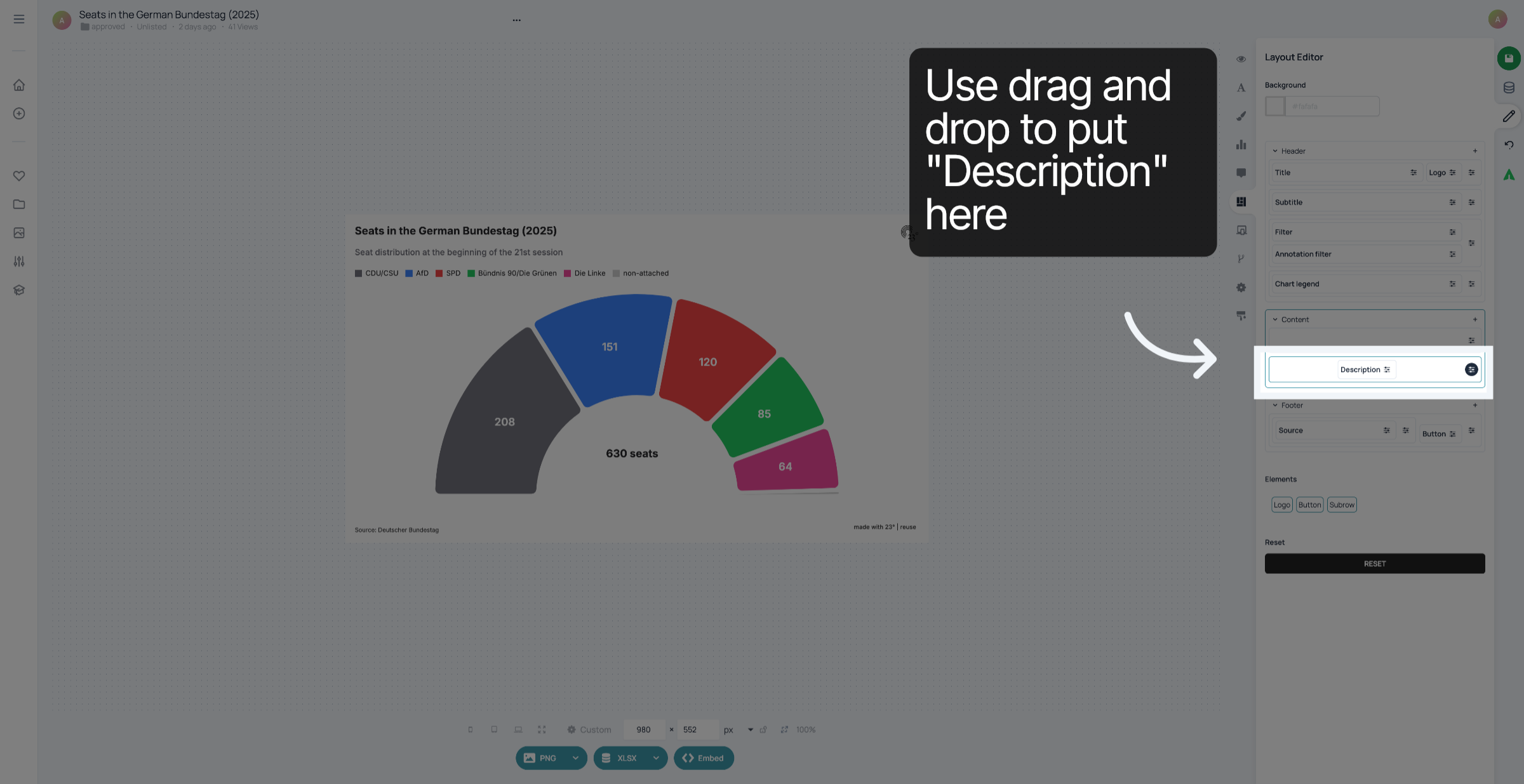
5. Drag and drop description
Use drag and drop to put "Description" in the lower container in "Content".
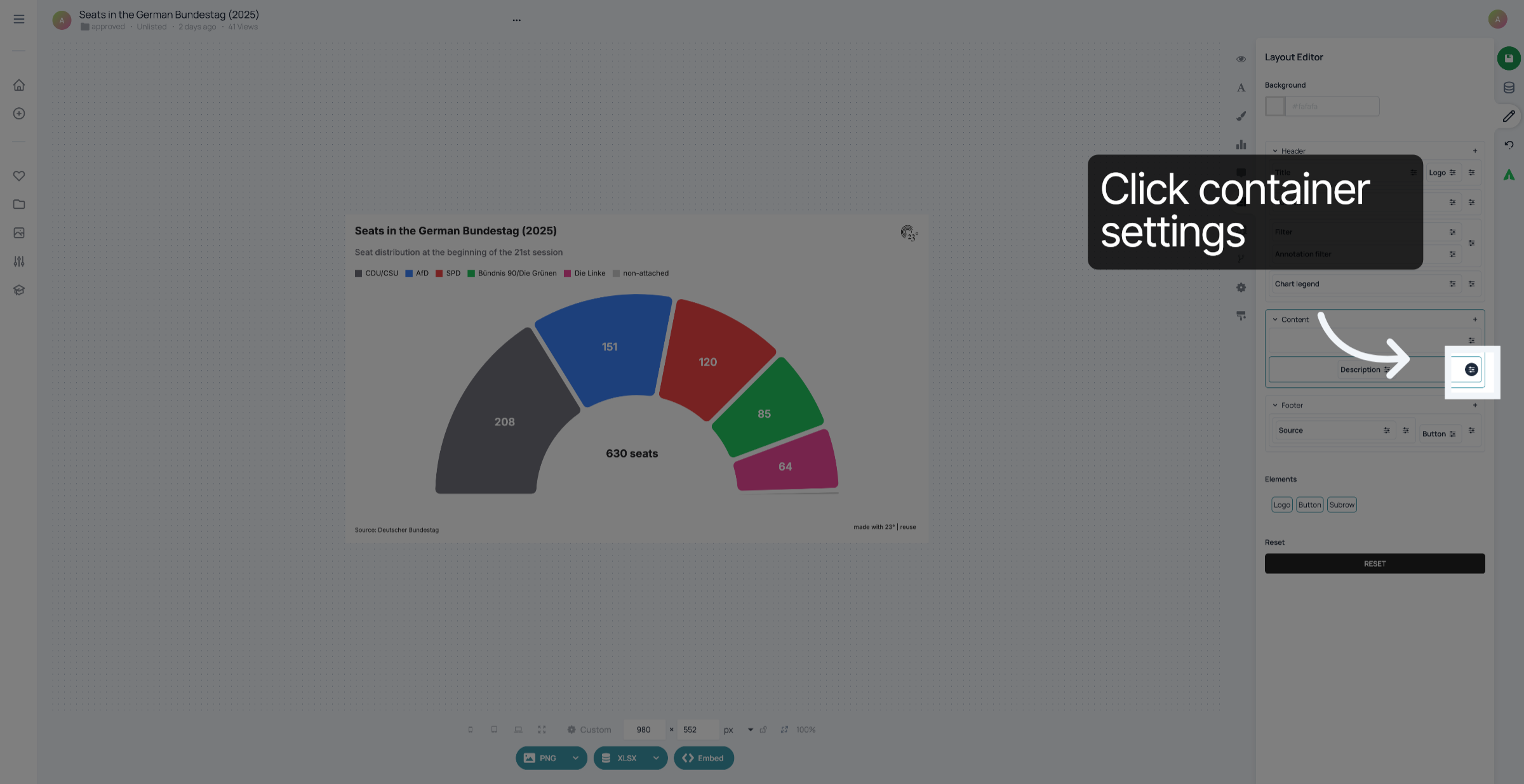
6. Click container settings
Click here to access container settings.
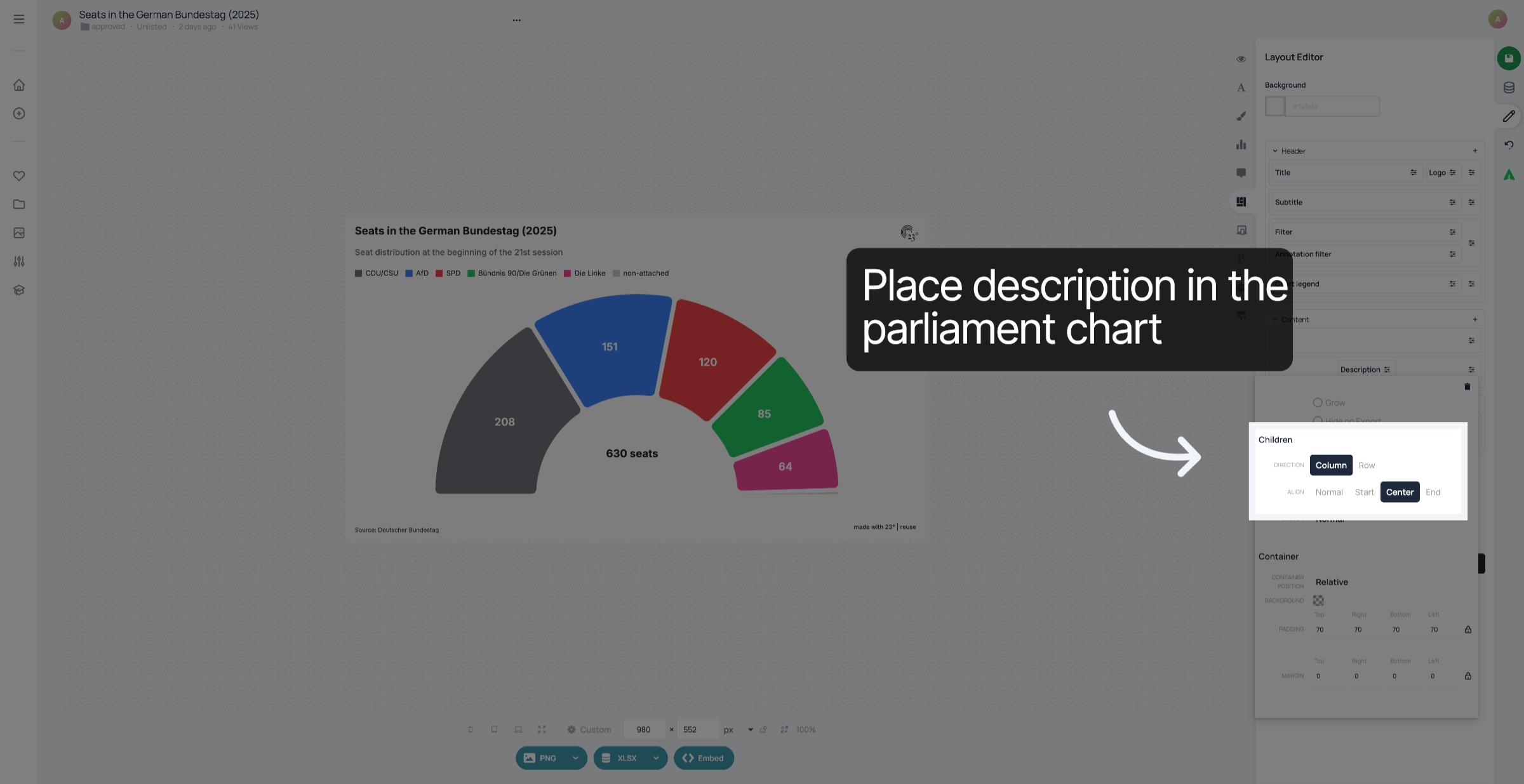
7. Place description
To place the description in the middle of your parliament chart, select "Column" and "Center
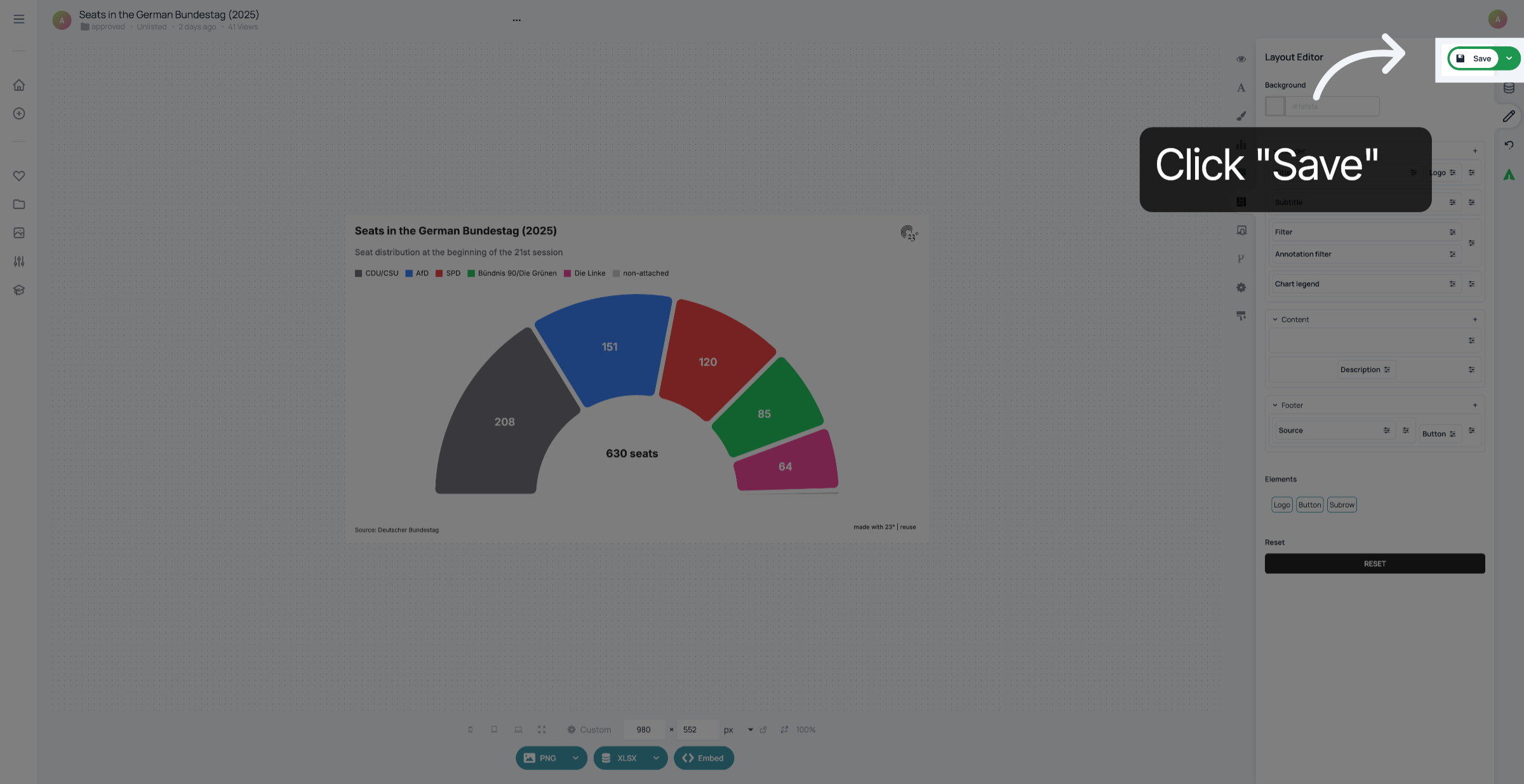
8. Save changes
Don't forget to save your changes.
You have successfully added and positioned text in the middle of your parliament chart using 23°.