How to style Pie Chart segments
This tutorial shows how to style the segments of a pie chart.
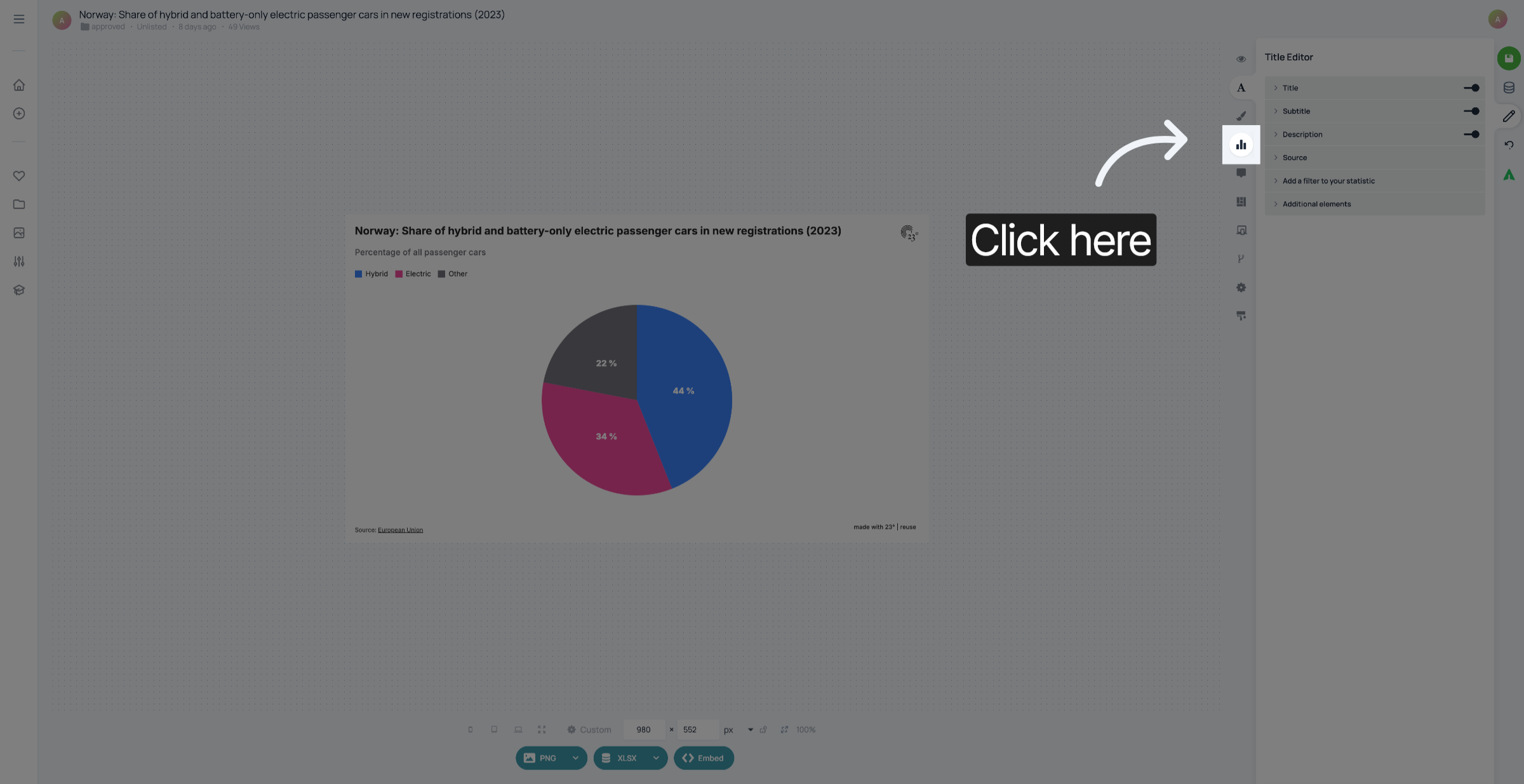
Click here to open the Chart Editor
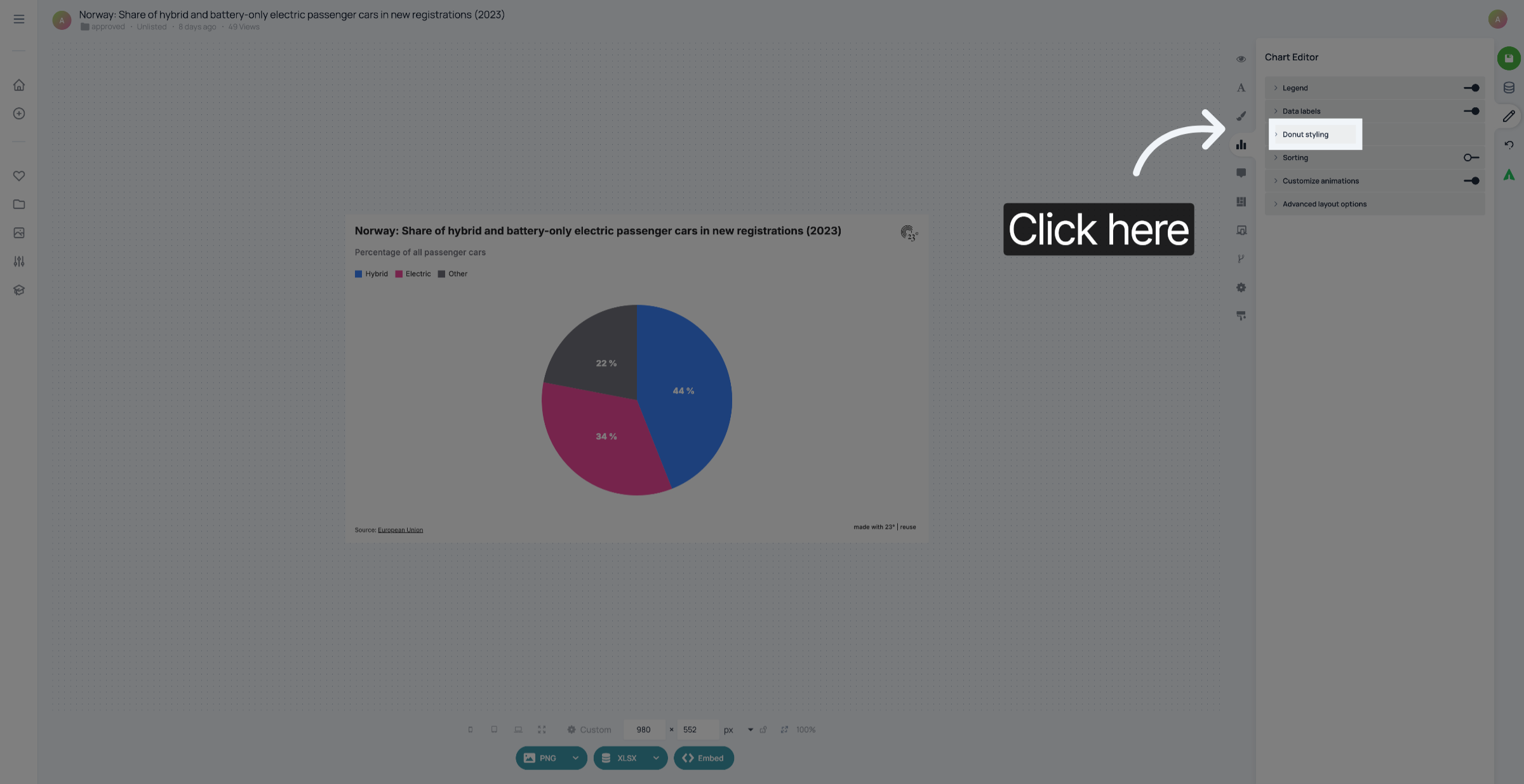
Click "Donut styling".
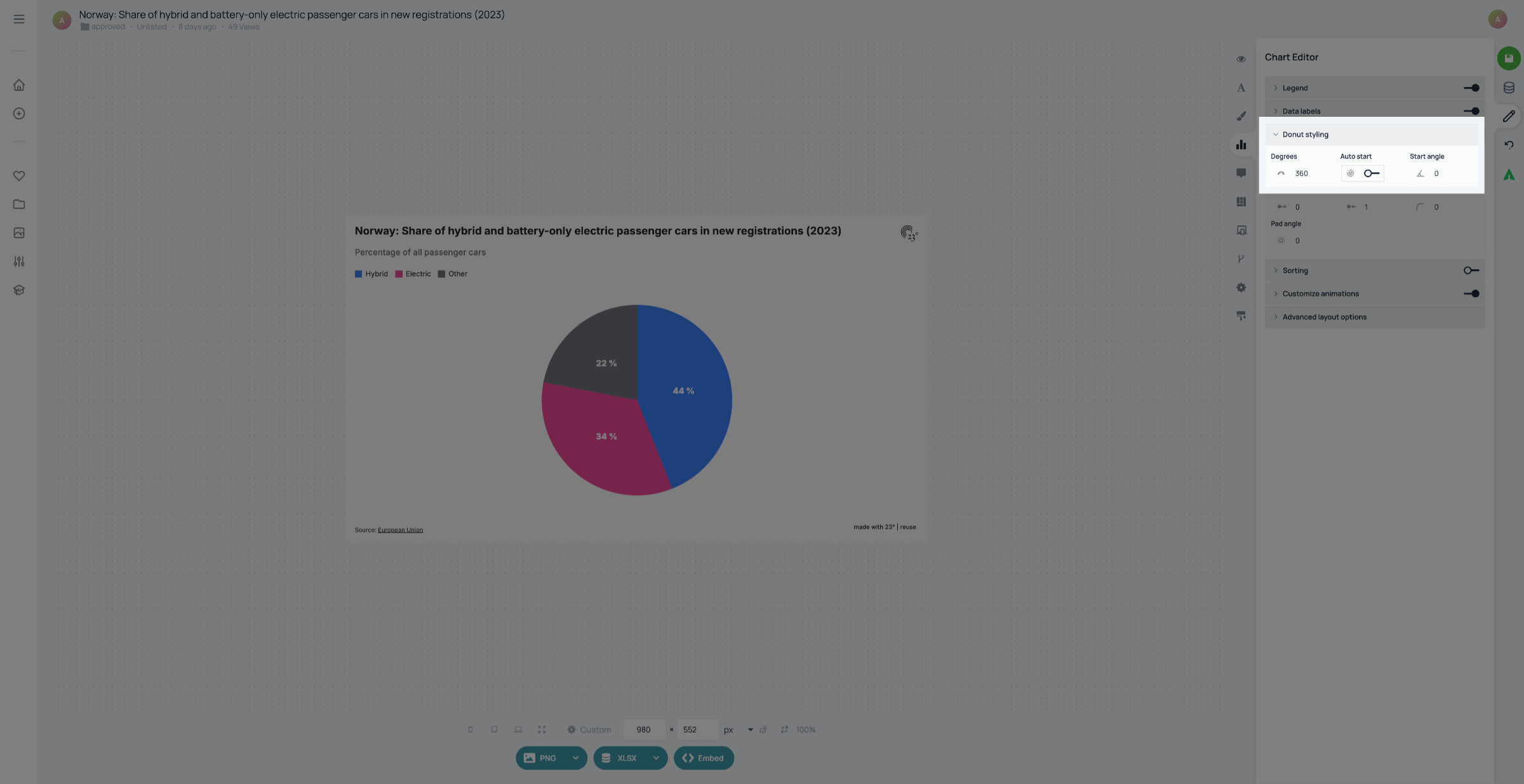
The "Degrees" setting changes if your donut chart is a complete circle. If you want to change it into half a circle, you can set the degrees to 180, for example. Activating "Auto start" starts the first pie segment at the bottom of the pie chart. If "Auto start" is deactivated, you can set the starting angle yourself.
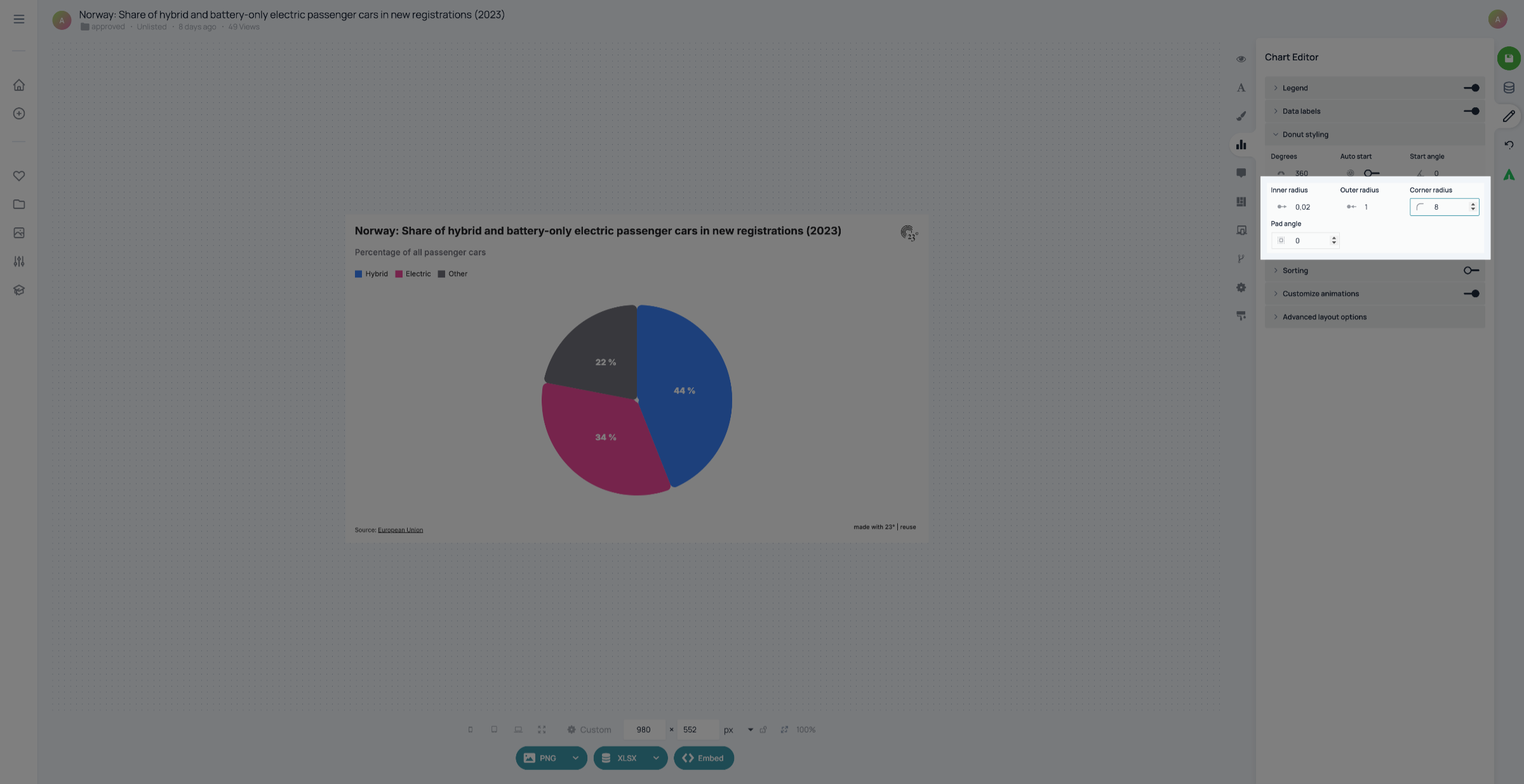
In "Inner radius", you can change the size of the center of the chart between zero and one. The outer radius changes the size of the pie chart, 1 being the biggest. The corner radius setting changes the rounding of the segments, the pad angle determines the angle of the gaps between the segments.
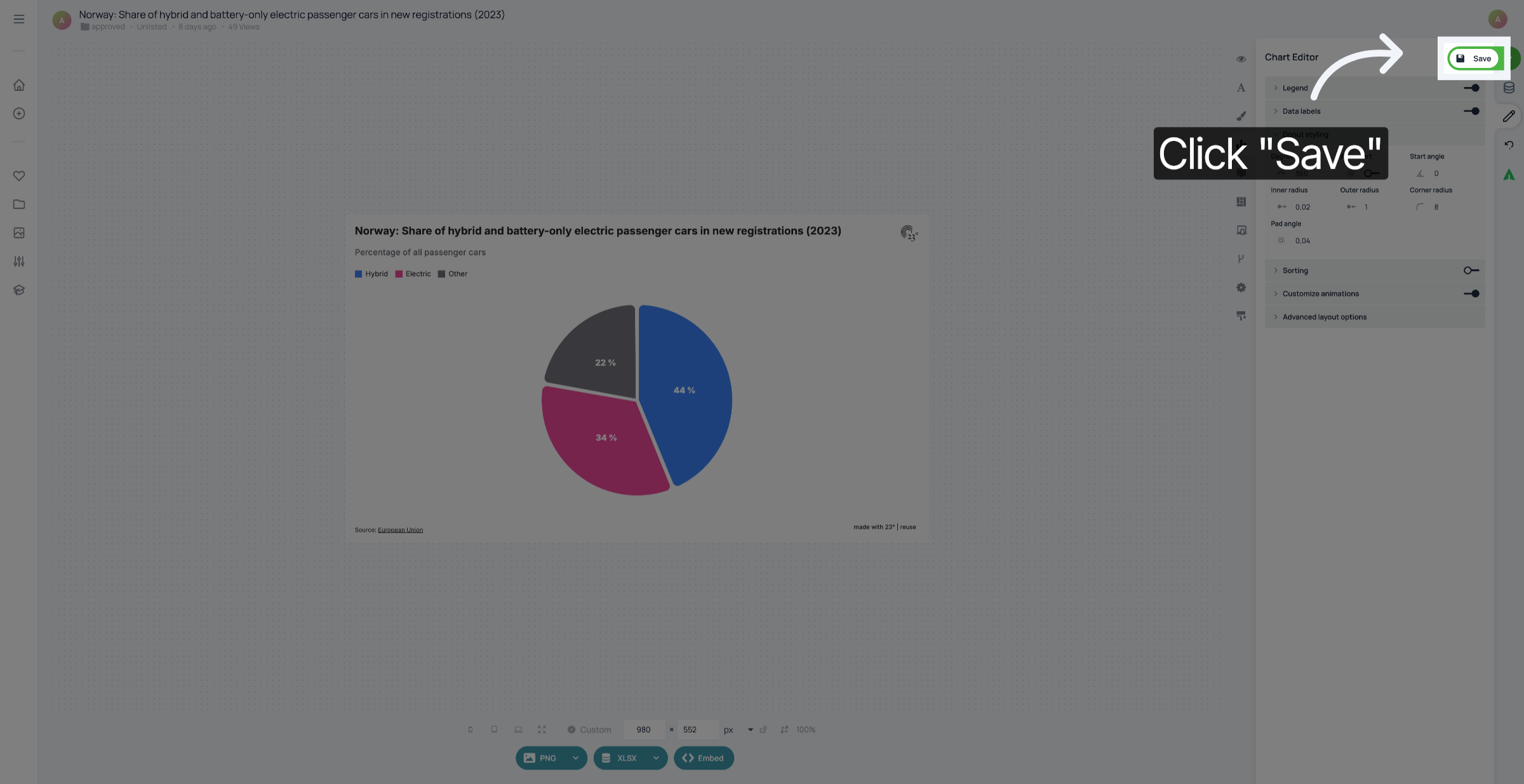
Don't forget to save your changes.
You have successfully styled the segments of your pie chart.